Image to Video AI Generator

Transform images or AI-generated visuals into lifelike videos using Animaker's Image to video generator, no editing skills needed.

Upload image
Uploaded image

Click or drag & drop

JPG, PNG, WEBP
Edit prompt or enter your own text

35,000,000+

USERS

Johnson Msd Amazon United McDonalds Visa Truist Colgate Uber HP Ball Unilever

Industry-Recognized and Business-Approved!

g2-1 g2-2 g2-3 g2-4 g2-5 g2-6 g2-7
See It In Action

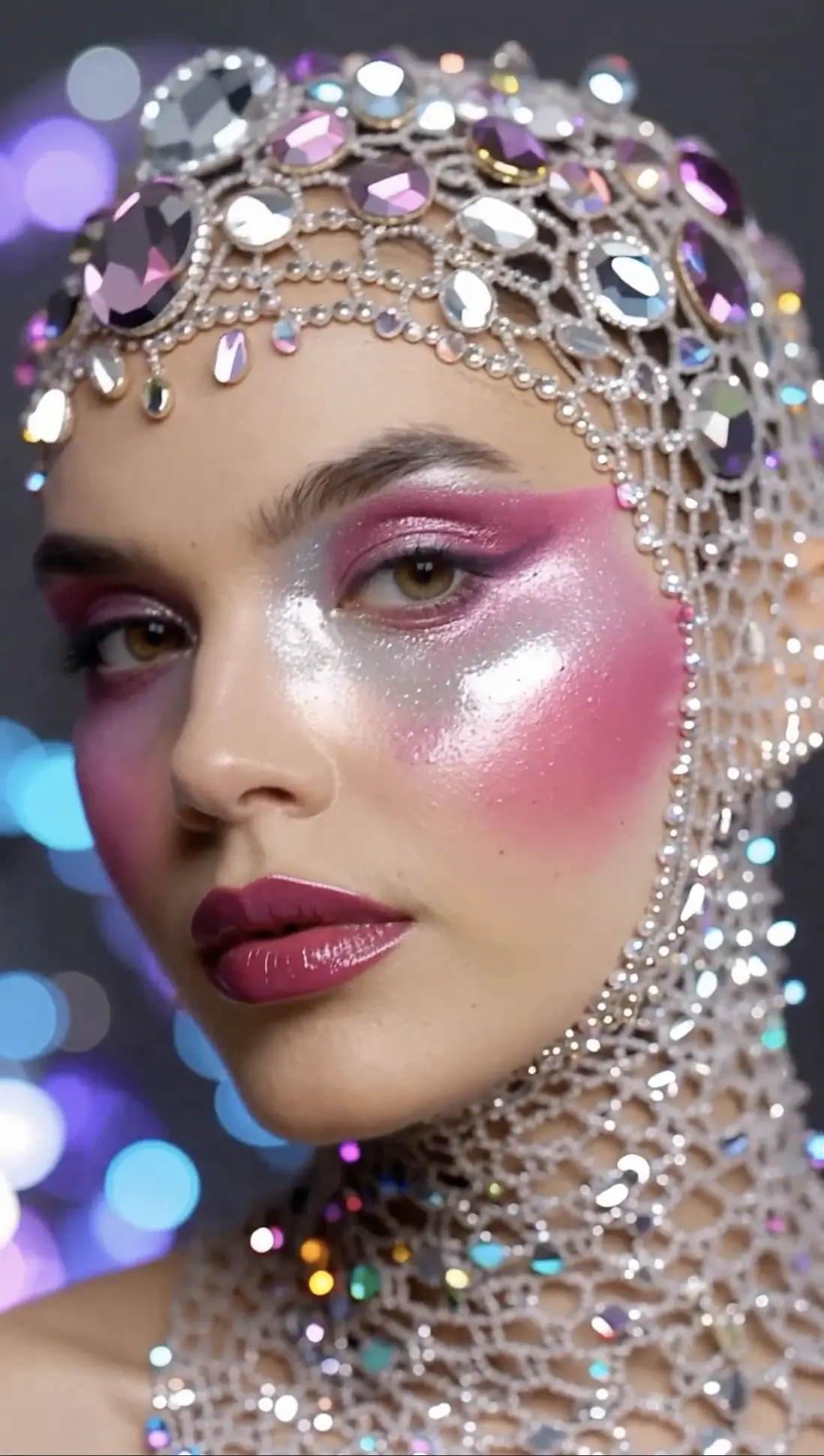
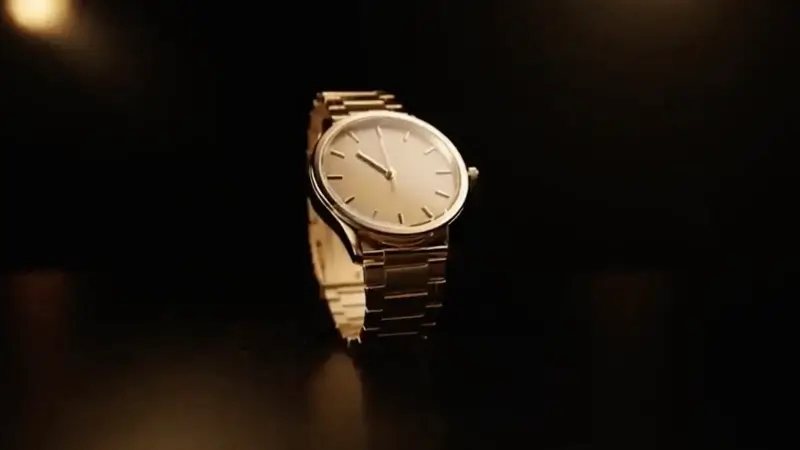
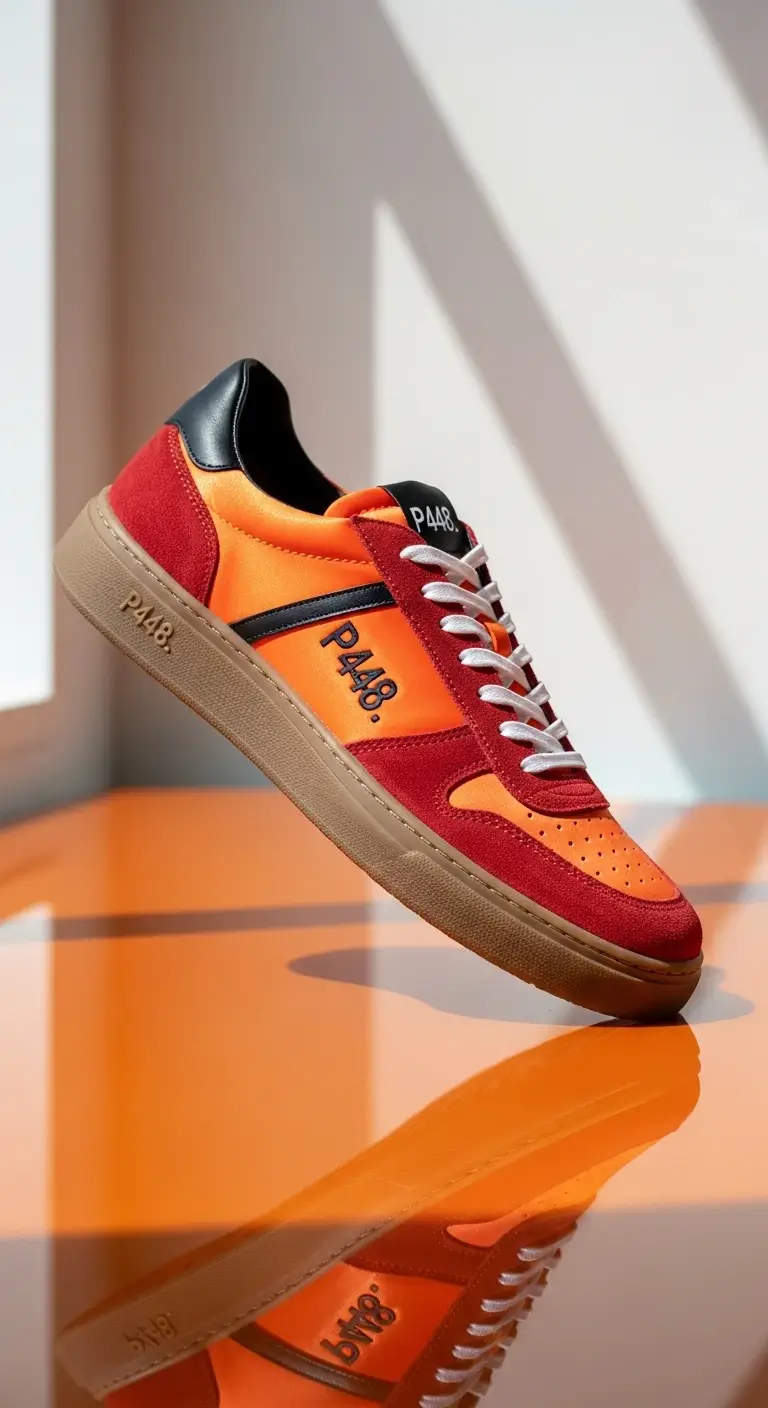
Next-Gen AI Image-to-Video Generator for Creative Workflows

Turn Any Image Into Any Style of Video
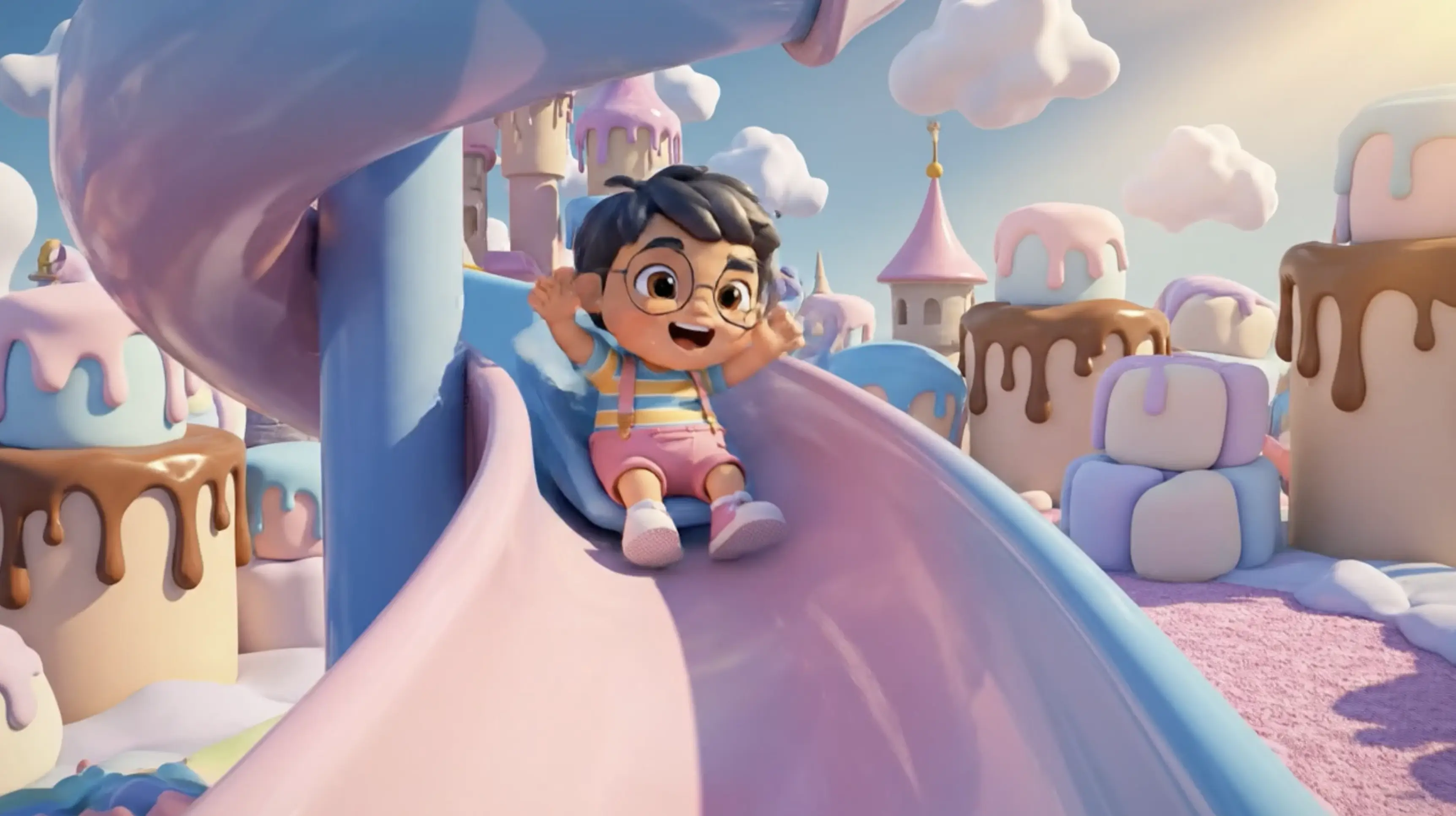
Sample 47
Sample 41
Sample 33
Sample 36
Sample 14
Sample 43
Sample 15
Sample 34
Simple & Fast

How to convert an image into video using ai?

1
Step One

Image Upload

Choose a picture and upload it to Image to Video AI Generator to kickstart the video creation.

E.g., A sunset over mountains with a river flowing... AI
2
Step Two

Describe the scene (optional)

Add a short prompt to define the tone, style, or creative direction.

3
Step Three

Create & download

Click generate and your AI-powered video is ready to download in moments.

FAQs

Frequently Asked Questions

What is an AI image-to-video generator?
An AI image-to-video generator is a tool that turns static images into animated videos using artificial intelligence. It adds motion, transitions, and effects to make still visuals more engaging and video-ready in seconds.
How does an AI image-to-video generator work?
It analyzes your uploaded image and applies AI-driven motion effects such as zoom, pan, transitions, and scene animation. You can also guide the output using simple text prompts to control style, mood, or movement.
Can I turn any image into a video using AI?
Yes, you can convert most images including photos, illustrations, product shots, and designs into videos. The AI enhances them with motion and cinematic effects to create engaging video content.
Do I need video editing skills to use an AI image-to-video tool?
No. These tools are designed for beginners and professionals alike. You simply upload an image, choose or enter a prompt, and the AI automatically generates a video.
What can I use AI-generated image-to-video content for?
You can use it for social media posts, Instagram Reels, YouTube Shorts, ads, product promotions, presentations, and marketing campaigns. It's especially useful for creating content quickly without filming.

Turn Your Images Into Videos Today

Turn Image Into Video
Open Animaker in