
Best Animation Websites to Learn, Create & Animate Online!
______________________________________________________________________________________
TL;DR:
The best animation websites depend on your goal. Animaker and Vyond are go-to animation video creation tools. School of Motion and Animation Mentor are great professional training, and Framer, GSAP, or SVGator lead the way for web/UI animation.
______________________________________________________________________________________
Animation has become one of the most powerful ways to communicate ideas, whether it’s through marketing videos, educational content, product demos, user interfaces, or storytelling.
Thanks to the rise of digital platforms, creating animations is no longer restricted to professional studios or expensive software.
Today, creators of all skill levels can rely on the best animation websites to learn, design, and animate with ease.
Animation serves different purposes, and not every platform is built the same.
Some websites focus on teaching animation fundamentals from the ground up, while others help users quickly create and edit animations using intuitive online tools.
There are also platforms dedicated to inspiration and community, as well as specialized tools built for web and UI animation used by designers and developers.
Because each goal requires a different approach, choosing the right platform depends on what you want to achieve.
In this guide, we’ve grouped the most useful animation websites based on how they’re used, including:
- Websites for Learning Animation
- Websites to Create & Edit Animations (Online Tools)
- Browser-Based Animation Tools
- Animation Libraries & Assets
- Inspiration & Community Sites
- Tools for Web & UI Animation
| Purpose | Best Websites |
|---|---|
| Learn Animation | edX, School of Motion, Animation Mentor |
| Make Animations Online | Animaker, Vyond, Powtoon, Clara.io, Canva |
| Find Animation Assets | Mixkit, Pixabay, LottieFiles |
| Community & Inspiration | AWN, Cartoon Brew |
| Professional Web Animation | GSAP, Framer, SVGator, Webflow |
Let’s explore the best animation websites in detail for every animation need and creative goal.
Websites for Learning Animation
If you’re looking to build a strong foundation or advance your animation skills, these websites focus on structured learning through courses, tutorials, and expert-led training.
They cater to beginners as well as experienced animators who want to refine their craft.
While many of them offer free access to lessons, previews, or learning resources, certifications and advanced programs are typically paid.
1. edX
edX offers university-level animation courses taught by instructors from top institutions.
The platform covers core areas like 2D animation, 3D animation, and CGI principles, making it ideal for learners who prefer an academic, structured approach.

edX lets you audit, view lessons, and participate in learning without paying. But if you want an official certificate of completion, you typically need to pay a fee.
2. School of Motion
School of Motion is known for its in-depth motion design, visual effects, and animation courses tailored for real-world projects.
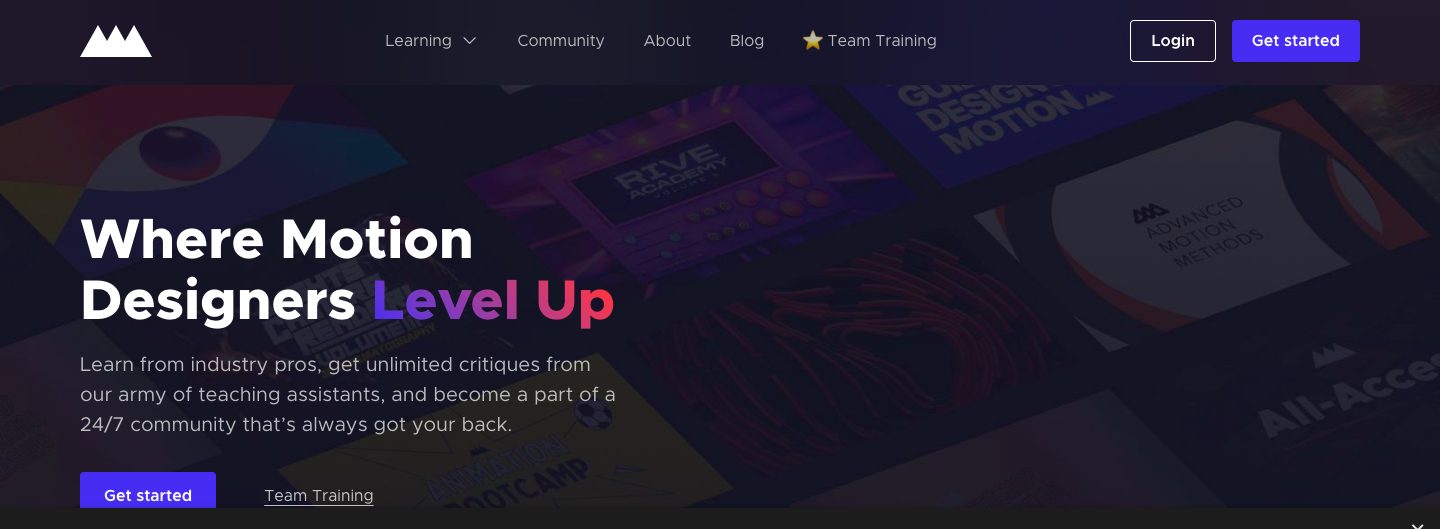
The programs are highly structured and project-based, helping learners develop industry-relevant skills.
They use a subscription model like All-Access, where you pay quarterly or annually for structured training, mentorship, and community support.
3. Animation Mentor
Animation Mentor provides professional, mentorship-driven animation training led by experienced industry animators.
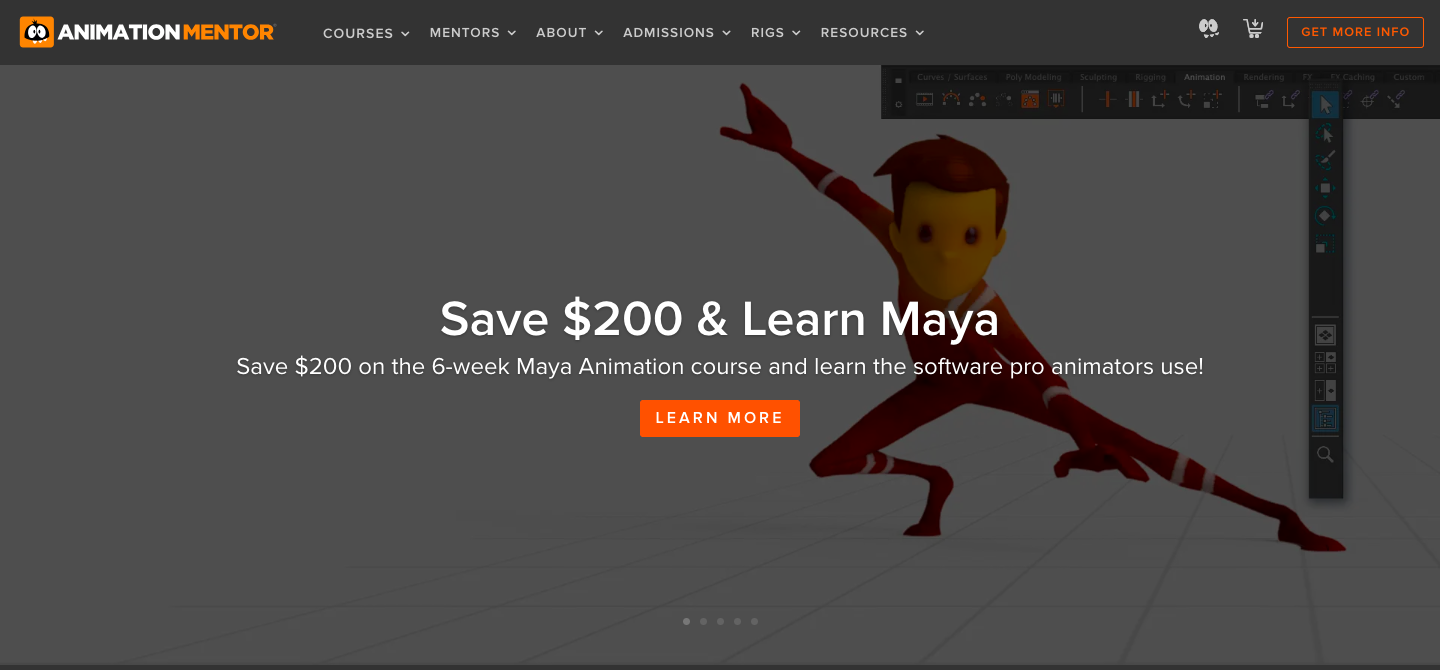
Its programs focus heavily on character animation, storytelling, and production-ready skills.
Designed for serious learners, the platform follows a paid, career-oriented approach aimed at preparing students for roles in animation and film studios.
Websites to Create & Edit Animations
These platforms are ideal for users who want to create animations quickly without installing complex software.
These are browser-based, beginner-friendly, and include ready-made templates, assets, or AI-powered features.
Browser-Based Animation Tools
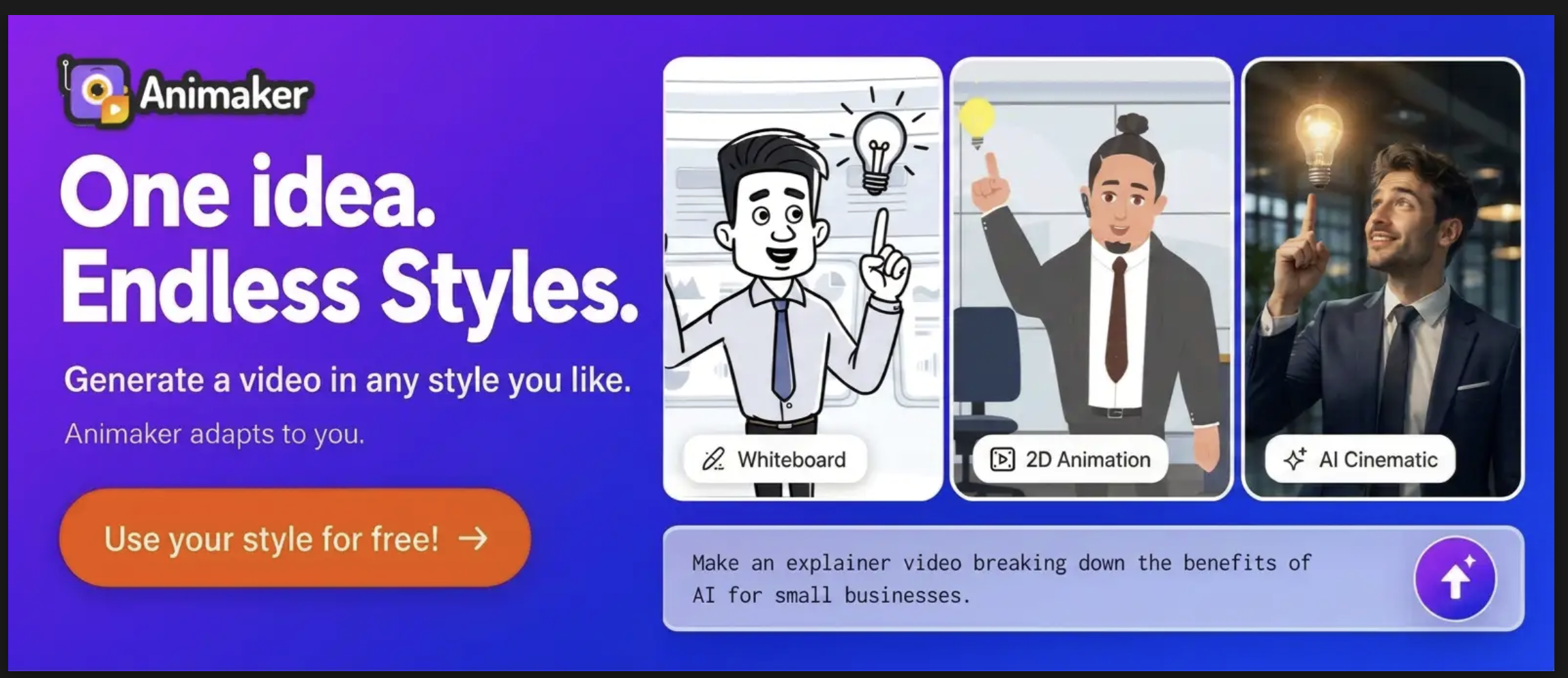
1. Animaker
Animaker is a powerful browser-based animation maker website built for both beginners and professionals.
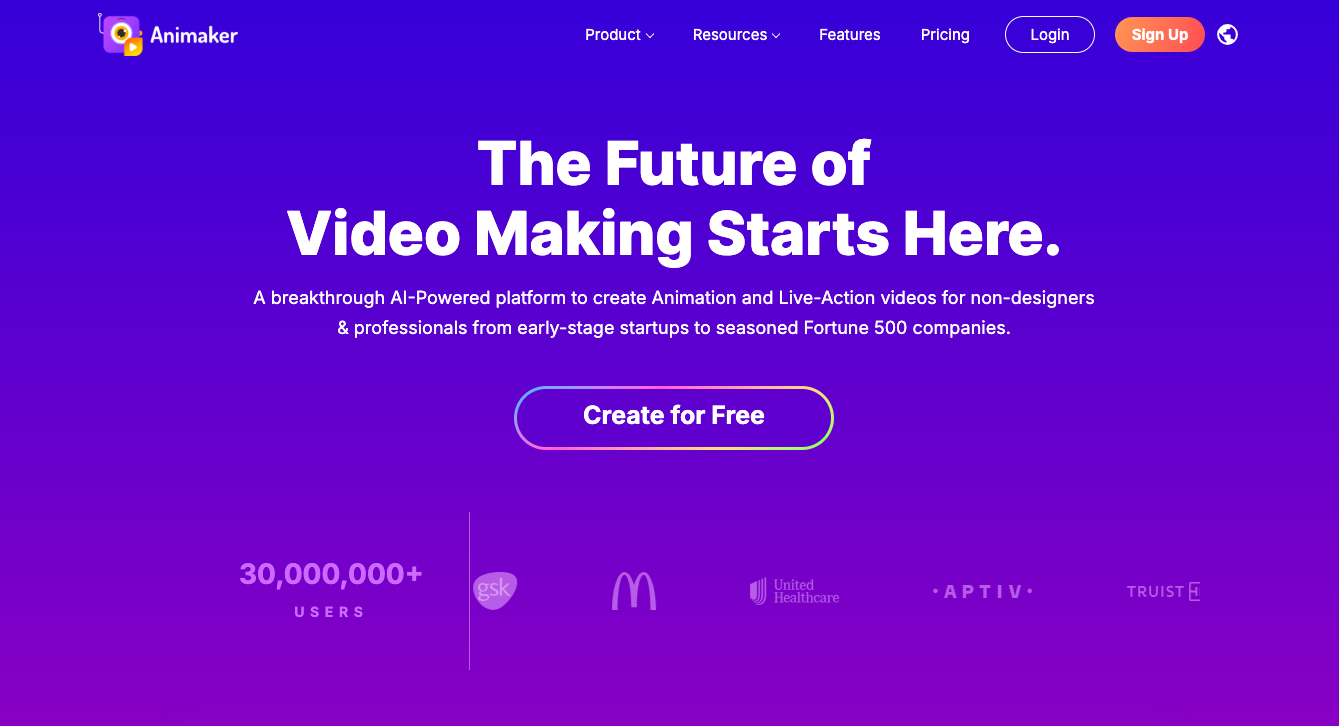
The platform offers a large library of customizable templates, animated characters, icons, and visual assets.
The platform also includes powerful AI tools that support multiple video types, including explainer videos, whiteboard animations, infographics, training videos, quizzes, and short clips.
These tools handle everything from video generation and editing to subtitles, translations, and voiceovers, making large-scale video creation fast and efficient.
2. Vyond
Vyond is a cloud-based 2D animation platform that lets users create animated videos using a simple drag-and-drop workflow.
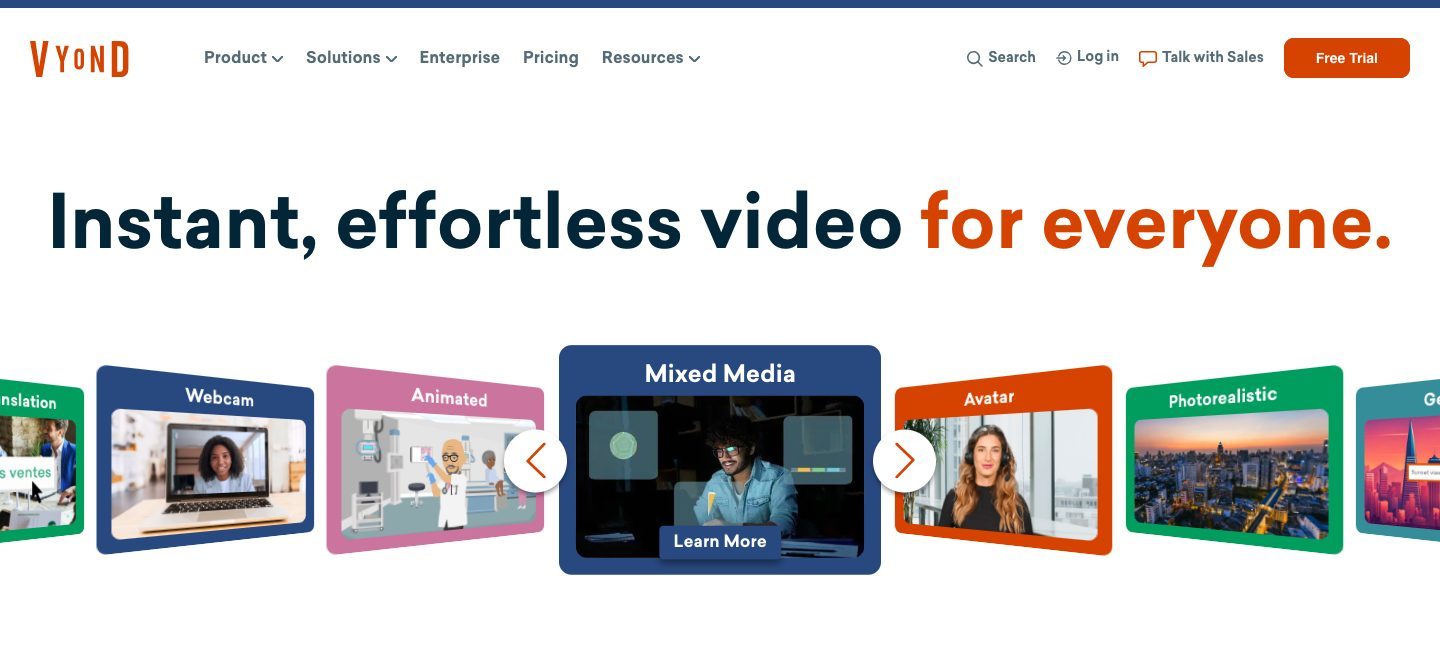
It is primarily template-driven, making it easy to build animations quickly without prior design or animation experience.
The platform offers multiple animation styles, including cartoon, whiteboard, and business visuals, along with ready-made characters and scenes, for quick, structured video creation.
3. Powtoon
Powtoon is a web-based 2D animation tool built around presentation-style videos. It allows users to quickly create animated videos and visuals using a simple, slide-like workflow.
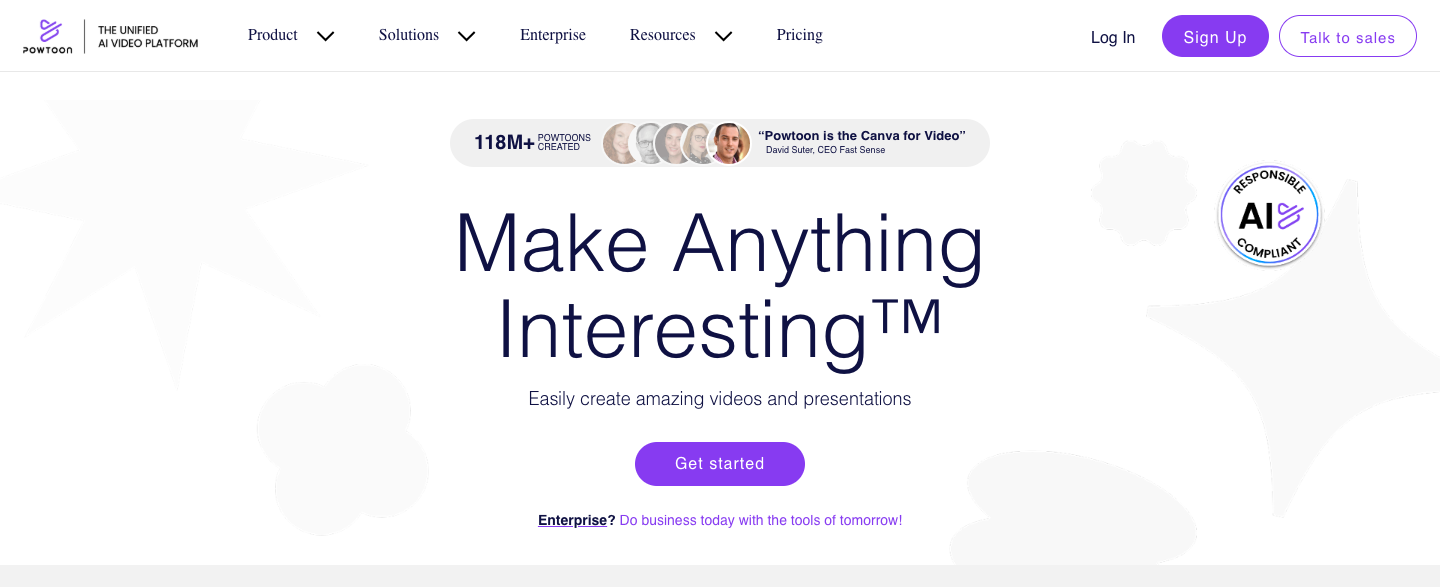
The platform offers ready-made templates, characters, and motion graphics, making it easy to turn ideas into animated presentations and explainer videos without needing prior animation experience.
4. Clara.io
Clara.io is a fully browser-based 3D modeling and animation platform that runs entirely online, with no software installation required.
It allows users to create, animate, and render 3D scenes directly in the browser.
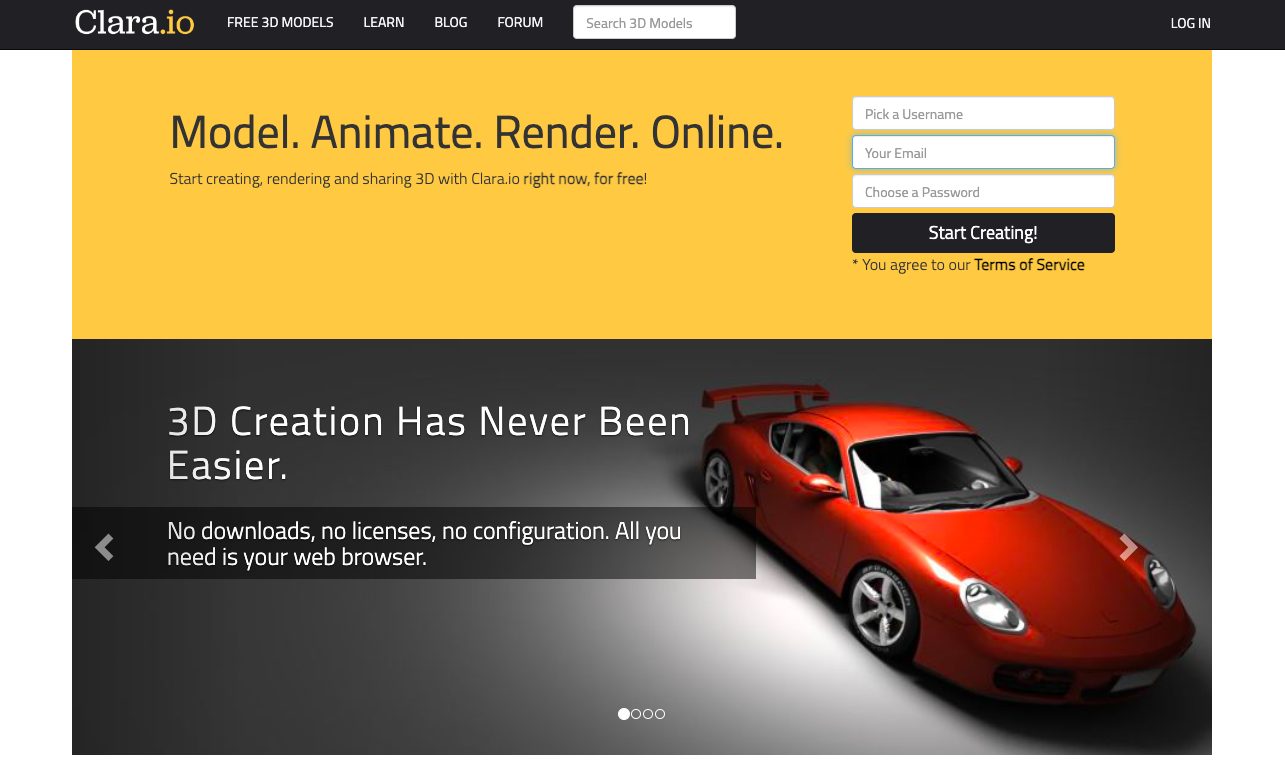
The platform supports basic 3D animation workflows, making it suitable for simple visualizations, product concepts, and lightweight 3D animation projects.
5. Canva
Canva is primarily a design platform that includes simple animation features for text, graphics, and visuals.
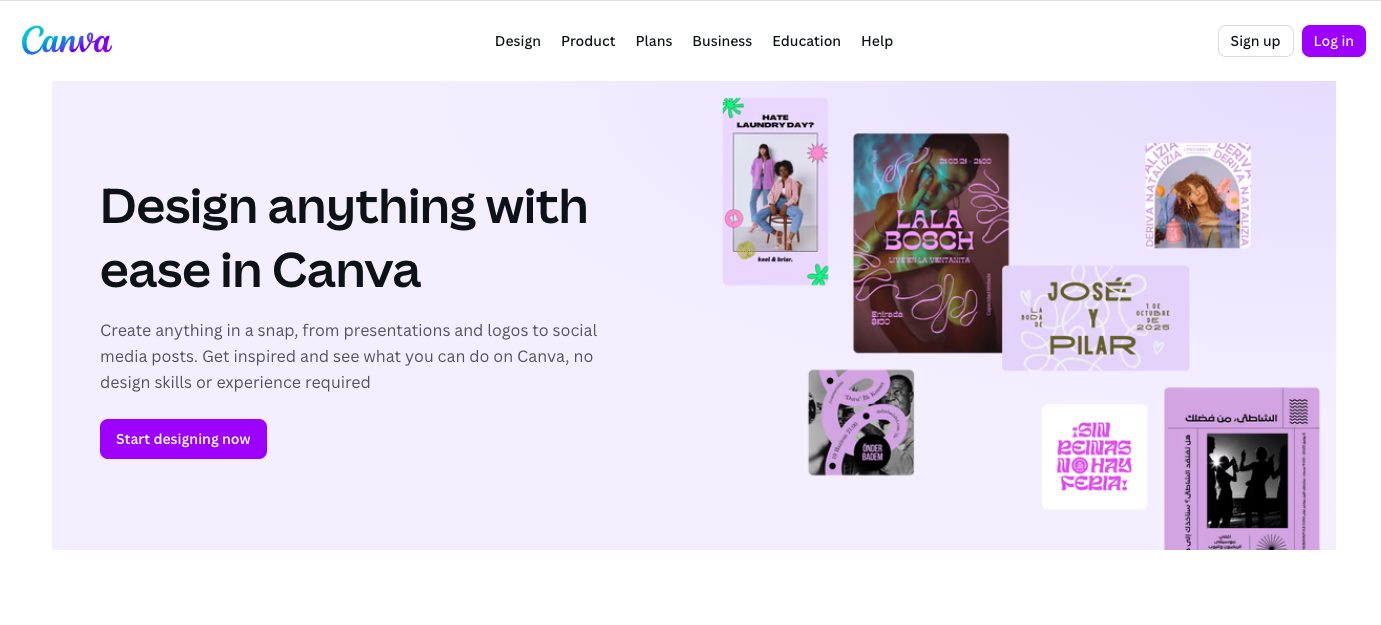
Its animated elements are best suited for social media content, presentations, and short videos where quick, lightweight animations are needed rather than complex motion design.
Animation Libraries & Assets
These platforms focus on providing ready-made animated assets that can be used across videos, websites, apps, and presentations.
1. Mixkit
Mixkit offers a growing collection of free stock animated clips, motion graphics, and video assets.
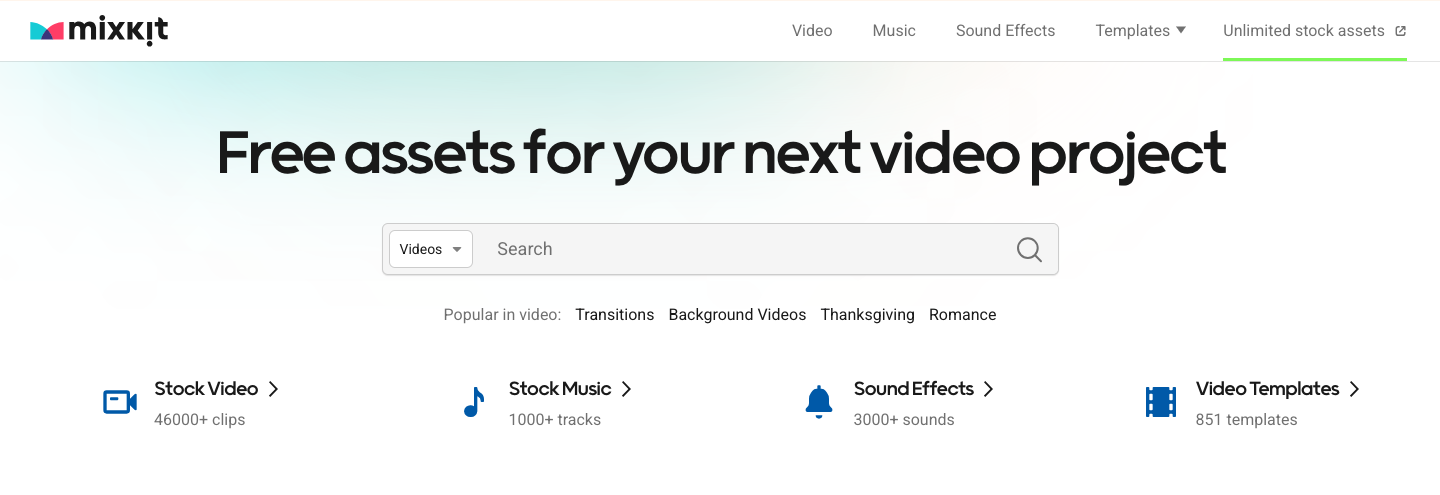
It’s useful for creators looking to enhance videos quickly without creating animations from scratch.
2. Pixabay
Pixabay offers a large collection of free animated footage, motion backgrounds, visual effects, along with 3D models and illustrations.
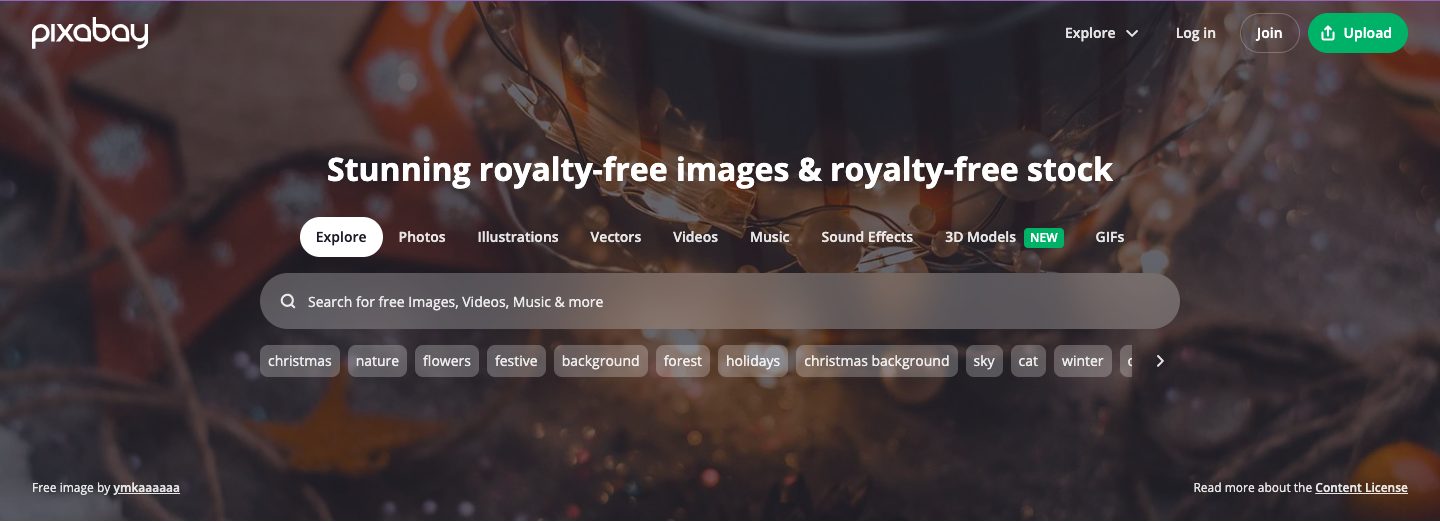
All assets are royalty-free and can be used for both personal and commercial projects, making Pixabay a reliable resource for adding ready-made animations and visuals to videos, presentations, and creative designs.
3. LottieFiles
A popular platform for lightweight, scalable animations commonly used in well-known mobile apps and web platforms for UI animations, micro-interactions, and onboarding experiences.
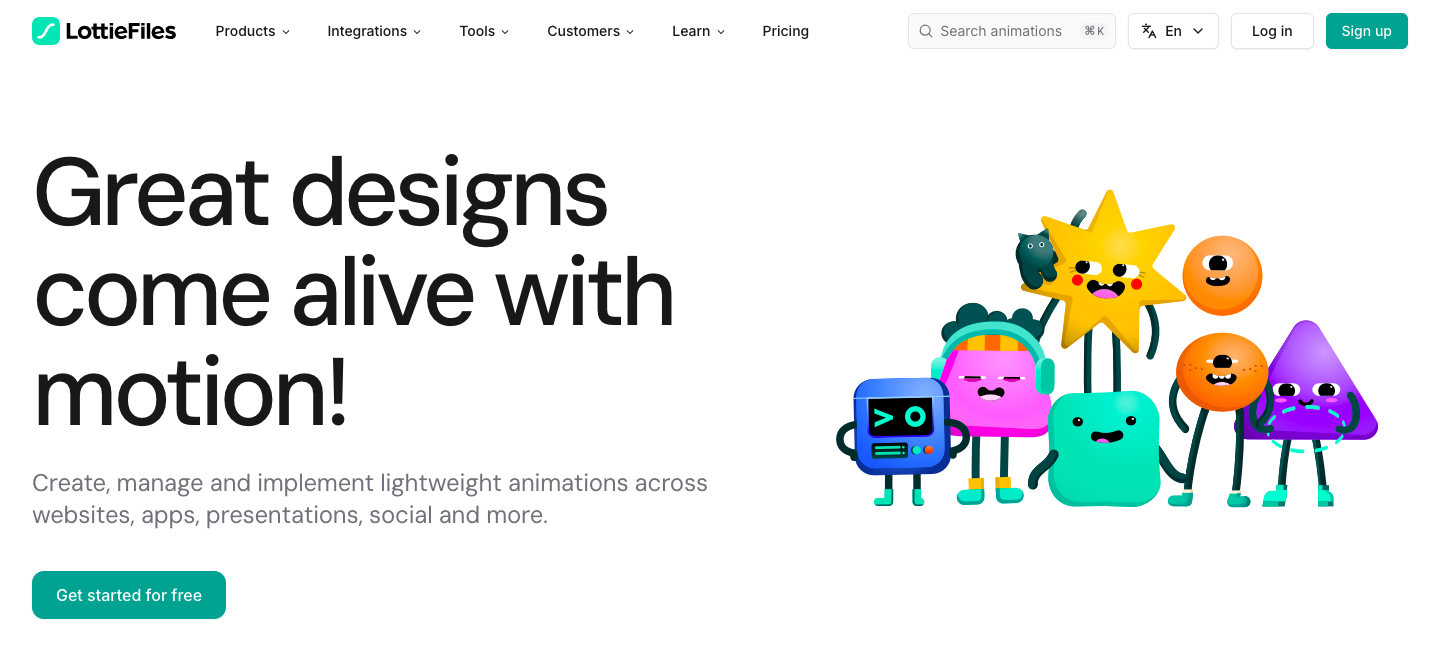
It supports the Lottie format (a lightweight, JSON-based animation file format), allowing animations to remain high-quality while loading fast and performing smoothly across devices.
Inspiration & Community Sites
These websites focus on keeping animators and creators inspired, informed, and connected to the animation industry.
They are ideal for discovering trends, following industry news, and learning from the work and experiences of professionals.
1. Animation World Network (AWN)
A leading online resource for animation news, industry updates, and creative inspiration.
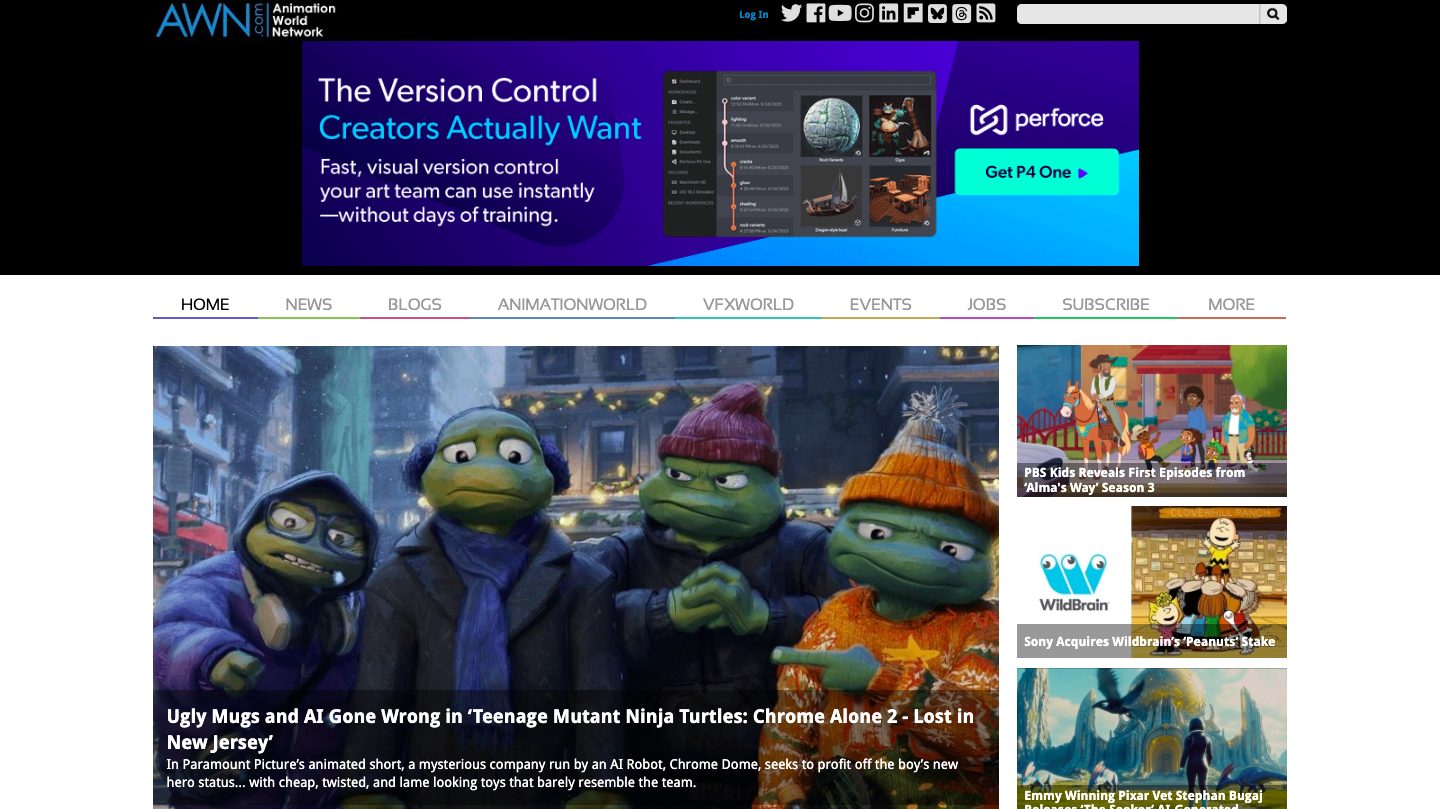
AWN covers everything from animated films and TV shows to VFX, gaming, and emerging animation technologies, making it a go-to platform for staying informed about the animation world.
2. Cartoon Brew
A well-known animation news and commentary site that features industry stories, interviews with animators, studio insights, and critical analysis.
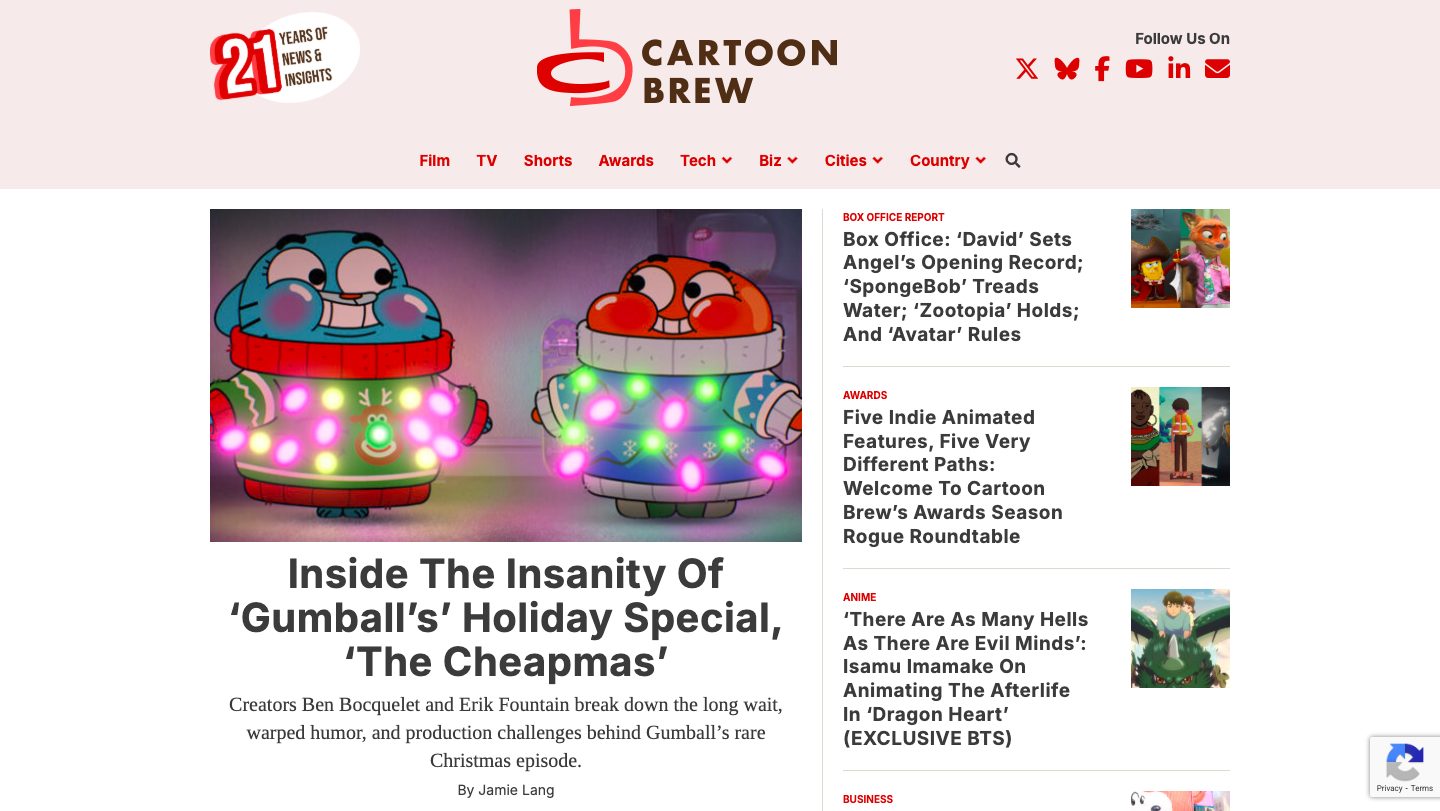
It’s especially valued for its in-depth coverage of animation trends, business developments, and creative culture.
Tools for Web & UI Animation
These tools are built for designers and developers who want to add motion, interactivity, and smooth transitions to websites and digital products.
They focus on performance, responsiveness, and seamless user experiences.
1. Framer
Framer is a visual design and prototyping tool built for creating interactive interfaces.
It comes with built-in animations and motion effects that make designs feel realistic and responsive.
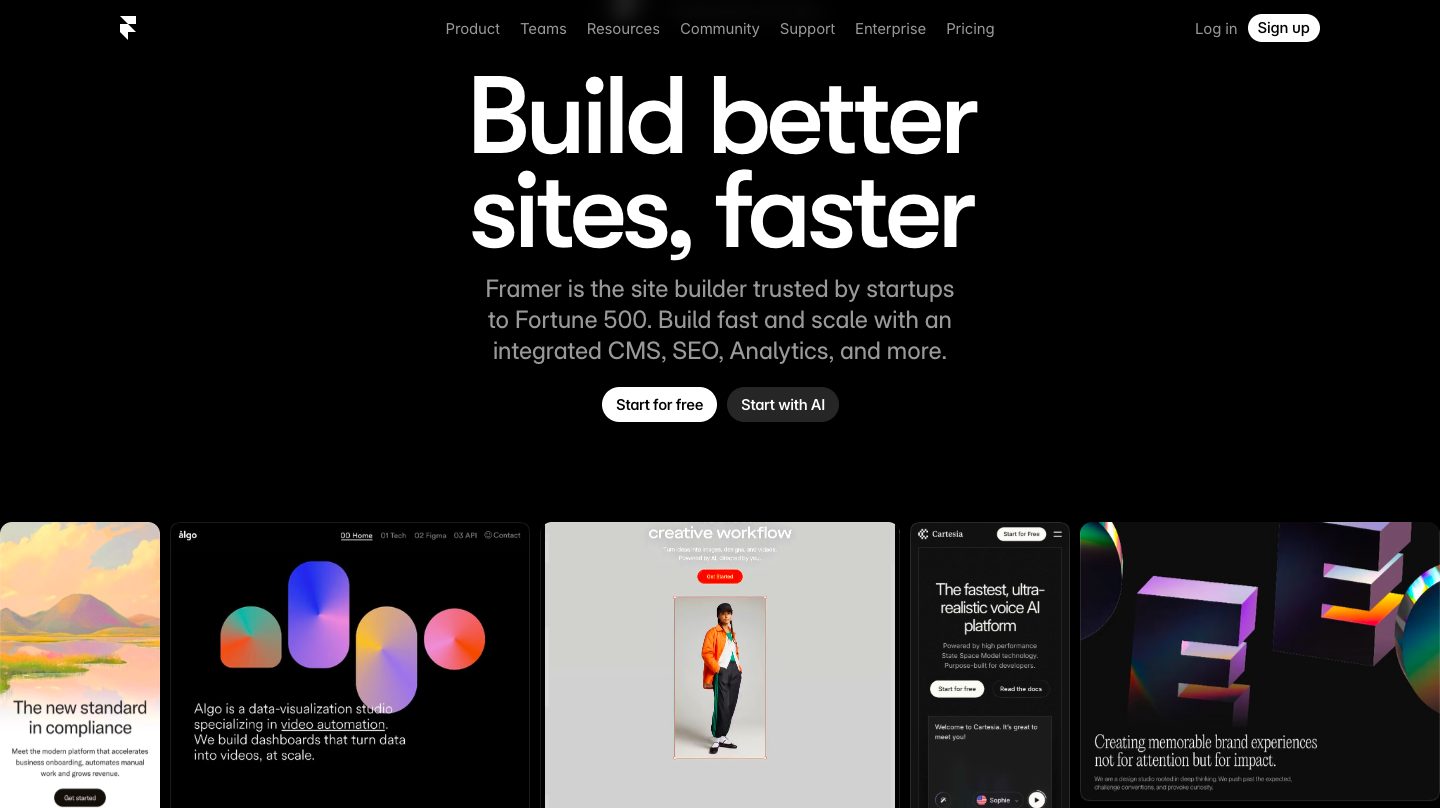
Designers commonly use it to create UI flows, micro-interactions, and high-fidelity prototypes that closely reflect real product behavior.
2. GSAP (GreenSock)
GSAP (GreenSock) is a powerful JavaScript animation library for building high-performance web animations.
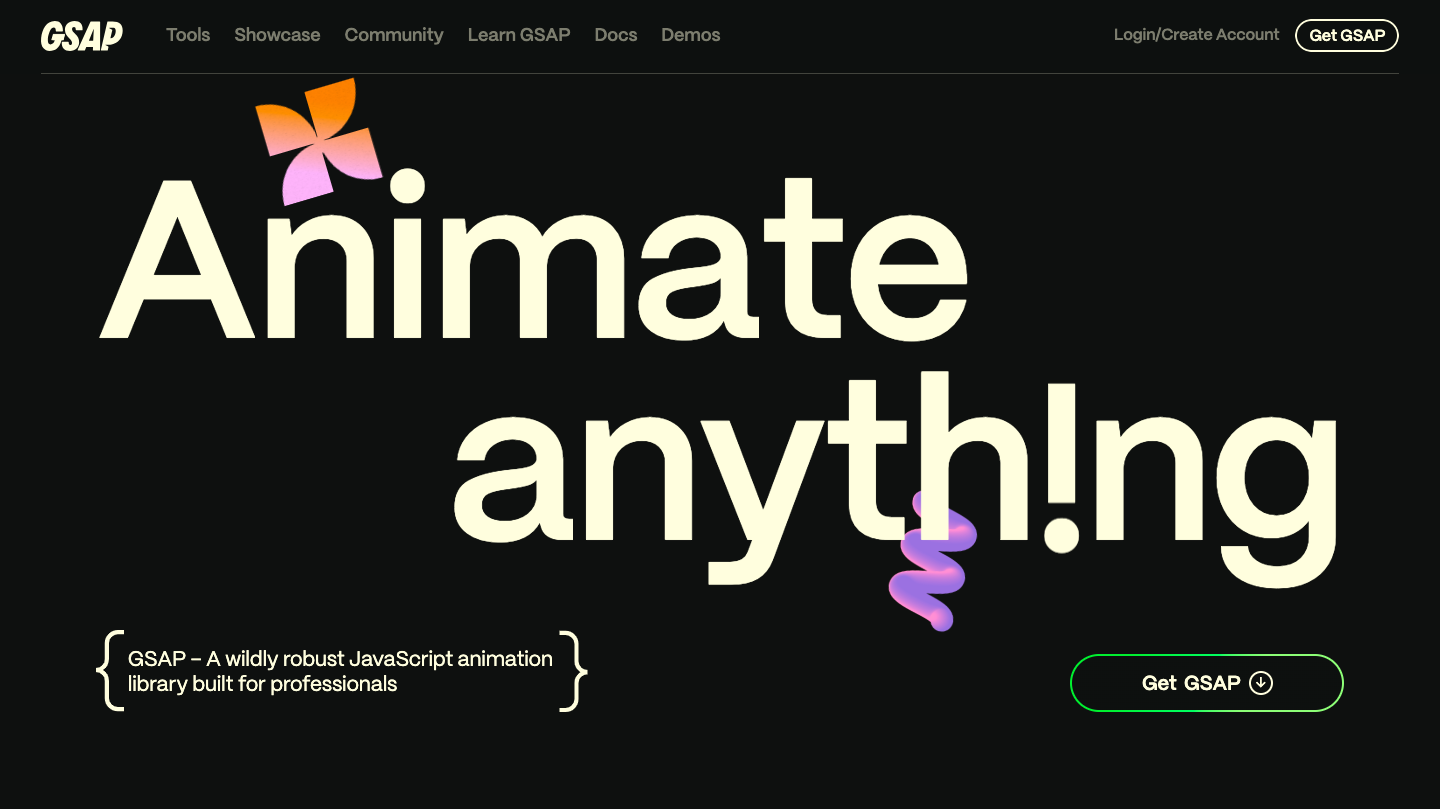
It offers precise, timeline-based control over motion and interactions. Developers widely use it to create complex UI animations, scroll-based effects, and interactive web experiences.
3. SVGator
SVGator is a no-code animation platform focused on animating SVG graphics.
It allows designers to create smooth, scalable vector animations for icons, illustrations, and UI elements.
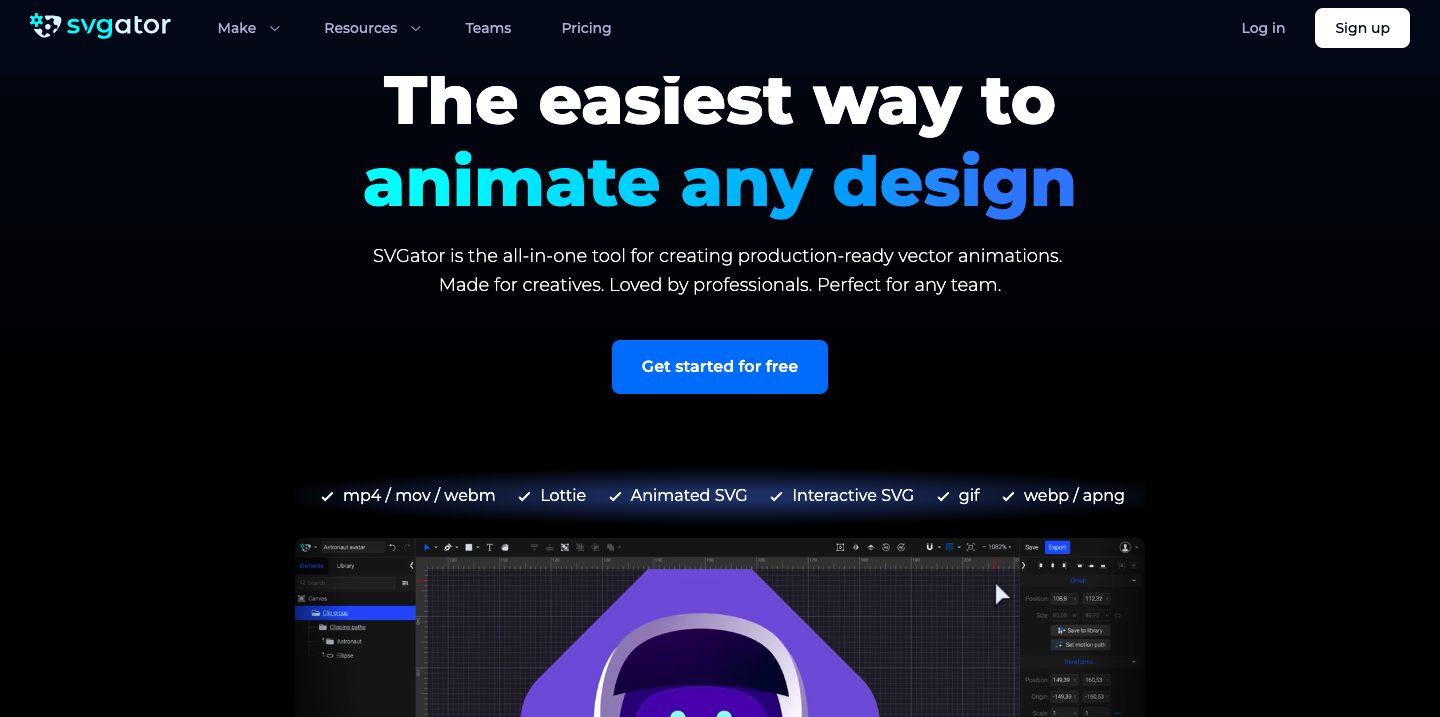
Since no coding is required, it’s ideal for lightweight web animations and UI visuals.
—
Animation isn’t one-size-fits-all, and neither are the platforms built for it.
The best animation websites are designed around specific goals - learning, creating, getting inspired, or building interactive experiences.
By choosing the right site for your purpose, you can work faster, create better animations, and focus on what matters most, which is bringing your ideas to life.
FAQs
1. Which animation websites are best for professional use?
Professional creators often rely on platforms like School of Motion and Animation Mentor for advanced animation training, while tools such as Animaker and Vyond are widely used for creating professional-grade animated videos at scale.
For web and UI animation, platforms like Framer, GSAP, and SVGator are commonly chosen for building high-quality, performance-driven motion experiences.
2. What are the best animation websites for creating videos online?
Browser-based tools such as Animaker, Vyond, Powtoon, Clara.io, and Canva are among the best animation websites for creating videos online.
They allow users to produce explainer videos, marketing content, and presentations without downloading software.
3. Which animation websites are best for web and UI animation?
For web and UI animation, popular choices include Framer for interactive design, GSAP for advanced JavaScript animations, SVGator for SVG animations, and LottieFiles for lightweight UI motion assets.
4. Can I create animations without design or coding skills?
Yes. Many of the best animation websites are built for non-designers and non-developers.
Tools like Animaker, Powtoon, Canva, and Vyond use drag-and-drop editors, templates, and pre-built assets to simplify the animation process.
5. What’s the difference between animation tools and animation libraries?
Animation tools help you create and edit animations, while animation libraries provide ready-made assets.
For example, Animaker and Powtoon are creation tools, whereas Mixkit, Pixabay, and LottieFiles offer animation assets you can reuse in projects.

![How to make 3D animation with Animaker? [Master 3D as a Beginner]](https://www.animaker.com/hub/wp-content/uploads/2026/09/Small.jpg)