
Best AI Cartoon Video Maker for Beginners and Creators
____________________________________________________________________________
TL;DR
- AI cartoon video makers help make cartoon creation easier by automating parts of the process, either the entire video or certain assets and characters.
- The best AI cartoon video maker tools include Animaker for end-to-end cartoon creation, Adobe Animate and Toon Boom for professional creation, and Animated Drawings for fun experimentation.
____________________________________________________________________________
When people hear "cartoon videos," they often think of cartoons they watched on TV.
But cartoon videos are no longer limited to just entertainment.
They are used for almost everything these days. You will find animated cartoons in explainer videos, marketing and promotional videos, educational content, training videos, and more.
Creating a cartoon video is a multi-step process that involves scripting, character design, rigging, animating, voiceovers, and stitching all the scenes into a video.
It can sometimes get exhausting if you’re new to animation or if you have to create cartoon videos at scale.
Over the past few decades, digital tools have handled the technical aspects of creation.
Now, AI is taking it a step further, automating several steps and, in some cases, even generating entire cartoon videos, making the process as simple as it can get.
To help you find the best AI cartoon video maker, we will cover -
- What to look for in an AI cartoon video maker
- A side-by-side comparison of the top tools
- A detailed look at the best AI cartoon video maker tools
- A final takeaway to help you choose the right tool for your needs
Let’s first see what you should look for in an AI cartoon video maker
What to Look for in an AI Cartoon Video Maker?
With multiple AI Cartoon Video Maker tools on the market right now, there are a few features to look out for to help you create videos efficiently.
Some automate the entire process, some give you multiple animation styles, while some give you a little creative control over the generated output.
It all comes down to what you want to create and how you want to create.
So, here are a few features worth checking out before you pick a tool.
1. AI video creation - Does the tool support AI video creation? If so, does it require just a prompt or a script?
2. Cartoon styles and characters - A good tool should give you enough variety of animation styles and characters to fit your video's story.
3. Character customization - Look for options to change their appearance, clothing, expressions, poses, and actions instead of being limited to the library characters.
4. Advanced Editing - AI generation shouldn't mean giving up control entirely. Look for an editor that lets you edit the generated video.
5. Voiceovers and lip-sync - If your cartoon characters need to speak, look for built-in AI voiceovers and lip-sync capabilities to save time.
6. Export options and pricing - Finally, check the export quality, supported formats, watermark restrictions, and what is included in the free plan or paid plans.
Comparison Table - Best tools at a Glance
| Tool | AI capabilities | Character Customization | Free option |
|---|---|---|---|
| Animaker | AI cartoon creation, AI voiceovers, lip-sync, AI subtitles, translation, AI-generated assets | Character builder with customization - facial features, outfits, accessories, and more | Free plan |
| Adobe Animate | AI-assisted animation and generative AI features through Adobe ecosystem | Custom characters with detailed drawing and animation controls | Free trial |
| Animated Drawings | AI-powered drawing-to-animation | Upload and animate your own drawings; limited customization | Free to use |
| Toon Boom | AI-assisted masking, image expansion, and image enhancement with Ember | Extensive character rigging, drawing, and animation controls | Free trial |
Best AI Cartoon Video Maker
1. Animaker
Animaker is an online animation software, known for its beginner-friendly interface. Its AI Cartoon Video Maker lets you create cartoon videos with ease, from scratch, templates, or through AI creation.
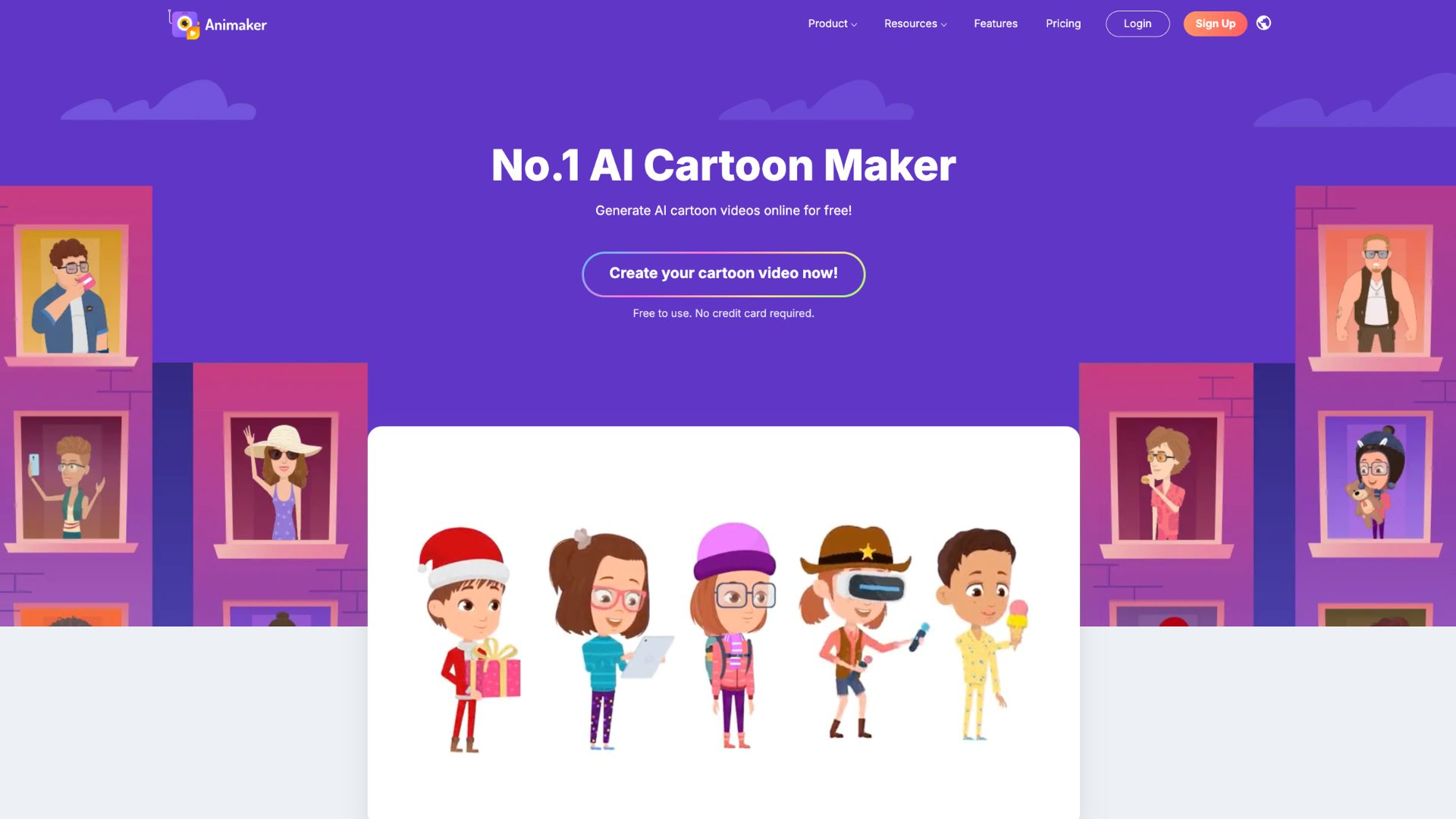
What is great about Animaker is that it offers a Character Builder feature, perfect for creating customized cartoon characters, with different age groups, different professions, facial features, and a whole lot more.
When it comes to AI creation methods, users can edit the generated video down to the individual elements, which is a feature not many animation tools offer.
AI features it uses
Animaker offers AI cartoon generation from prompts. Apart from complete video generation, it also provides an asset generation feature. Furthermore, there are features like AI voiceovers and AI subtitles that can help speed up the cartoon creation process.
Ease of use rating
⭐⭐⭐⭐⭐/5
The availability of multiple creation methods and its AI capabilities make it a great tool for users of all skill levels.
Free plan/free trial availability
Animaker offers a forever free plan. The videos made with the free plan, however, come with a watermark.
2. Adobe Animate
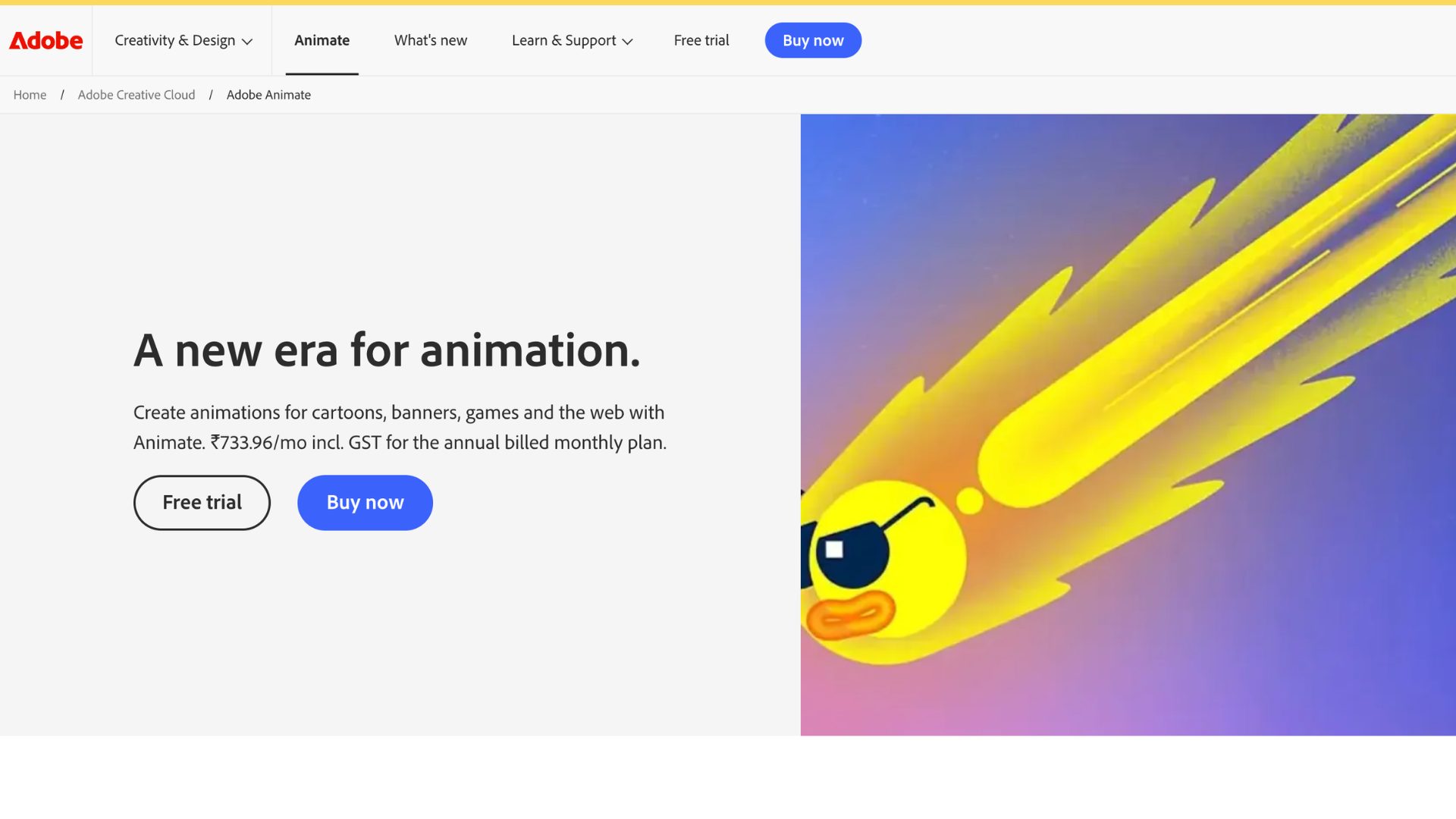
Adobe Animate is a popular 2D animation desktop software, known for creating animations for cartoons, interactive content, web animations, and even games.
AI features it uses
While it is primarily a full animation tool, Adobe incorporates AI in tools like Firefly and Character Animator, with smart auto-lip sync and motion tracking.
Ease of use rating
⭐⭐⭐/5
It offers extensive creative control, but its timeline, drawing tools, keyframes, and animation workflow can take time for beginners to learn.
Even with its AI features, it can feel like it needs some time for beginners to get used to.
Free plan/free trial availability
Adobe does not offer a free plan, but offers a 7-day free trial with access to the full version of Animate.
3. Animated Drawings
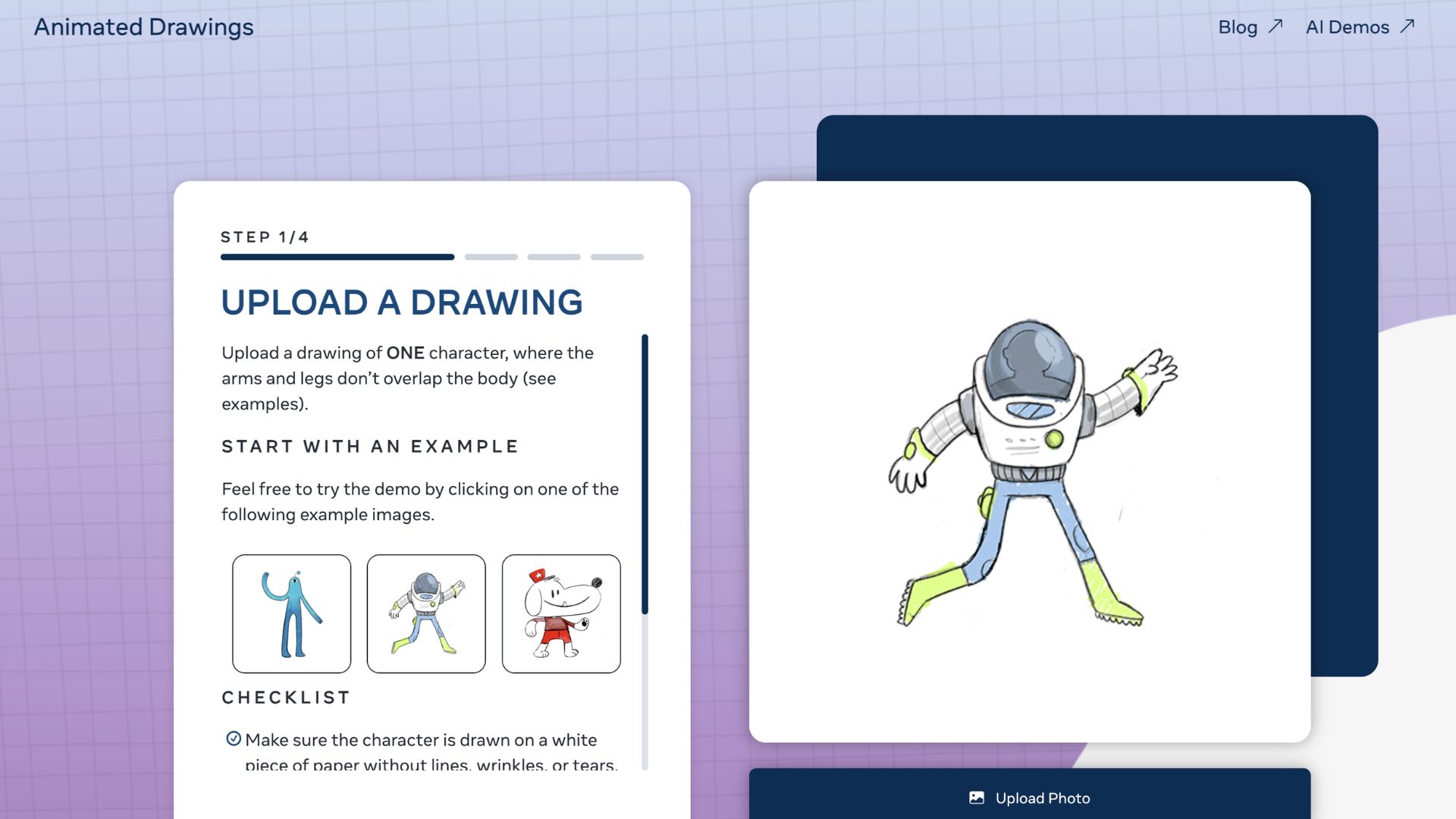
Animated Drawings is a project developed and owned by Meta AI. All it requires is a picture of a drawing, and the AI will detect and add rigs to the character’s joints, then animate it.
AI features it uses
The tool uses AI to detect the character and separate the character from its background. It then automatically identifies the body parts and joints and adds rigs. Then it animates the drawing.
Ease of use rating
⭐⭐⭐⭐⭐/5
The concept of the tool is very straightforward, great for turning hand-drawn characters into animations.
Free plan/free trial availability
The tool is free to use. However, it has limitations on its commercial usage rights.
4. Toon Boom Harmony
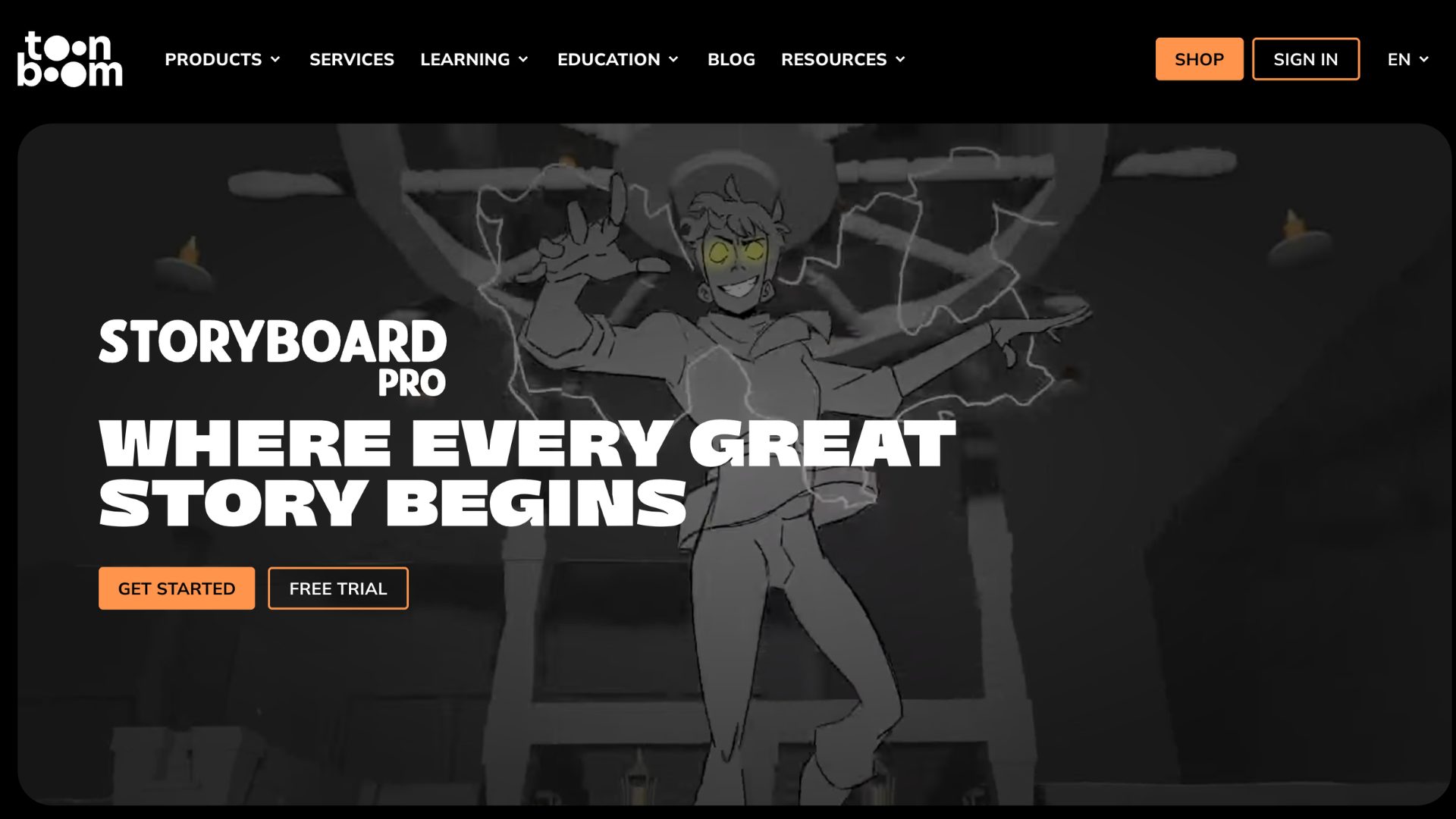
Toon Boom Harmony is a desktop animation software that helps create hand-drawn style animation and rigged character animation.
AI features it uses
Toon Boom uses an add-on called Ember. With that, it provides tools to improve visual assets like AI masking, image expansion, and enhancement rather than generating an entire cartoon video from a prompt.
Ease of use rating
⭐⭐/5
The workflow is more on the professional side, with rigging, drawing, and compositing, which requires a certain skill set to use the tool comfortably.
Free plan/free trial availability
Toon Boom Harmony offers a 14-day free trial.
Final Takeaway
In this article, we have seen four of the best AI cartoon video maker tools. Some offer more AI features than others, some are more complex than others, and some are free.
For an all-in-one cartoon video workflow, Animaker’s Cartoon Video Maker is a solid choice, combining AI video creation with characters, voiceovers, and an editor for further customization.
For professional use cases, tools like Adobe Animate and Toon Boom offer more creative control over rigging and animation, but they come with a learning curve.
Ultimately, AI can get the cartoon video started faster, but the amount of creative control you have after generation is just as important.
Choose a tool based on the type of videos you want to create, how much you want to customize them, and how often you plan to create them.

![How to make 3D animation with Animaker? [Master 3D as a Beginner]](https://www.animaker.com/hub/wp-content/uploads/2026/09/Small.jpg)