
15 Generative AI Tools That Actually Save You Time in 2026!
____________________________________________________________________________________________
TL;DR
- Generative AI tools create new content (text, images, video, audio, or code) from a prompt.
- For an all-round assistant, start with ChatGPT or Claude. For research with sources, use Perplexity.
- For video, Runway suits cinematic clips, Animaker AI suits animated explainers, Synthesia suits avatar presenters, and VEED suits editing and subtitles.
- For images, Midjourney suits artistic output, and Firefly suits commercially safe work.
- For audio, ElevenLabs and Animaker Voice handle voiceovers, Suno makes songs, and Beatoven makes background music.
- For work tasks, Writesonic handles marketing copy, while Fireflies handle meeting notes.
____________________________________________________________________________________________
Ask five people what "generative AI" means, and you'll get different answers.
One will say a chatbot. Another will say image generators. A third will say the thing that makes songs.
All these answers, however, are right. That's the problem.
There are now hundreds of AI tools, and every one of them promises to save you hours.
The tools’ plans keep changing, credits run out mid-project, and the "free" plan often turns out to be a free trial in disguise.
So we compared 18 of the best generative AI tools across six categories and put the details you actually need - who each tool is best for, what's free, and where it falls short.
In this article, we will look at -
- What generative AI tools are, and the main types
- A quick-pick list
- The best tools in each category in detail
- Final Takeaway
Let's start with the basics.
What are generative AI tools?
Generative AI tools are softwares that create new content with AI, from a prompt you type or a file you upload.
They fall into five main types:
- Text - chatbots, writing assistants, and research tools that draft, summarise, and answer questions.
- Image - tools that turn a prompt into artwork, product visuals, or design assets.
- Video - tools that generate clips, animated videos, or avatar presenters from text or images.
- Audio - text-to-speech, voice cloning, and music generators.
- Code - assistants that write, explain, and debug code.
Best Generative AI tools at a glance
Here's the quick-pick list.
- Best all-round assistant: ChatGPT
- Best for long documents, writing, and coding: Claude
- Best for research with sources: Perplexity
- Best for cinematic AI video clips: Runway
- Best for animated explainer and training videos: Animaker AI
- Best for AI avatar presenter videos: Synthesia
- Best for video editing plus subtitles: VEED
- Best for artistic images: Midjourney
- Best for commercially safe images: Adobe Firefly
- Best for realistic voiceovers and voice cloning: ElevenLabs
- Best for AI voiceovers inside a video workflow: Animaker Voice
- Best for AI-generated songs: Suno
- Best for background music: Beatoven.ai
- Best for SEO content: Writesonic
- Best for automated meeting notes across many languages: Fireflies
Now let's take a closer look at each tool, category by category.
Best AI chatbots and assistants
1. ChatGPT
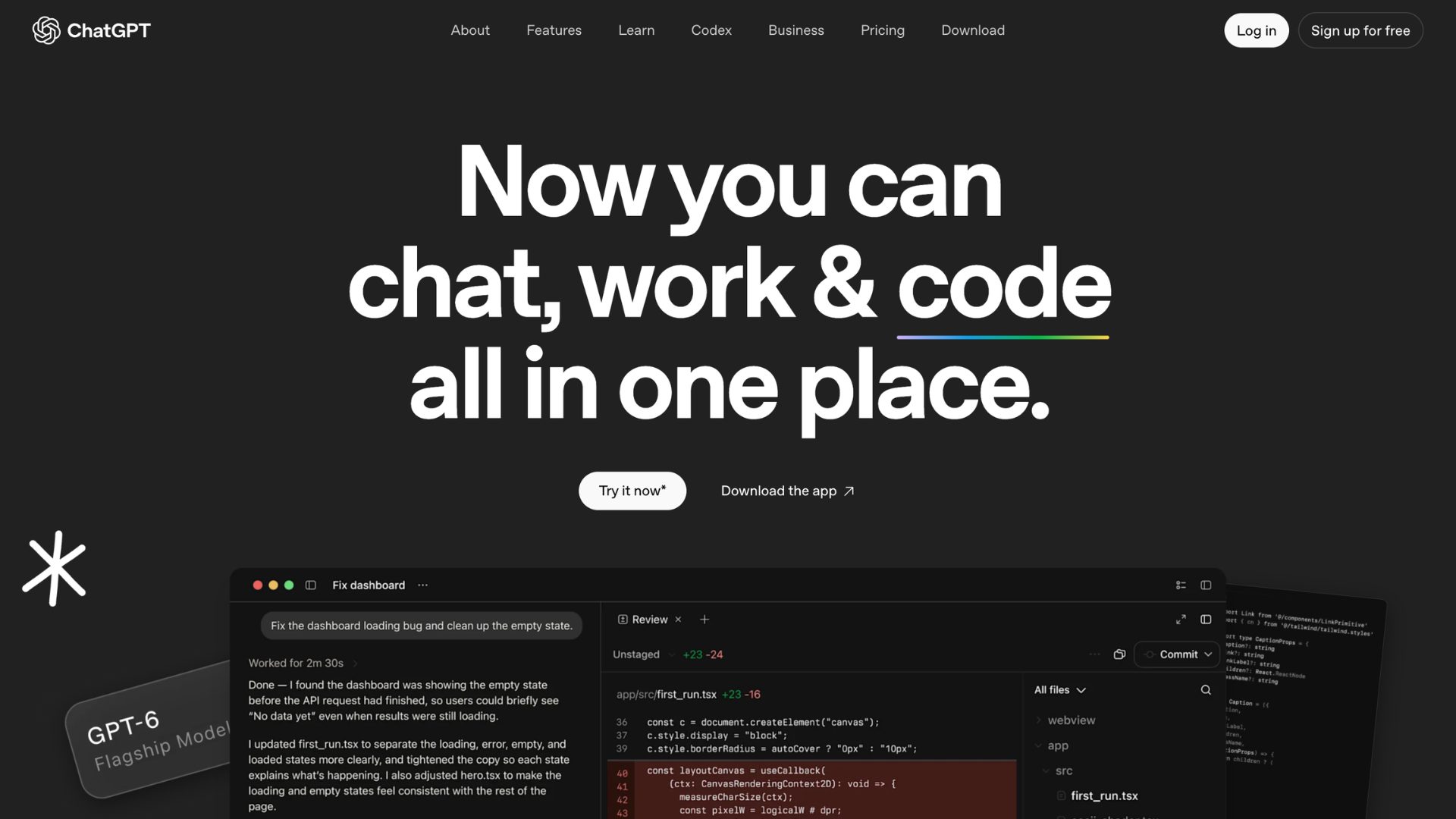
ChatGPT is the do-everything assistant most people try first.
What is it good for?
An all-round tool, like writing, brainstorming, analysis, and quick image creation in one place.
Can you try it for free?
As of September 2026, yes! ChatGPT offers a free plan. Everyday text chats are unlimited on Free, while uploads, image generation, voice, and deep research each have their own limits.
Where it stands out?
One subscription covers text, images, voice, data analysis, and agents.
Where it falls short?
The plan ladder is confusing, so read it carefully if you choose to upgrade.
So, what do we think?
This is the safest default option. If you want one tool that does a bit of everything, start here. Just make sure to fact-check when generating anything important.
2. Claude
Claude is an AI assistant people use when the task is long, detailed, or code-heavy.
What is it good for?
Long documents, careful writing, deep analysis, and coding.
Can you try it for free?
As of September 2026, yes. The free plan does not require a credit card and works on the web, iOS, Android, and desktop, with daily usage limits.
Where it stands out?
It copes well with large documents and lengthy conversations. It can also recall and create custom skill sets for extended tasks.
Where it falls short?
Usage resets on a rolling five-hour window, which can be frustrating for heavy-task users.
So, what do we think?
Claude is a strong pick for writers, analysts, and developers. Choose it for depth and creating a skill set for personalized tasks.
3. Perplexity
Perplexity is an AI search engine that answers with sources attached.
What is it good for?
It is strong for research, fact-finding, and quick briefings where you want to see where the answer came from.
Can you try it for free?
Yes. As of September 2026, Perplexity offers a free plan with limited searches, limited models.
Where it stands out?
The paid plans offer top AI models and premium data sources.
Where it falls short?
While it is great for finding and citing information, it is not suitable for creative work. Plus, the free plan's advanced search allowance is also small.
So, what do we think?
The tool is worth trying if you research daily. Skip it if you want an assistant to write or create.
Best AI video and animation generators
4. Runway
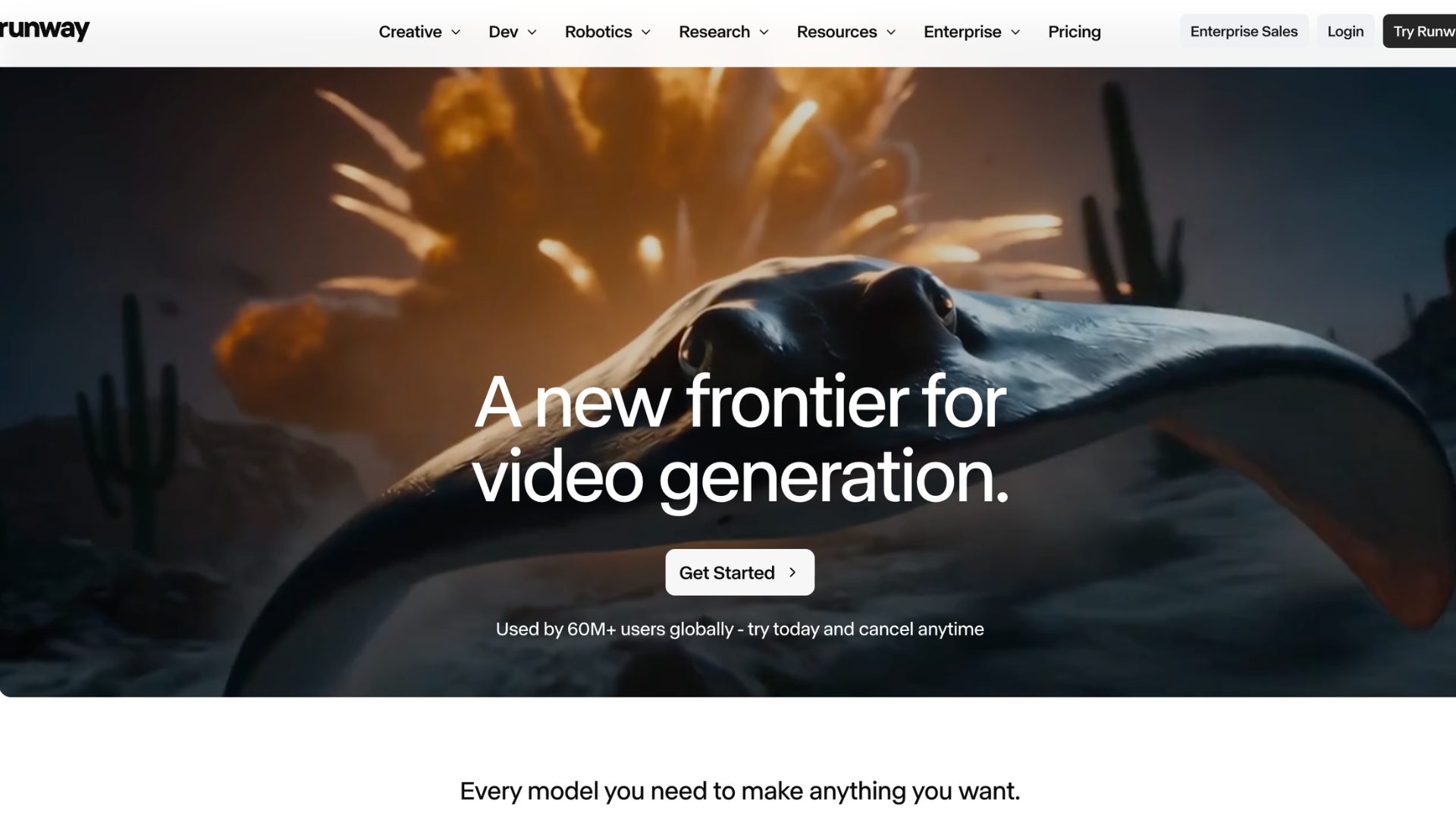
Runway is a high-end AI video tool for creating cinematic clips from text or images.
What is it good for?
Runway is great for creators and filmmakers who want realistic, short AI-generated footage.
Can you try it for free?
Yes. As of September 2026, you get 125 one-time credits, limited model selection, and a watermarked export.
Where it stands out?
Its single dashboard gives you its own models alongside third-party ones like Kling and Veo.
Where it falls short?
Credits go pretty quickly. So, if you’re trying to generate something in one go, proper prompting is required.
So, what do we think?
Runway is great if you have the budget for a paid plan. It is great for short, polished clips and less suited to long videos.
5. Animaker AI
An all-in-one animation maker that can also generate complete videos from a single prompt.
What is it good for?
Marketers, educators, and L&D teams who want animated explainer, training, and social videos without animation skills.
Can you try it for free?
Yes, there is a forever free plan with watermarks on exports. There are also limits when it comes to its AI features and video generation.
Where it stands out?
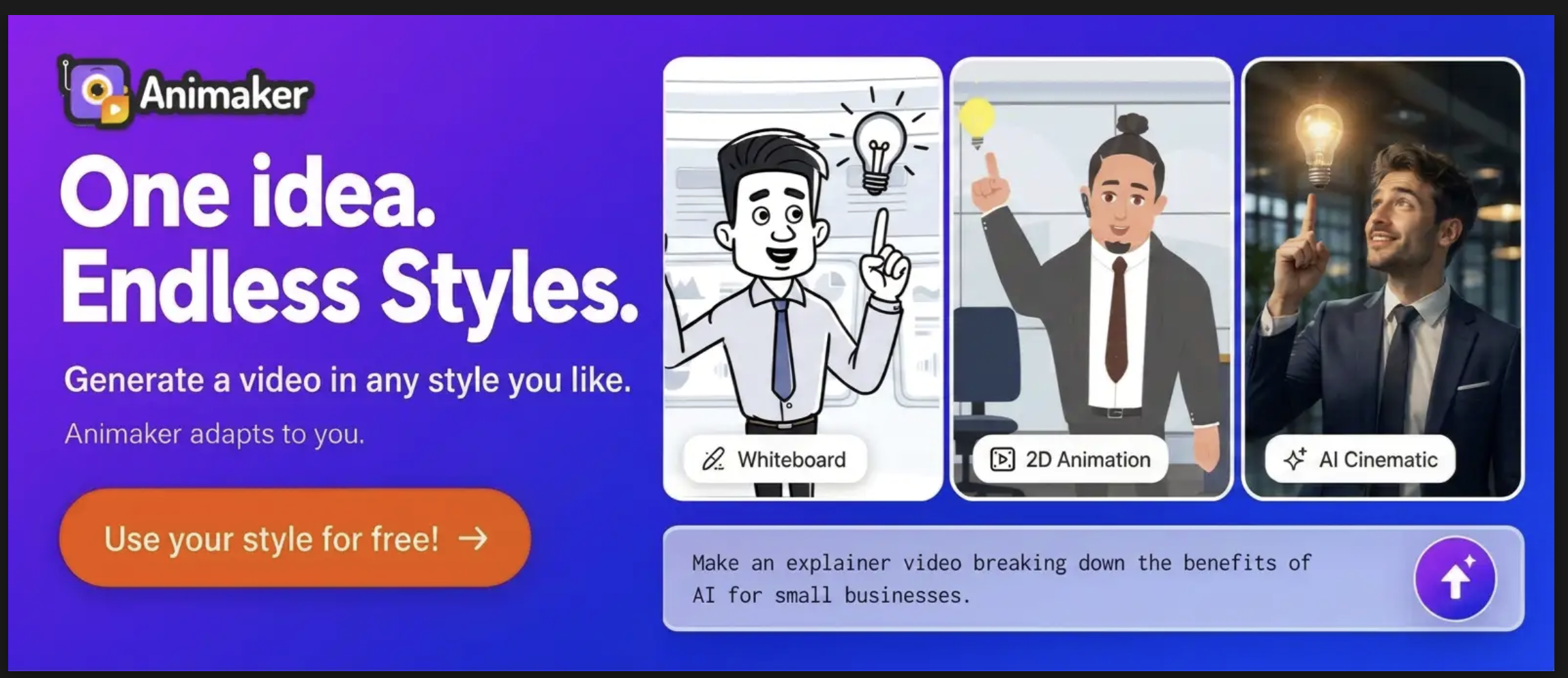
The AI video generation offers different video styles - 2D, whiteboard, cinematic, and realistic styles. Even after generation, you can edit the video, down to each element.
Where it falls short?
The free and lower plans have limitations on downloads each month, and commercial rights are available from the Pro plan upward.
So, what do we think?
The easiest way to go from idea to finished animated video, and the editor keeps you in control.
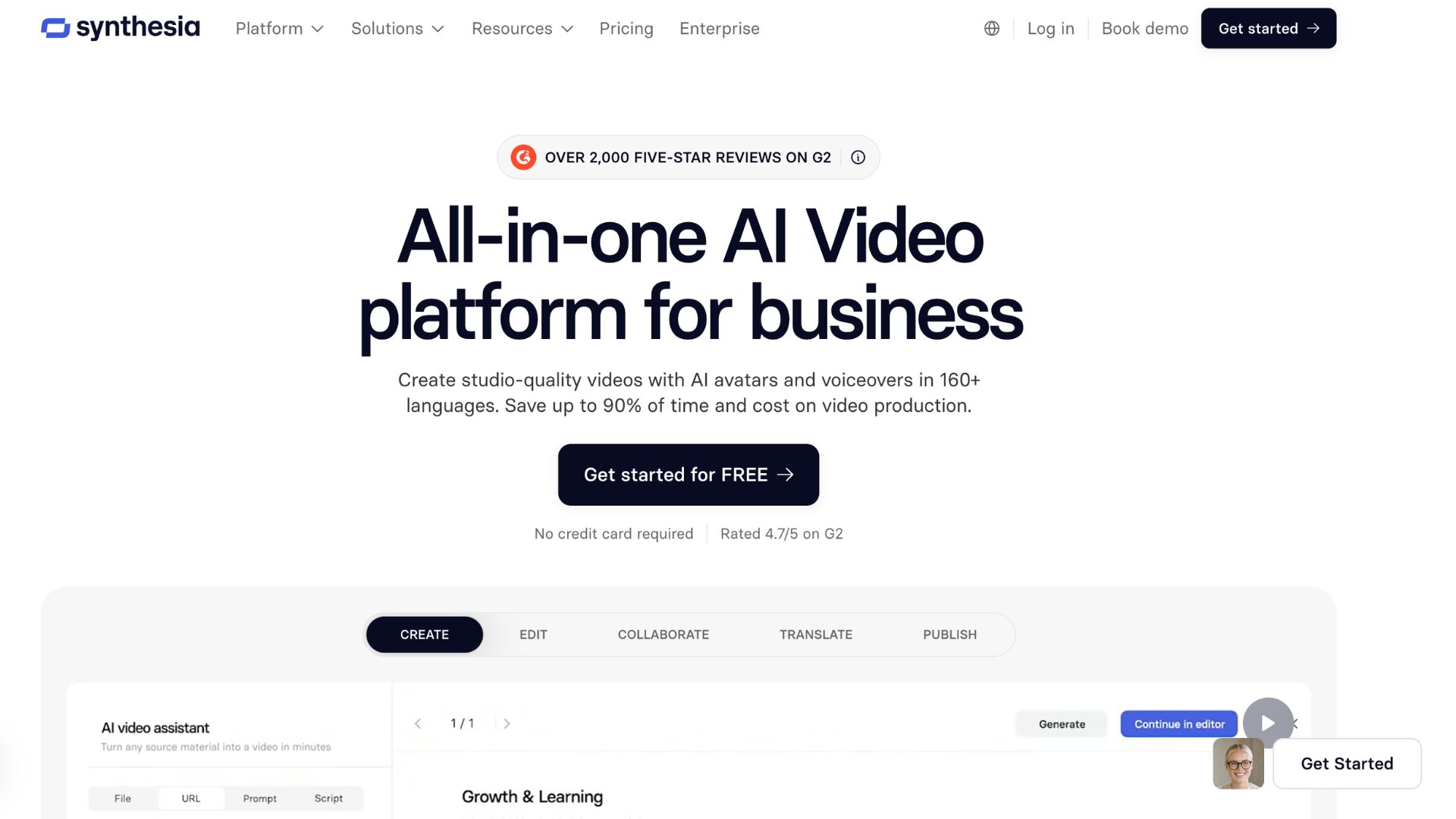
6. Synthesia
Synthesia is a platform known for AI avatars that present your script on camera, no filming needed.
What is it good for?
The AI avatars are suited for training, onboarding, and corporate videos with a presenter.
Can you try it for free?
Yes. As of September 2026, it has a free plan with limits on the monthly video duration and access to a smaller selection of avatars.
Where it stands out?
It supports 120+ languages and accents, so you can make videos for a global audience.
Where it falls short?
Custom studio avatars cost extra. The output is also talking-head style, so it isn't the tool if your video’s purpose is storytelling.
So, what do we think?
Synthesia is Ideal if you want to create talking-head training content. Skip the tool if you want to create animated or creative videos.
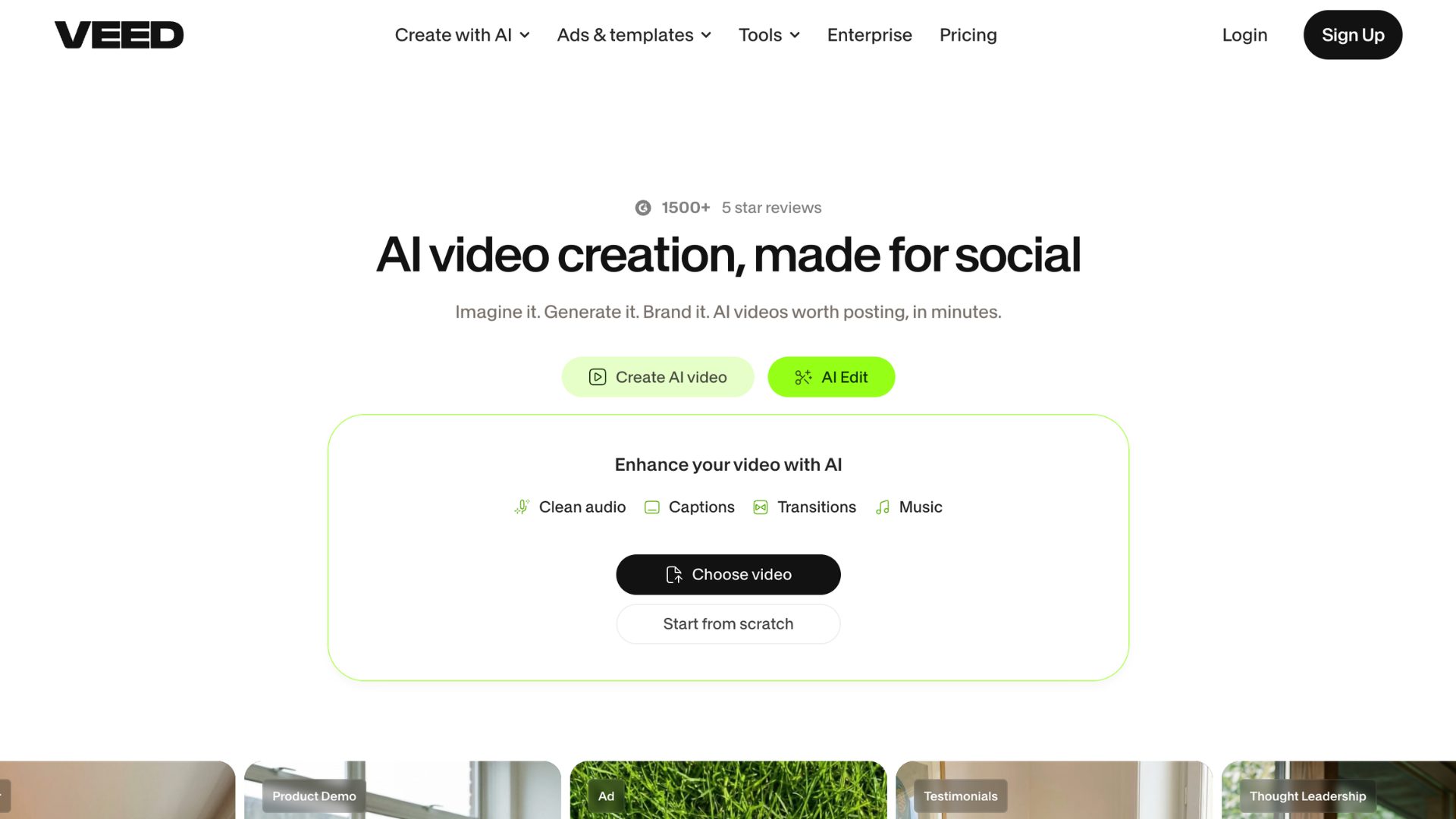
7. VEED
Veed is a browser-based video editor with AI subtitles and generation built in.
What is it good for?
It is great for creators and social teams who edit a lot and need fast captions.
Can you try it for free?
Yes. As of September 2026, Veed offers a free plan with limited exports and watermark.
Where it stands out?
Editing, auto-subtitles, and AI tools sit in one browser tab. There's nothing to install.
Where it falls short?
The AI credits don't roll over, and there is a cap on the maximum video length.
So, what do we think?
It is a capable and fine editor with a growing AI toolkit. Choose it when editing matters more than generating.
Best AI Design Tools
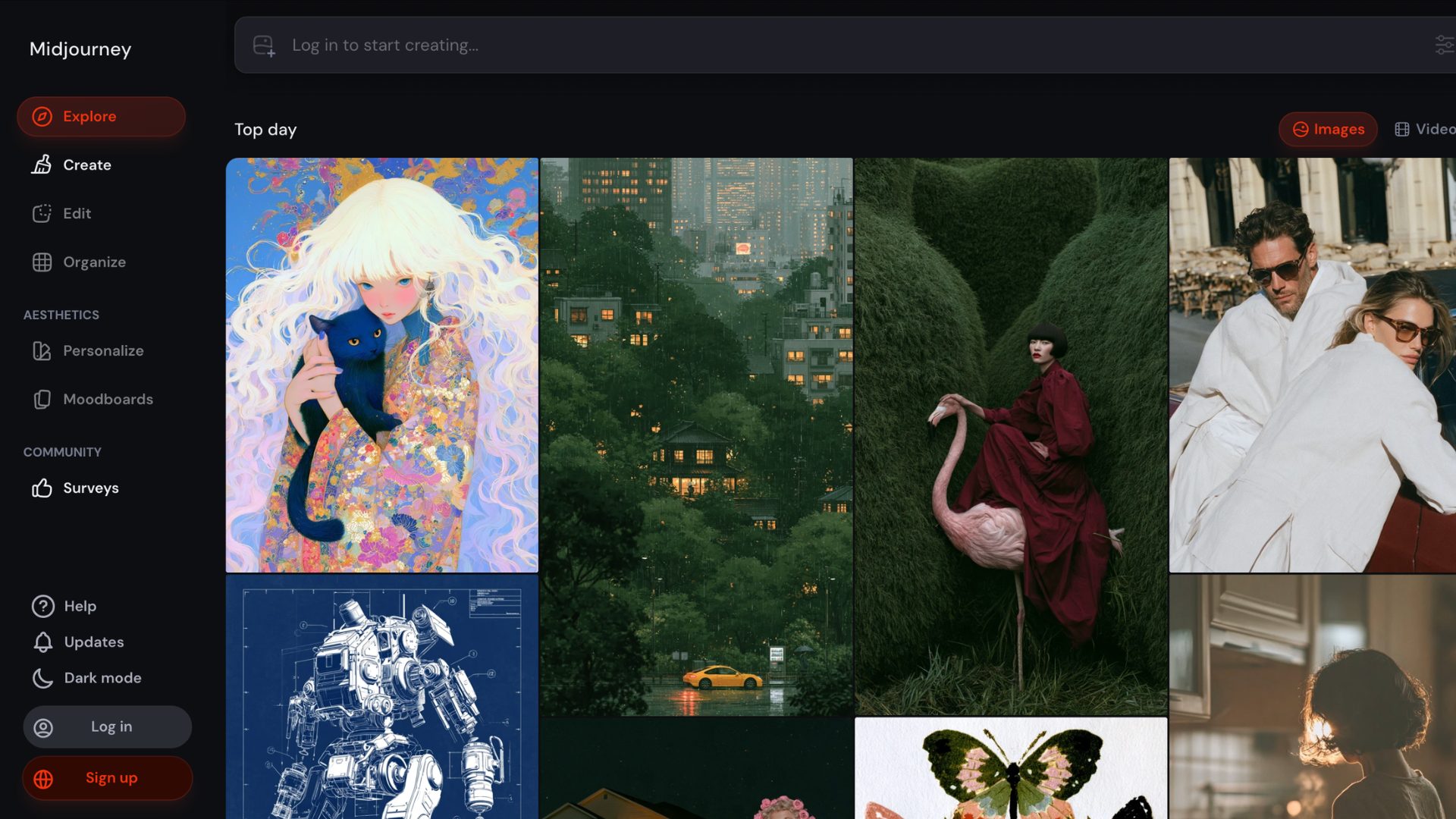
8. Midjourney
Midjourney is an image generator many designers use when style matters most.
What is it good for?
The tool is known for its artistic, high-quality images for concepts, moodboards, and creative work.
Can you try it for free?
No. There's no free tier and no free trial.
Where it stands out?
It's widely rated as the top tool for artistic coherence and photorealism.
Where it falls short?
The commercial rights begin with the paid plans. You're buying GPU time, not a set number of images, so heavy users can run out.
So, what do we think?
There is no way to try it for free. So, look into other creations and videos, or start with the Basic plan and see if it fits.
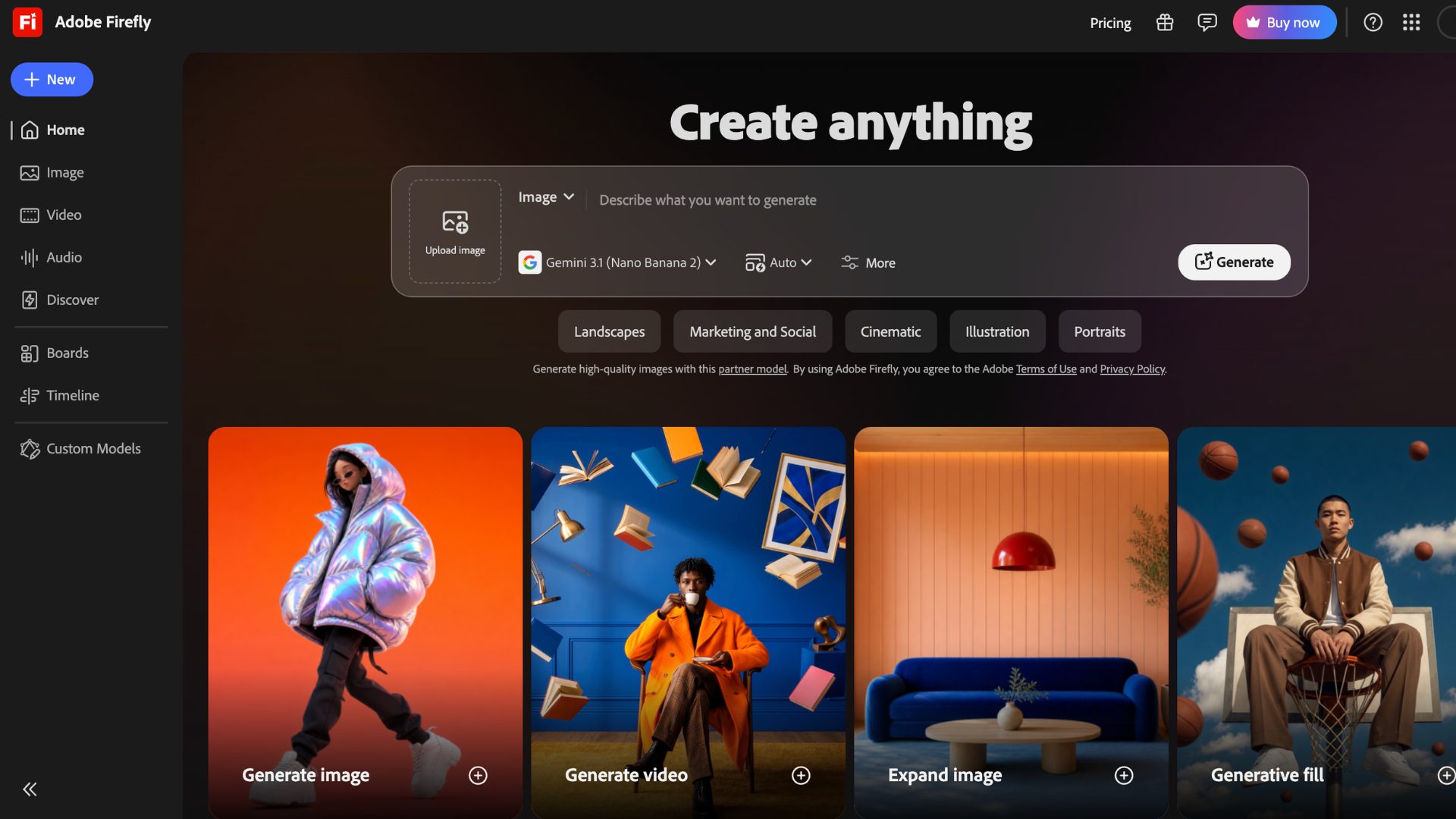
9. Adobe Firefly
Firefly is Adobe's image and video generator, built with commercial use in mind.
What is it good for?
Designers and marketing teams who need assets they can defend commercially.
Can you try it for free?
As of September 2026, yes. You get 25 credits a month, and outputs are watermarked.
Where it stands out?
It's trained on licensed content, and paid plans come with IP indemnification. That's a rare safety net.
Where it falls short?
The credits are uneven and confusing. Generative fill costs 1, while premium image generation costs 10 to 20. It also offers less value if you don't use Adobe apps.
So, what do we think?
If your main concern is copyright risk, then this is a careful choice. It is less exciting than Midjourney, but safer.
Best AI voice and music generators
10. ElevenLabs
ElevenLabs is the go-to for realistic voiceovers and voice cloning.
What is it good for?
Narration, audiobooks, and dubbing where voice quality matters.
Can you try it for free?
Yes. It gives 10,000 credits, which is roughly about 10 minutes of speech, but no commercial rights, and you must credit ElevenLabs in public content.
Where it stands out?
The output quality is great and is hard to tell from a human recording at normal listening speed.
Where it falls short?
At its credit system. One thousand credits buy roughly a minute of speech on the Multilingual model, and going over means extra charges.
So, what do we think?
Top-tier voices at a low entry price. Go for paid plans the moment you publish anything.
11. Animaker Voice
Animaker Voice is a text-to-speech tool that sits right next to your video editor.
What is it good for?
It is perfect for creating voiceovers without leaving the workflow.
Can you try it for free?
Yes. You can create unlimited voice projects but download only 5 conversions a month.
Where it stands out?
It offers 1,800+ voices across 180+ languages. There are also different voices curated for various use cases.
Where it falls short?
Limitations on the free downloads make the free plan a trial for anything regular.
So, what do we think?
This is a practical pick if your voiceovers end up inside videos.
12. Suno
Suno is a popular AI platform that can create full songs, vocals included, from a text prompt.
What is it good for?
It is good if you wish to create original songs quickly.
Can you try it for free?
Yes. You get 50 credits a day, which is roughly 10 songs. It is, however, for personal use only.
Where it stands out?
It produces complete tracks with vocals, which most background-music tools can't do.
Where it falls short?
From September 2026, download limits have been set. Songs made before you subscribe don't get commercial rights.
So, what do we think?
While it is great for making songs quickly, it is important to know the latest terms and conditions before you release anything.
13. Beatoven.ai
Beatoven is a mood-based background music platform for videos and podcasts.
What is it good for?
To get royalty-free background tracks for YouTube videos, podcasts, and promotional videos.
Can you try it for free?
It offers a free trial and includes a small number of monthly generations.
Where it stands out?
You set the mood and length, and it builds a track to fit. Paid plans include an exclusive music license.
Where it falls short?
Downloads are capped by minutes, so high-volume creators will feel disappointed. It's built for background music, not vocal songs.
So, what do we think?
A decent choice for video creators. Pair it with a voiceover tool, and you have a full audio setup.
Best AI marketing tools
14. Writesonic
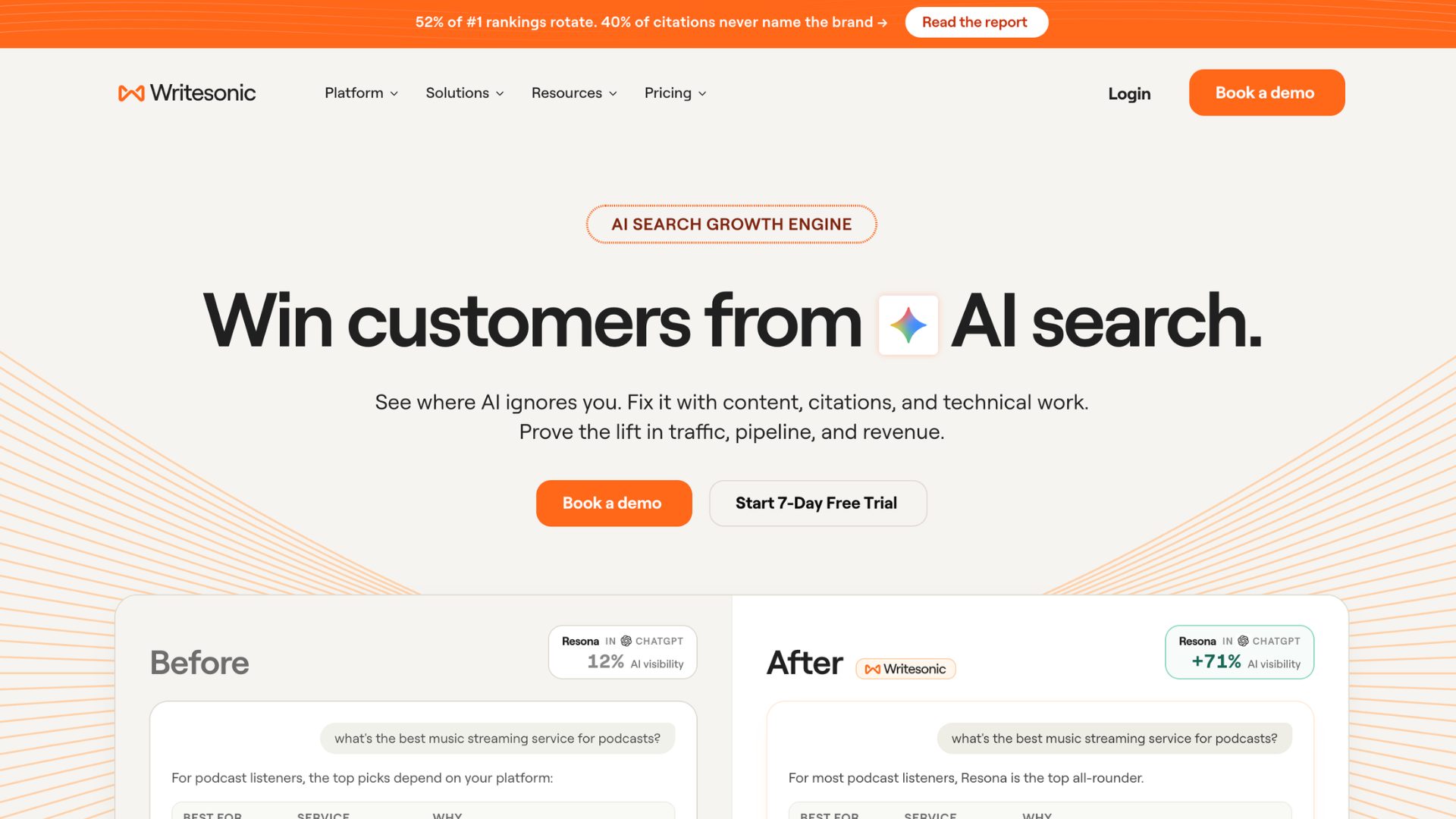
Originally an AI writing assistant, Writesonic has grown into an SEO and AI-search visibility platform.
What is it good for?
To write SEO-rich articles and track brand mentions in AI answers.
Can you try it for free?
Yes, there is a 7-day free trial with limitations.
Where it stands out?
It has several tools in one place - Content creation, SEO tools, and AI search tracking (GEO), which is perfect for a marketing team.
Where it falls short?
GEO features need the Professional plan or higher, and every plan has a monthly article limit.
So, what do we think?
It is a great value tool if SEO is your goal. If you just want a quick copy generator, look at simpler options.
15. Fireflies
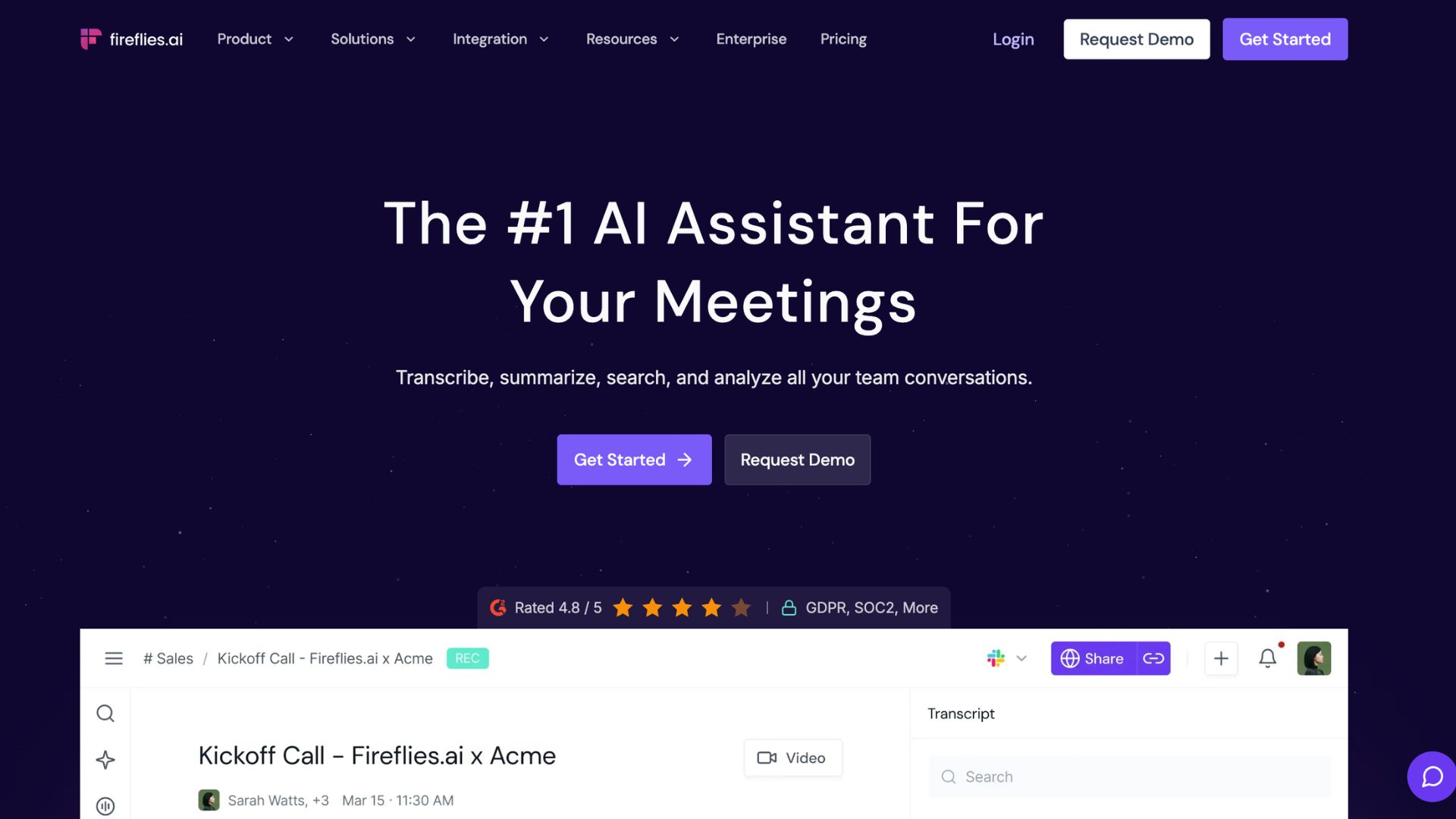
Fireflies is a meeting assistant that records, transcribes, and summarises your calls.
What is it good for?
To get meeting notes across Zoom, Google Meet, and Microsoft Teams.
Can you try it for free?
Yes. The free plan includes unlimited transcription, limited AI summaries, and limited AI credits.
Where it stands out?
Every paid plan includes unlimited transcription and summaries in 100+ languages.
Where it falls short?
Advanced AI features use credits, and heavy users often end up paying more than the plan.
So, what do we think?
The tool has a strong free plan and wide language support. Take a closer look at the credits if you lean on the AI features.
Final Takeaway
This is the roundup of the 15 best Generative AI Tools across different categories.
Every tool is different, with its own strengths and limitations, especially when it comes to free plans. Some give one-time credits, while some refresh daily.
Don’t forget to watch out for restricted features like watermarked outputs, export limits, and commercial rights.
Ultimately, there's a tool for every need, and you rarely would require more than two or three. Pick one, try it on a real task, and build from there.