8 Best AI Animation Tools to Animate Like a Pro!

Shreshtra - June 30, 2026 - Leave your thoughts. - Last Updated: July 22, 2026 9 min read
______________________________________________________________________________________
TL;DR:
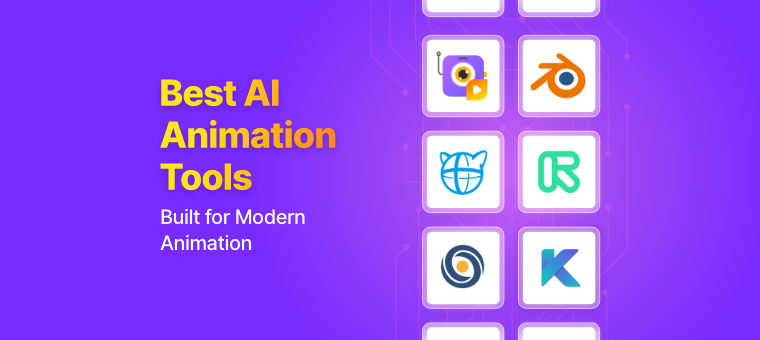
- Top AI Animation tools listed based on rating and review - Animaker AI, Cascadeur, Deepmotion, Autodesk Maya, NVIDIA Omniverse Machinima, Adobe Character Animator, Plask Motion, Toon Boom.
- Top G2-rated platforms - Animaker AI and Toon Boom (both 4.7/5).
- Covers text-to-video, 3D modeling, motion capture, and real-time facial animation use cases.
______________________________________________________________________________________
The global AI in animation market is projected to surpass $15 billion by 2030, and if you've seen what these tools can do lately, that number isn't surprising.
In the past two years alone, AI animation has gone from an experiment to a genuine production standard.
Studios are using it to cut costs. Indie creators are using it to compete with studios. Marketers are using it to produce content at a scale that was simply impossible before.
The tools have matured fast. We're no longer talking about janky auto-generated clips.
We're talking about photorealistic character animation, real-time motion capture, and text-to-video pipelines that actually work.
- Animaker AI
- Cascadeur
- Deepmotion
- Autodesk Maya
- NVIDIA Omniverse Machinima
- Adobe Character Animation
- Plask Motion
- Toon Boom
These tools are described along with their key features, pros and cons, sample output, and G2 rating.
[G2 is a software marketplace built on real user reviews, so the ratings reflect authentic feedback straight from people who've actually used the tools.]
1. Animaker AI
Animaker AI is a powerful all-in-one animation maker that is designed to help users turn ideas into high-quality videos in minutes.
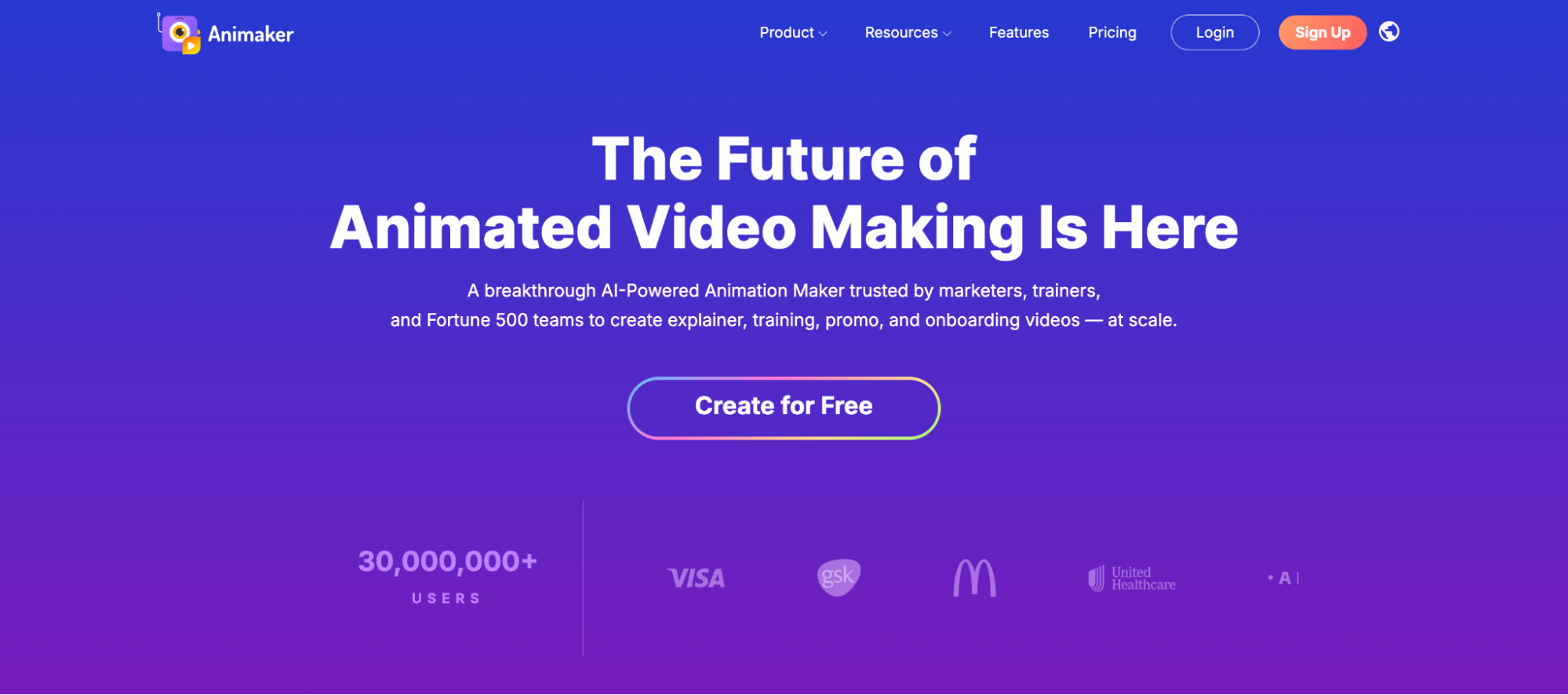
It's one of those AI animation tools where all it takes is a single prompt, and the AI engine generates an entire video for you.
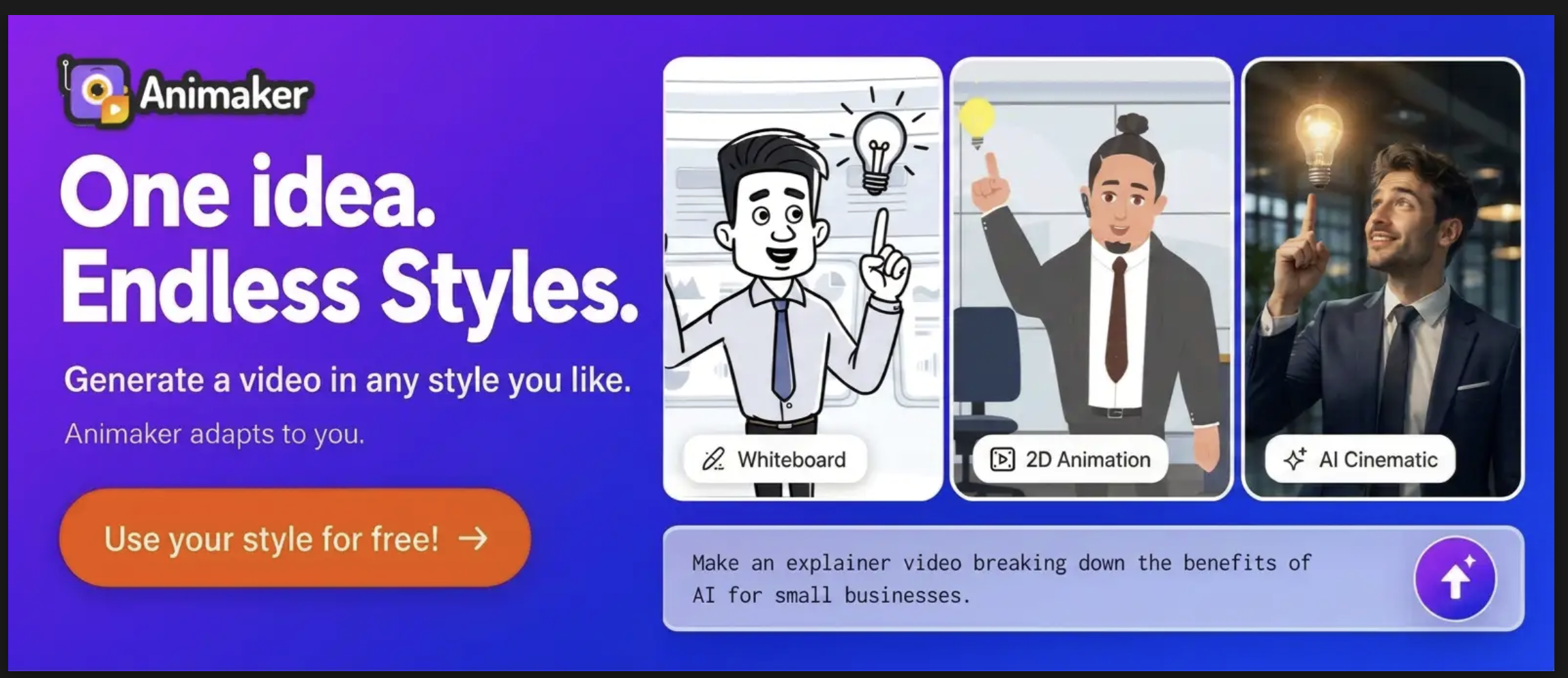
It supports multiple animation styles, including 2D, whiteboard, and the newer cinematic and realistic generative AI modes, giving you flexibility depending on the content you're making.


The built-in AI voiceover engine offers over 1,800 voices across 180+ languages, and the auto lip-sync feature maps character mouth movements to the narration automatically.
The animation software’s AI subtitle generation is built right in, which is a genuine time-saver if you're making content for social media or need it to be more accessible.
Beyond the AI generation side, Animaker also comes with an advanced editor for fine-tuning scenes, timing, transitions, and text manually, so you can always tweak it if you are not satisfied with the AI’s output.
Plus, its real-time collaboration feature works nicely for small teams too, making it a well-rounded animation maker for solo creators and teams alike.
To sum up, Animaker AI can generate animated videos and voiceovers, auto-lip-sync them to characters, and generate subtitles for the video!
All in one place, making it convenient for users!
Check out Animaker AI to generate animated videos in minutes!
Pros:
- Supports 2D, whiteboard, cinematic, and realistic animation styles
- 1,800+ AI voices with automatic character lip-sync
- AI subtitle generation available
- Advanced editing suite for post-generation fine-tuning
- Real-time collaboration for teams
Cons:
- AI video generation limitation in free plans
Output Glimpse

G2 Rating
4.7/5 from 1055 reviews!
2. Cascadeur
Cascadeur is a 3D animation software with a user-friendly interface that is easy to navigate, even for beginners.
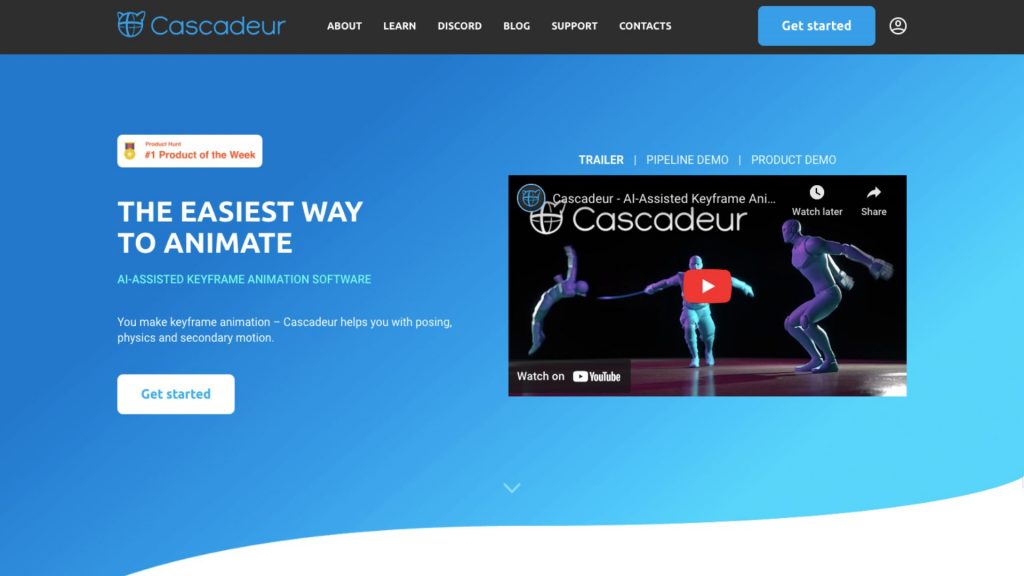
The software provides advanced rigging tools that allow users to create complex rigs for characters quickly and easily. One of the best features of Cascadeur is AutoPhysics, which helps to create natural and realistic motions.
Cascadeur uses AI to fine-tune characters’ poses and add secondary motions that mimic real-life movements. The software also provides real-time feedback on animations, making it easy for users to make changes and see instant results.
While the extensive features of Cascadeur might seem overwhelming to beginners at first, it is an excellent tool for learning and improving animation skills.
Pros:
- Free plan available
- Uses AI to create poses
- Uses AutoPhysics to create realistic movements
- Gives Real-time feedback
Cons:
- May take some time for beginners to learn all the features
G2 Rating
No rating yet!
3. Deepmotion
Deepmotion is an online animation tool that uses AI to turn videos into 3D animations.
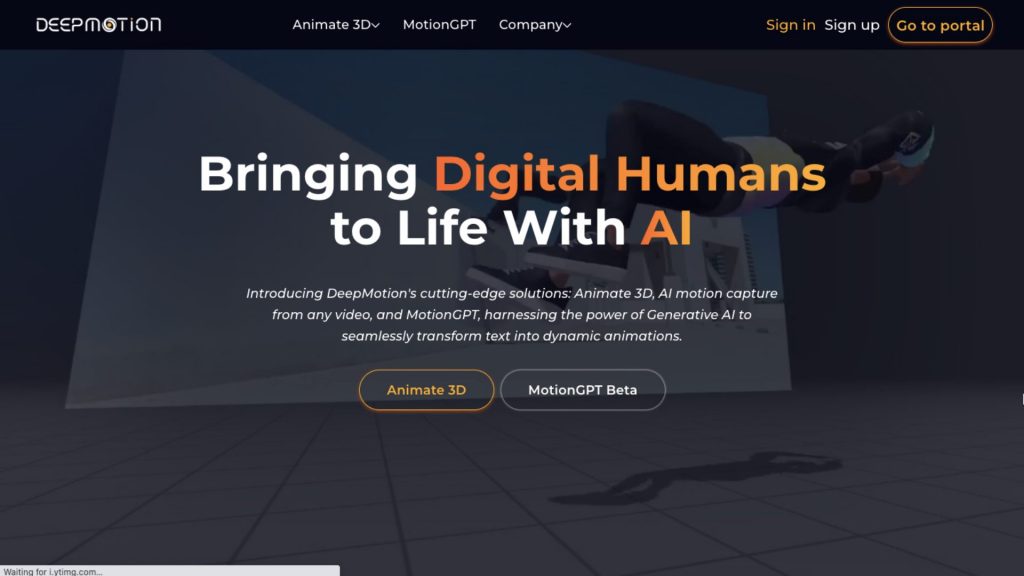
Its core strength is markerless AI motion capture. When you upload a video, it analyzes and extracts full-body, facial, and hand motion, then maps it onto a 3D character.
With features like Face and Hand tracking and motion smoothing, it gives creators greater control and flexibility to create 3D animations.
Moreover, its AI-powered physics simulations can make realistic movements. It also allows users to adjust the character’s movements and motion curves easily.
While Deepmotion offers these features, it falls behind other animation tools in areas like advanced rigging and advanced keyframing.
Pros:
- Free plan available
- Generates real-time animations
- Uses AI-powered physics simulations to create realistic movements
- Exports to major engines and animation software
Cons:
- Fine details need manual editing
- Limited features compared to other animation tools
G2 Rating
4/5 from 3 reviews!
4. Autodesk Maya
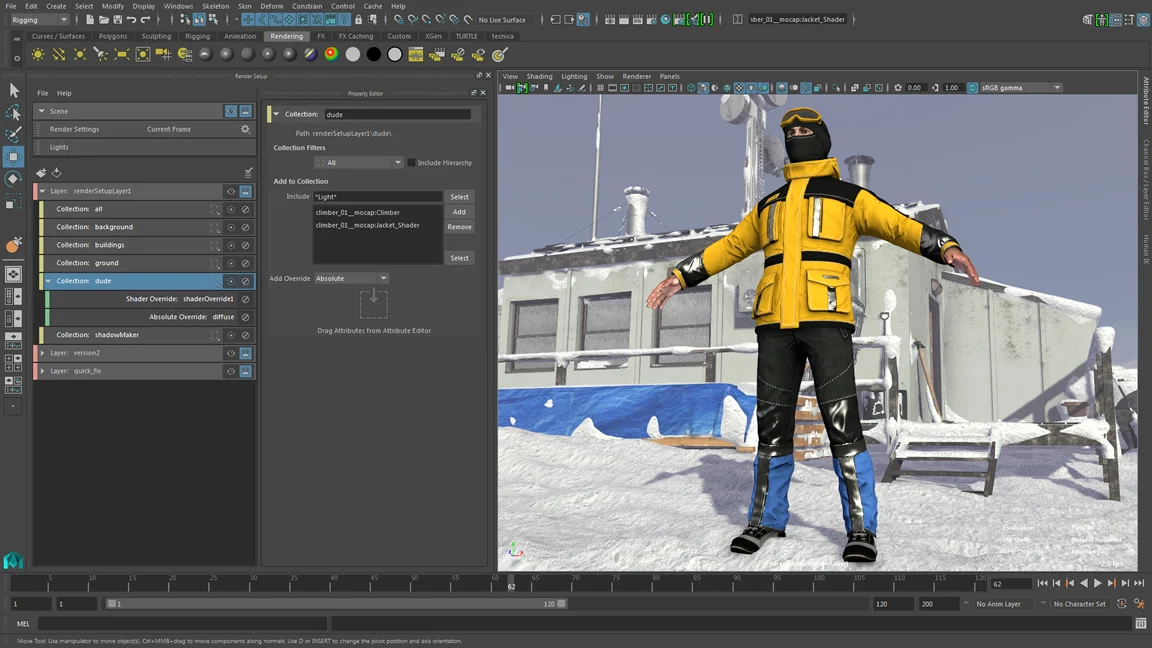
Autodesk Maya is a 3D software that uses AI technology to create 3D modeling, animation, visual effects, and 3D rendering.
It is an industry-standard software that produces hyper-realistic effects.
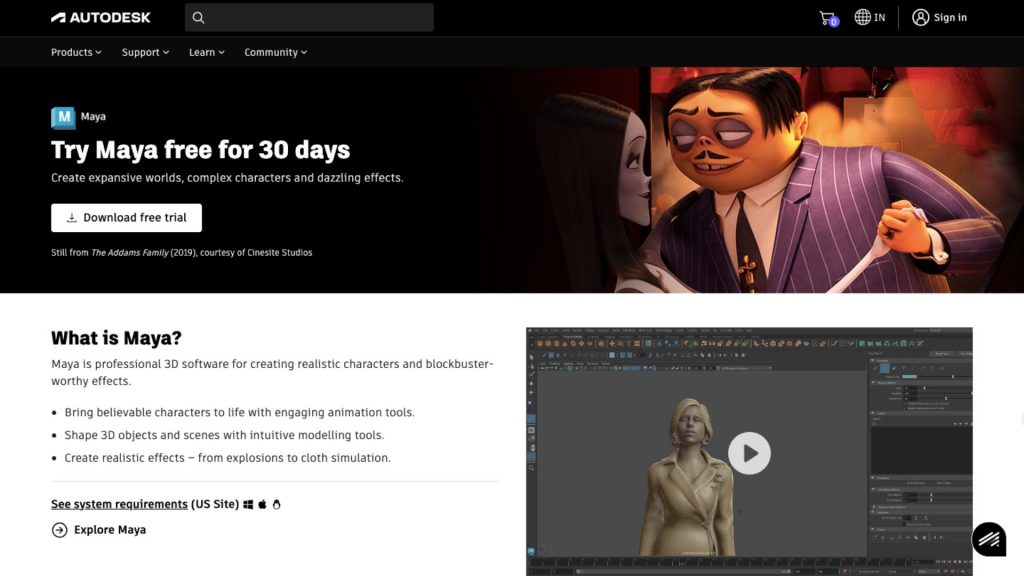
This software provides plenty of video editing tools to create high-quality 3D animations. Its modeling tools make it possible to create and shape objects with a high degree of realism.
With the Bifrost simulation framework, users can create detailed and accurate cloth, fluid, and particle-like complex simulations.
Maya's MotionMaker generates natural character motion from just a few keyframes or a guide path, cutting down significantly on manual keyframing during previs and layout.
Its Machine Learning Deformer uses AI to approximate complex character deformation in real time, so animators get fast, interactive feedback instead of waiting on heavy simulations.
Packed with features, this platform might be a steep learning curve for beginners.
Pros:
- 30-day Free trial available
- Industry Standard quality
- Plenty of video editing tools available
Cons:
- Steep learning curve for beginners
Dashboard Glimpse
G2 Rating
4.3/5 from 266 reviews!
5. NVIDIA Omniverse Machinima
NVIDIA Omniverse Machinima is cutting-edge software that allows users to collaborate in 3D workflows. It provides powerful tools and realistic rendering that enables users to remix, recreate, and redefine animated storytelling.
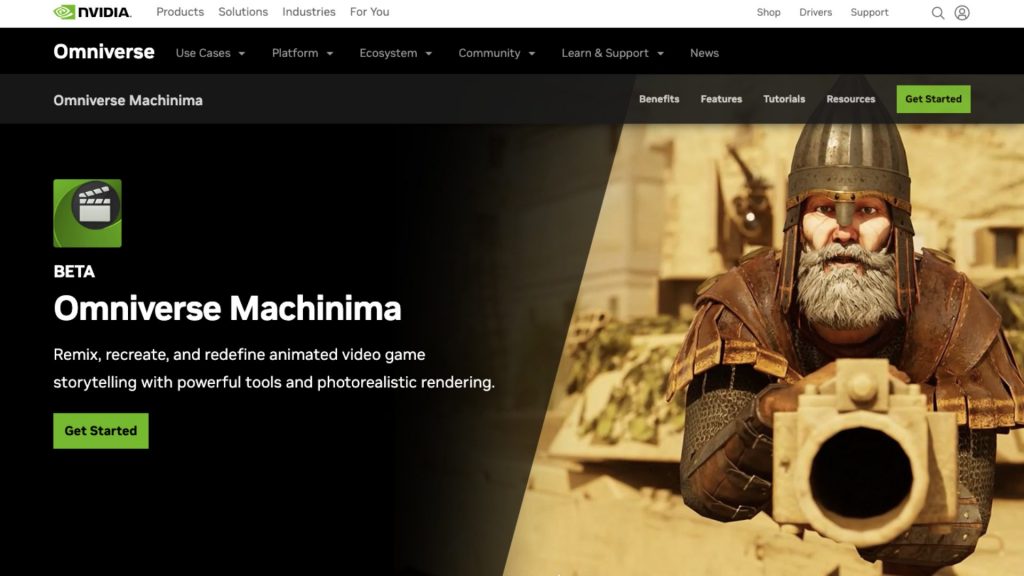
With its AI-enabled tool, Audio2Face, it is now possible to create realistic facial expressions from just an audio source.
Omniverse Machinima also uses Motion Capture technology to create 3D animated characters that mimic human movements.ts powerful simulation tools help create realistic simulations like explosions.
Pros:
- Free version available
- Realistic rendering possible
Cons:
- May take some time for beginners to learn all the features
G2 Rating
4.6/5 from 17 reviews!
6. Adobe Character Animator
Adobe Character Animator is a software that lets users create animations in real-time using facial recognition technology. The animated characters are programmed to mirror the user’s movements, making it easy to create quick animations.
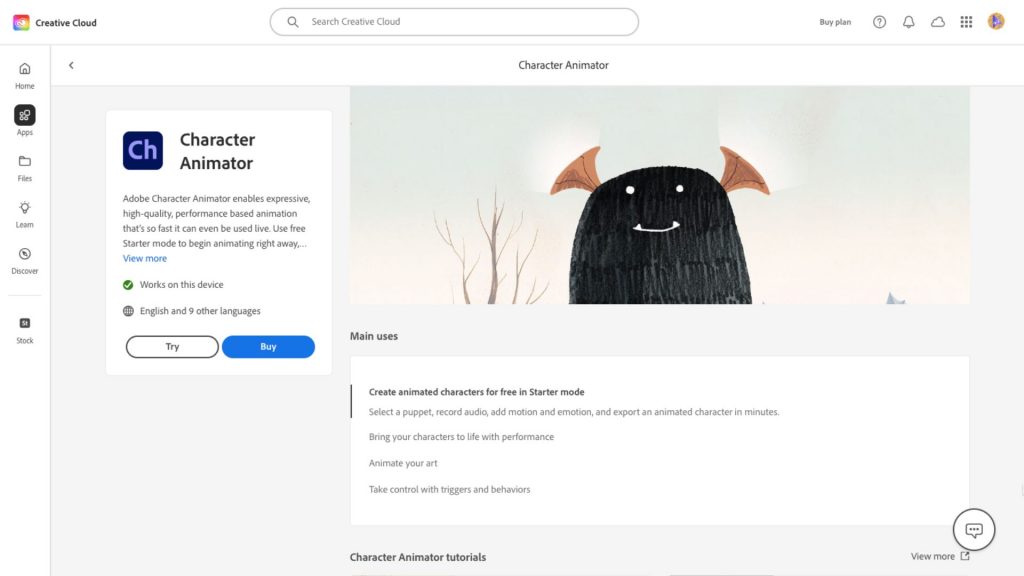
This software allows you to customize the character’s facial expressions and also add voice-overs and sound effects. It also lets users control the camera for the scene.
Compared to other animation tools, Adobe Character Animator is limited in its capabilities.
Pros:
- Free plan available
- Creates quick and easy animations
- Customization options available
Cons:
- Limited features compared to other animation tools
G2 Rating
4.2/5 from 33 reviews!
7. Plask Motion
Plask is a browser-based platform that lets users create animations through Motion Capture Technology. Its user-friendly interface makes it suitable for all user levels, even beginners.
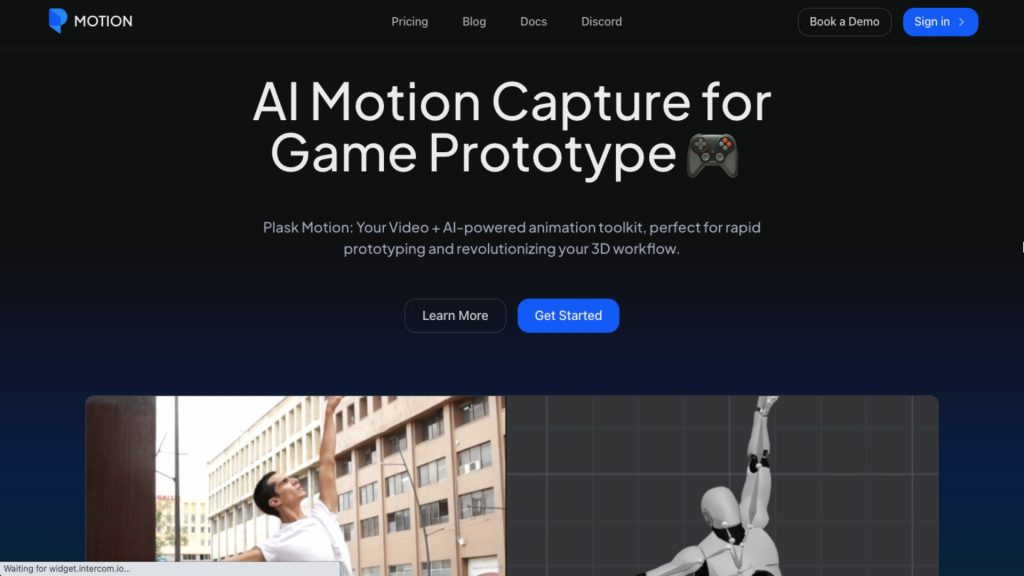
Users can refine the motion data frame by frame, but the video rendering time takes a bit longer.
Although it simplifies the editing process, Plask Motion does not provide editing options like other advanced AI animation tools.
Pros:
- Free plan available
Cons:
- Limited editing options available
- Takes a longer time to render videos
G2 Rating
4/5 from 2 reviews!
8. Toon Boom
Toon Boom, otherwise called Toon Boom Harmony, is a powerful software that provides users with various toolsets to create stunning 2D animation.
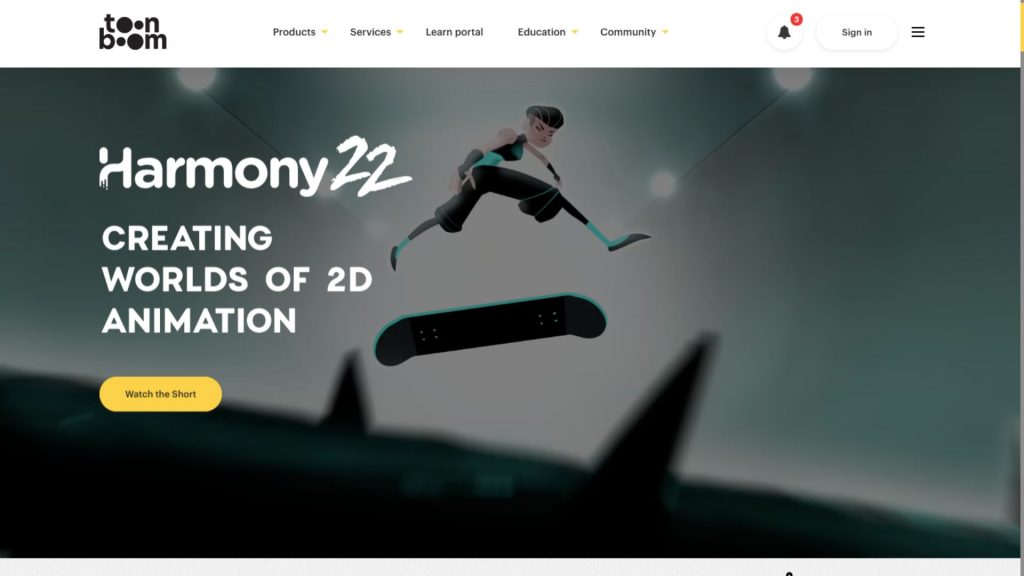
One of its unique features is its ability to offer amazing camera movements, which give a 3D experience to 2D animation.
Additionally, its multiple brush styles allow diverse artistic styles.
Besides 2D animation, Toon Boom’s other products include storyboard and gaming animations.
However, the editing toolset can be complex for beginners, and there is a steep learning curve for them to get familiar with it.
Pros:
- Free trial available
- 3D camera movements available
Cons:
- Steep learning curve for beginners
G2 Rating
4.7/5 from 22 reviews!
That's the lineup - 8 AI animation tools genuinely worth your time right now, from full-stack platforms like Animaker AI to industry heavyweights like Maya and Toon Boom.
The space is moving fast, so it's worth revisiting tools every few months; features that were beta-only last year are core functionality today.
If you're exploring the wider AI content landscape beyond animation, this list of the best AI video generators is a solid next stop — many creators pair an animation tool from this list with a video tool for editing and repurposing.
And if you're just getting started and want the simplest possible path in, skip the learning curve altogether: check out how to make animated videos with AI for a beginner-friendly walkthrough, or watch the video version below if you'd rather see it in action.
Yes, that’s right! Head on to Animaker AI and create your own AI-animated videos.