
How to make Whiteboard Animation Videos with AI?
It is no secret that animated videos are great at grabbing attention.
But sometimes, too many elements, transitions, and effects can end up overwhelming the viewer instead of engaging them.
That’s where whiteboard animation style shines.
It keeps things simple, using clear visuals and straightforward storytelling so the focus stays on the message.
Whiteboard videos hit the sweet spot between simplicity and impact, making them a go-to choice for explainers, ads, and training content.
In this article, let’s get to know more about whiteboard animation videos.
- What is a whiteboard animation video?
- Examples of whiteboard animation examples
- How to make AI whiteboard animation videos
- FAQ
What is a whiteboard animation video?
A whiteboard animation video is a type of animation style that has a hand-drawn doodle-like aesthetic.
Now with AI’s capabilities, an entire whiteboard animated video can be generated from just user prompts, eliminating the need to create the whole animation by themselves.
Best Whiteboard Animation Examples
Many brands use whiteboard videos for showcasing their company, services, or features to their audience, wanting to keep their video and content simple.
Let us look at a few of the best whiteboard video examples.
1. Home square - Home Maintenance Services
This animation is a great reference for marketers and service-based businesses looking to simplify complex, everyday problems into clear, engaging stories.
The black-and-white visuals at the beginning highlight the stress of home maintenance, while the shift to color reinforces relief, assurance, and transformation.
2. Idtechx - Company Introduction
This whiteboard video by IDTechEx is a great example of a quick company introduction video.
The short, focused format helps busy professionals quickly understand the company without losing interest or feeling overwhelmed with too many details.
3. Communication Training
This animated video breaks down common workplace communication challenges and offers practical strategies to handle tough conversations with clarity.
Ideal for corporate trainers, HR teams, and L&D professionals, it combines engaging visuals with clear, actionable advice that teams can apply immediately.
How to make AI Whiteboard Animation Videos?
Although many animation tools have a whiteboard style, very few currently offer complete AI capabilities to generate whiteboard animations in the software market.
One of those very few tools is Animaker.
What is Animaker?
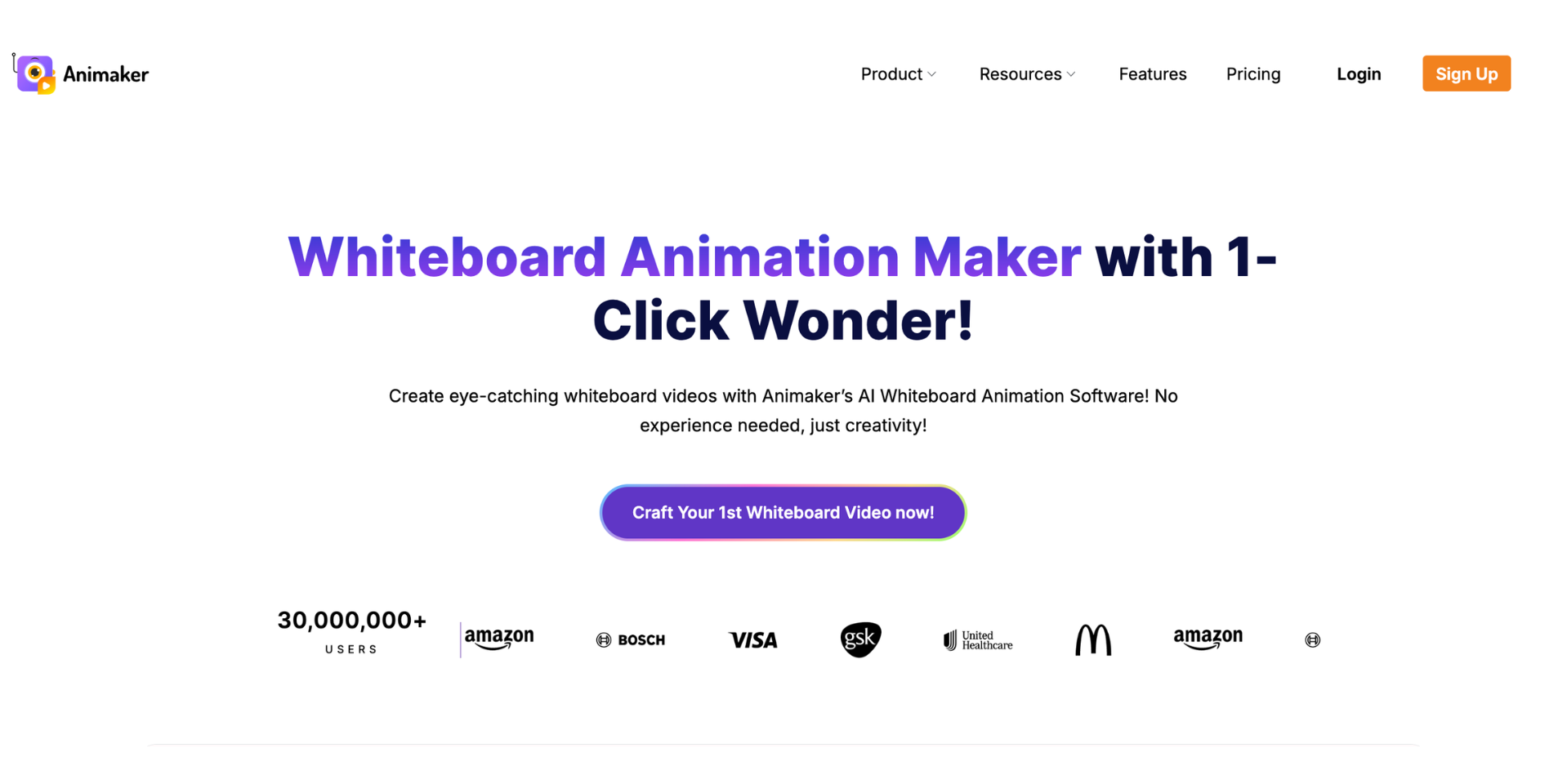
Animaker is a powerful AI animation maker packed with 150M+ assets, including diverse characters, actions, 2D backgrounds, and royalty-free music.
It supports a wide range of video types, from whiteboard videos and cartoon explainers to quiz videos and corporate training videos.
Its AI-powered features, like Animaker Voice for realistic voiceovers and Animaker Subtitles for instant captions, make animation fast, simple, and beginner-friendly.
So, in this section, we’ll show you how to make whiteboard animation videos using AI using Animaker.
To get started, visit Animaker and sign up or log in.
In the dashboard, from the multiple options, choose the AI Whiteboard tile and click “Generate with AI.”
From here, it takes just four quick, simple steps to turn your idea into a fully polished whiteboard video - all powered by Animaker’s AI.
Step 1: Choose your video category
Step 2: Enter the video prompt
Step 3: Customize video settings
Step 4: Download the video
Let’s dive in!
Step 1: Choose your video category
Start by selecting your video category. Currently, Animaker has over 6 whiteboard video categories, with even more on the way.
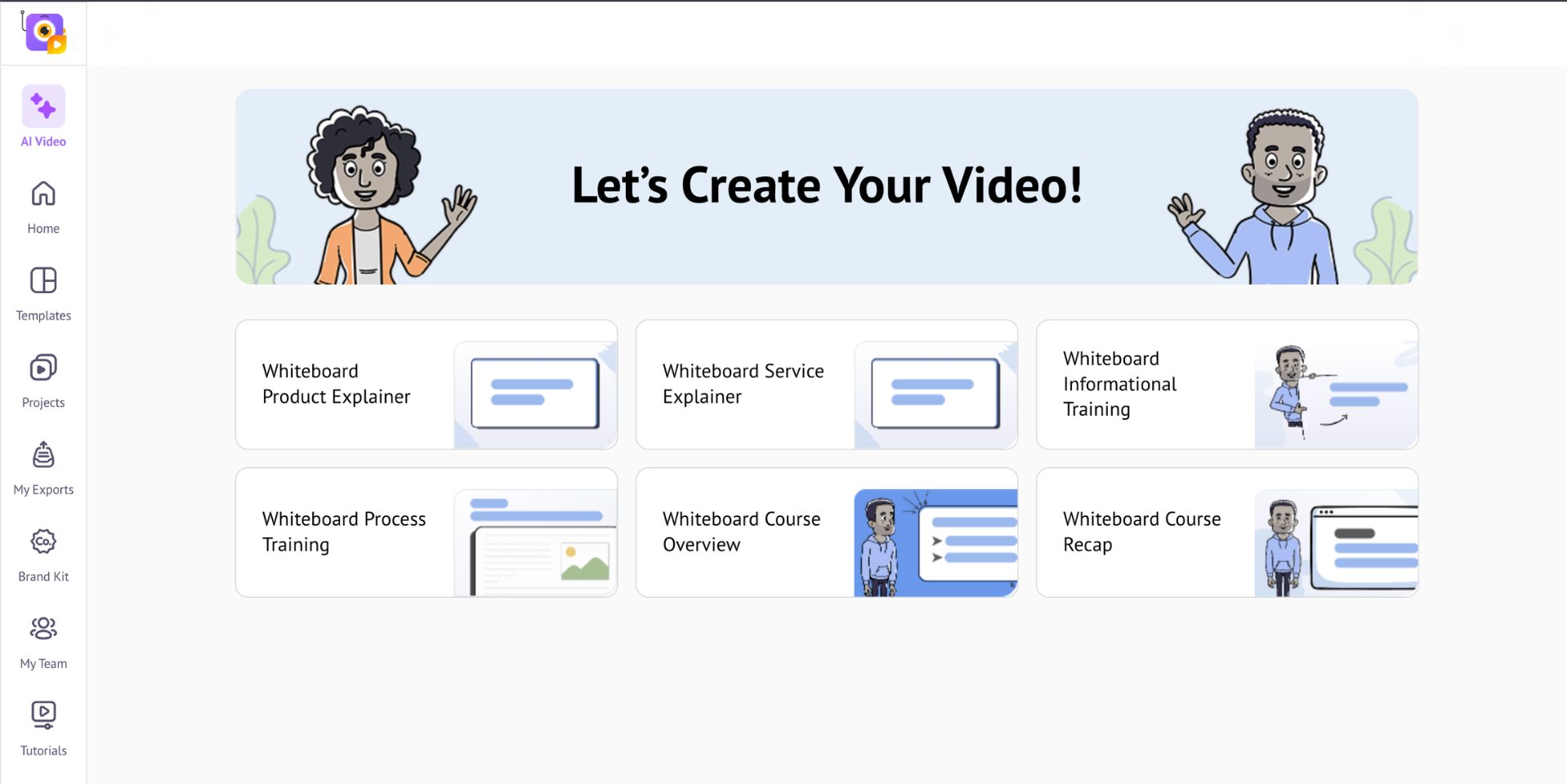
Pick from a range of purpose-built categories so you can create highly targeted whiteboard videos for any use case.
Step 2: Enter the Video Prompt
Now, in the prompt window, type your own prompt or pick one from the suggested examples and tweak it to match your needs.
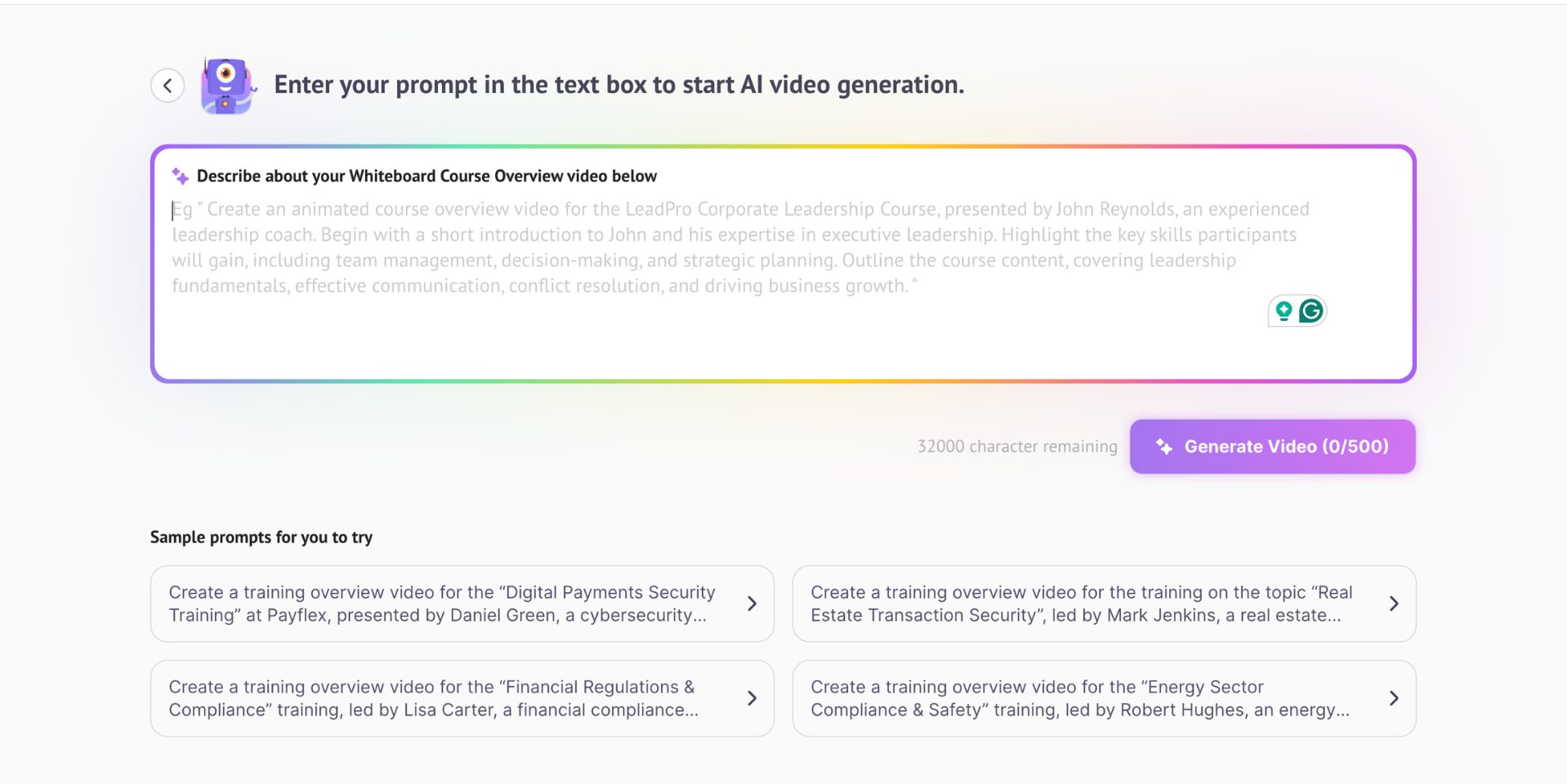
Once done, click Generate Video to proceed to the next step.
Step 3: Customize video settings
Set up your video by choosing whether to include background music and selecting your preferred language, with 19 options available to give you plenty of flexibility.
Then, you’ll be asked a few follow-up questions to help the AI better understand your video’s intent and fine-tune your output accordingly.
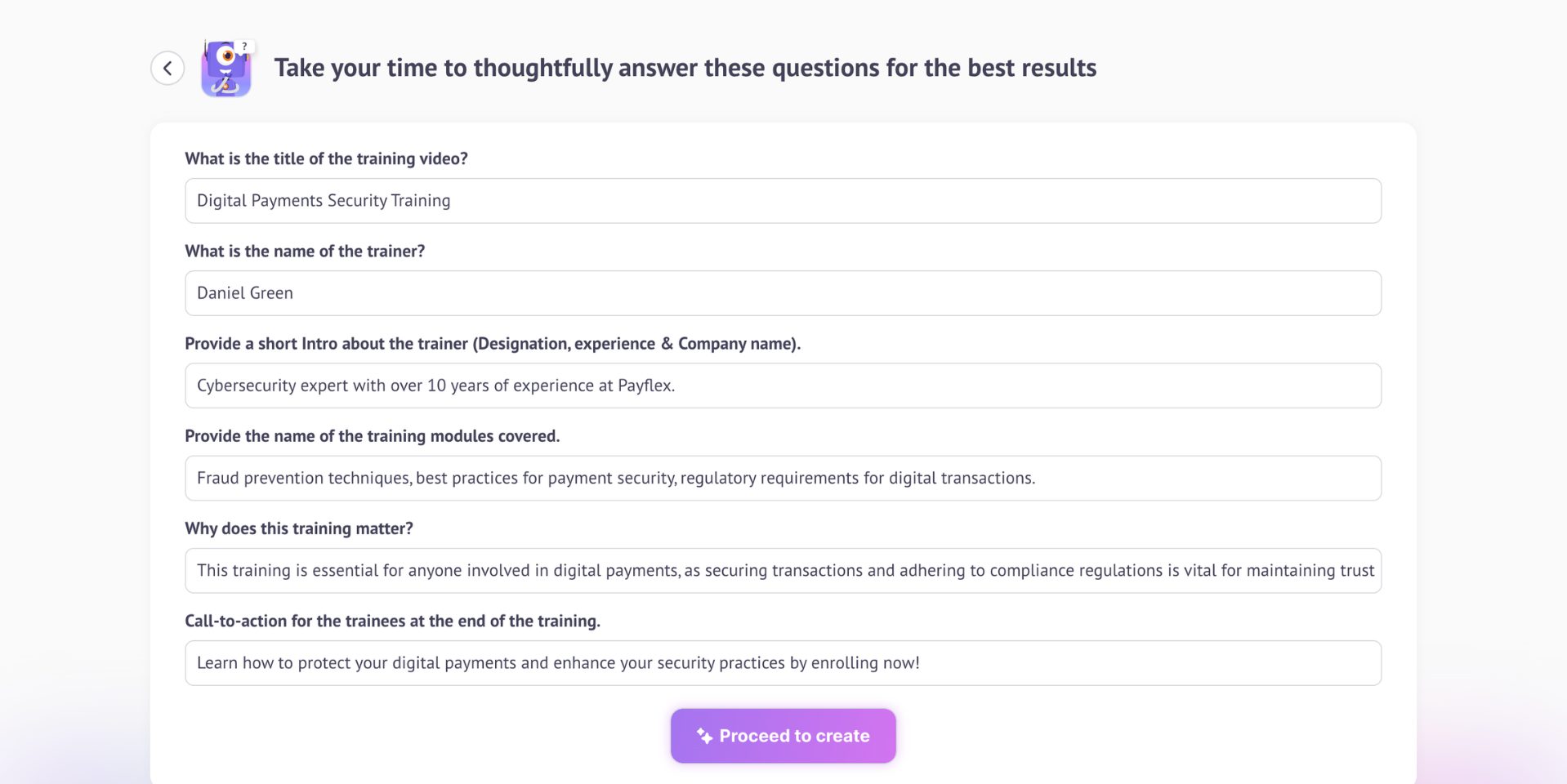
Complete the questions and hit Proceed to Create to see your video come to life - tailored exactly to your needs.
Step 4: Download the video
The AI will now do its job. In just a minute, your fully polished whiteboard animation video will be ready.
You can preview the video and see if it fits perfectly with what you prompted.
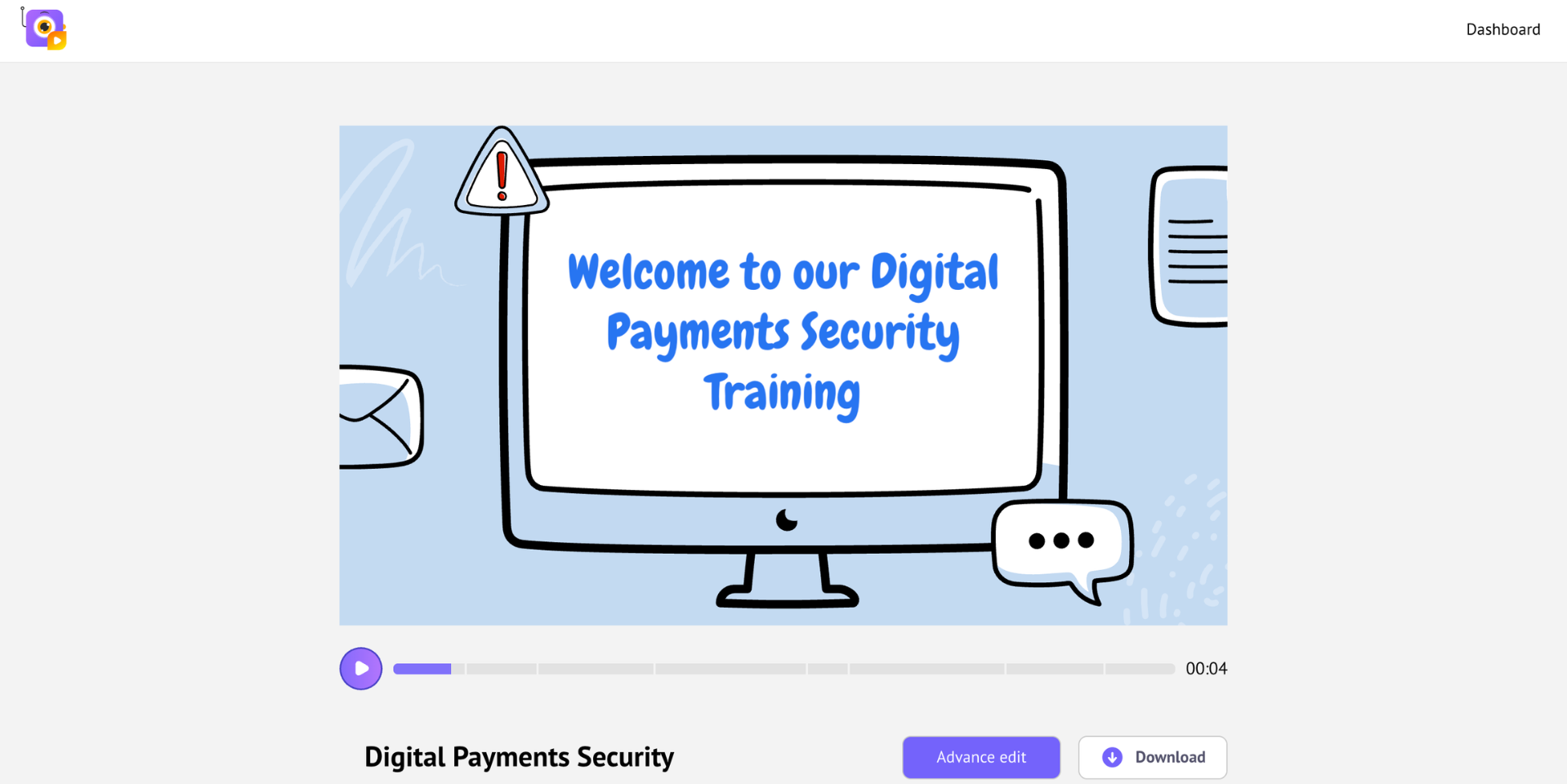
If so, you can click on the download button, where you can choose the quality of the video and the video format type.
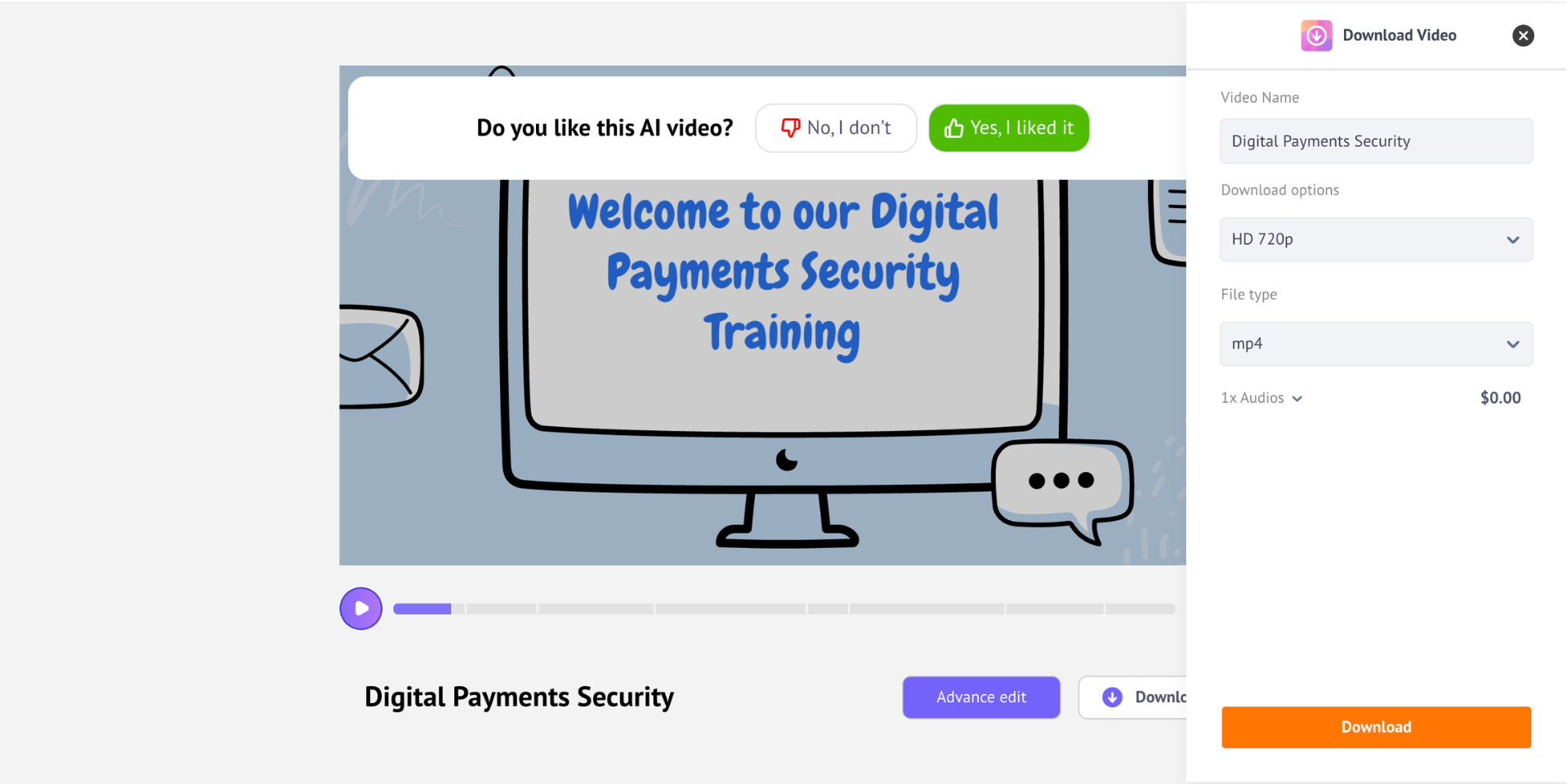
Want to make changes?
Select Advanced Edit to open the video in the Animaker workspace, where you can customize characters, add assets, and fine-tune the timeline.
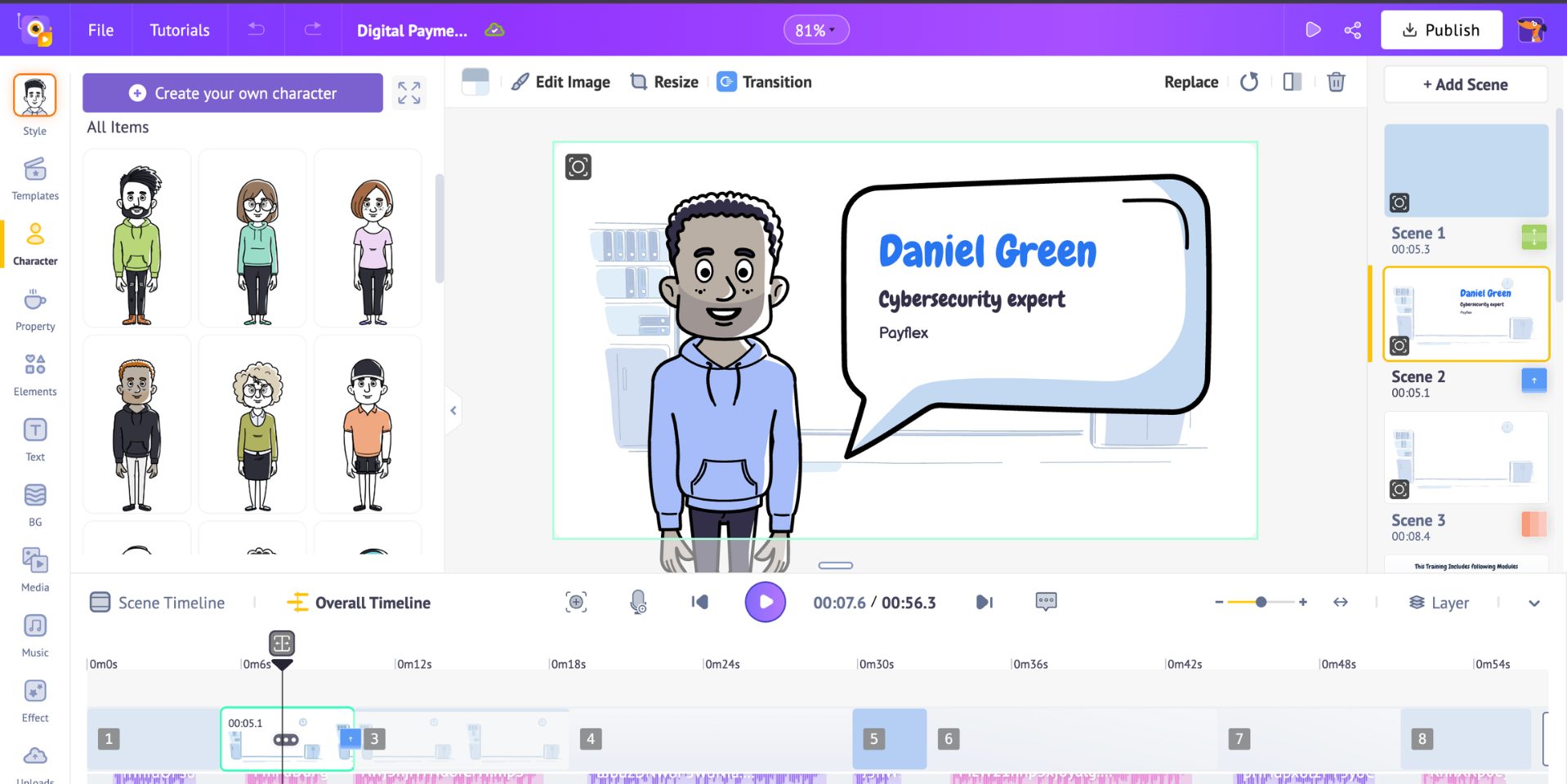
For a deeper walkthrough, check out our YouTube tutorial on creating whiteboard animations.
That’s how simple it is to create AI-powered whiteboard videos with Animaker. Turn your ideas into high-quality, ready-to-use content in just a few clicks.
FAQ
1. Where are whiteboard videos commonly used?
Whiteboard videos are popular and commonly used in marketing, training, education, and product explainers.
The simple format makes the video engaging with visuals, but not overcomplicated and overwhelming with other elements.
2. Can AI create whiteboard animation videos?
Yes, AI tools like Animaker and Instadoodle can generate visuals, voiceovers, and even full whiteboard-style videos from simple prompts.
3. How long should a whiteboard animation video be?
A whiteboard animation should typically be 60 - 120 seconds in the case of marketing, but can be longer for training or educational content.
4. Are whiteboard animations good for ads?
Yes, they’re highly effective for ads because they quickly capture attention and clearly communicate value, without overwhelming the viewers.

![How to make 3D animation with Animaker? [Master 3D as a Beginner]](https://www.animaker.com/hub/wp-content/uploads/2026/09/Small.jpg)