
5 Best AI Video Tools in 2026: Which Fits What You're Making?
_____________________________________________________________________________________________
TL;DR
The best AI video tools in 2026 depend on one thing: what you're starting from. A prompt, a script, a long recording, or a blank page each points to a different tool.
- Animaker - Best for animated explainers, training, and marketing videos.
- Runway - Best for cinematic, generative video with creative control.
- HeyGen - Best for realistic AI avatars and presenter videos. No camera needed.
- Pictory - Best for turning a script or blog post into video.
- Opus Clip - Best for repurposing long videos into Shorts and Reels.
_____________________________________________________________________________________________
AI video tools have evolved fast since we first covered this topic - what used to mean a stiff text-to-video tool now means cinematic realism, lip-synced avatars, and full explainer videos generated from a single prompt.
That's a lot of options, and most of them aren't built for the same job.
So we tested and re-checked the field, cut what is outdated, and narrowed it down to 5 AI video tools that each do one thing better than the rest.
Before we get into the tools, let’s first understand what to look for in an AI video tool.
What to look for in an AI video tool?
Here are a few questions to keep in mind before you decide to use an AI video tool.
- Can you get a usable video on your first try, or does it need time and learning?
- Is the platform generous enough to offer a free plan with its features, or just a little demo?
- Does the video look finished, or does it need heavy editing afterward?
- Can you actually publish what you make, or are the commercial rights locked behind a paid tier?
These are the questions every "best for" tool below is really answering. Now, onto the comparison table for a quick overview.
Comparison table
| Tool | Best For | Free option | Commercial Rights |
|---|---|---|---|
| Animaker | Animated explainers & training | Yes (watermarked, limited downloads) | From Pro plan |
| Runway | Generative/cinematic video | Yes (125 one-time credits) | On all paid plans |
| HeyGen | AI avatars/presenter video | Yes (3 videos/mo, watermarked) | On all paid plans |
| Pictory | Script/blog to video | 14-day trial only (no card required) | On Paid plans (royalty-free stock included) |
| OpusClip | Repurposing long-form to Shorts | Yes (60 credits/mo, watermarked) | You keep rights to your own uploads |
Note: This table is made as of September 2026. We suggest you verify the latest terms on the tool’s website before using them.
Top AI Video Tools in Detail
1. Animaker - Best for Animated Explainers and GenAI videos
Animaker is an online animation software, popular for its intuitive interface and multiple creation methods.
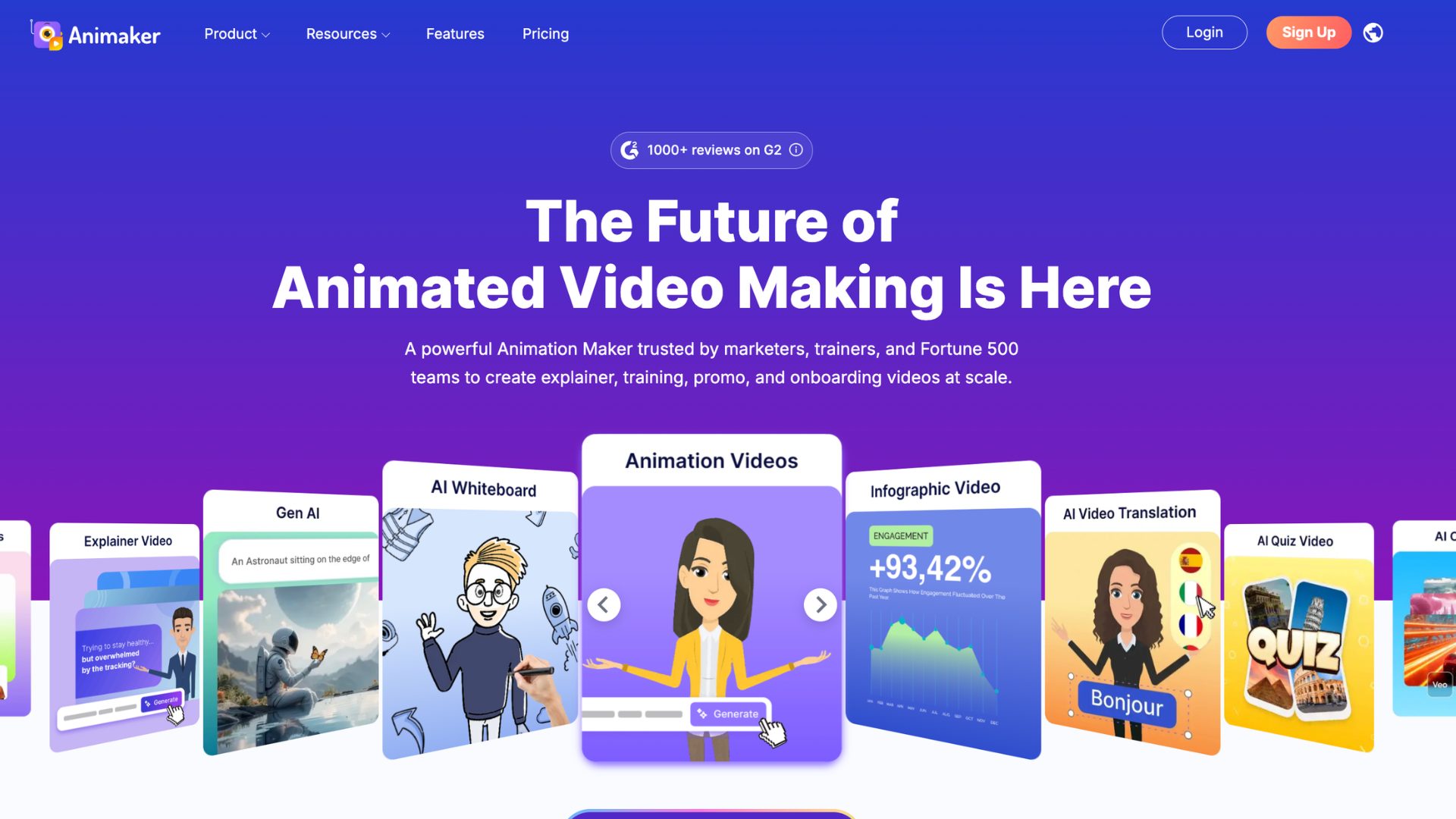
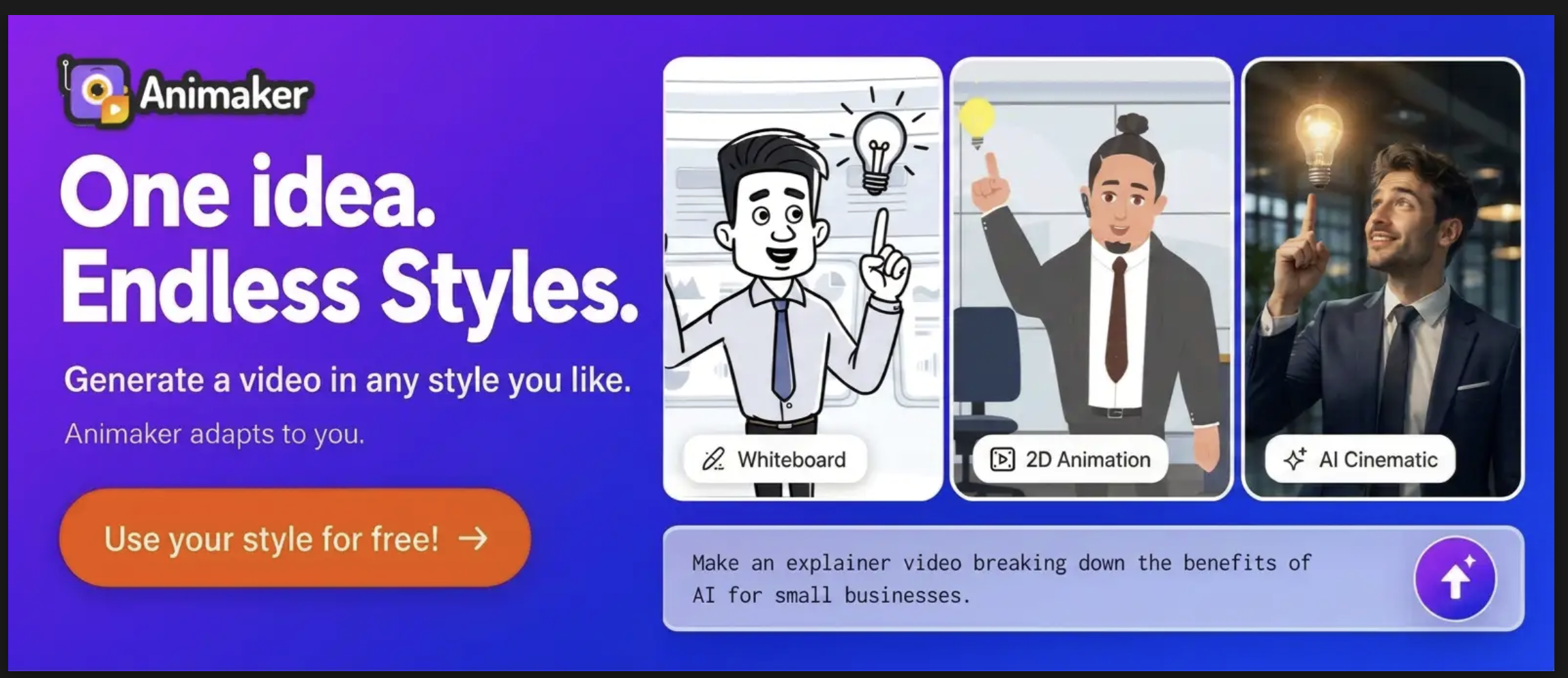
The tool’s AI Agent, called Agent Max, speeds up the video creation process, helping you create animated and GenAI videos in minutes, no matter your skill level.
Animaker offers a free plan with watermarked exports and limitations. The commercial rights start from its Pro plan.
Key features
- One prompt creates everything - video script, storyboarding, scenes, and the entire video.
- Multiple styles of videos you can create - Cartoon 2D, whiteboard, cinematic, realistic, and more.
- Follow-up questions from AI to create a personalized video.
- Lip-synced AI voiceovers in the generated video.
- Advanced editing of the generated video.
- Collaboration from the advanced edit phase.
Pros
Multiple video styles, AI-powered follow-up questions, and an advanced editor after the generation sets this tool apart from the rest of AI video tools.
Cons
The performance can lag on longer or more complex projects.
2. Runway - Best for generative/cinematic video
Runway is a video creation platform that generates visually creative videos and images with hyperrealism.
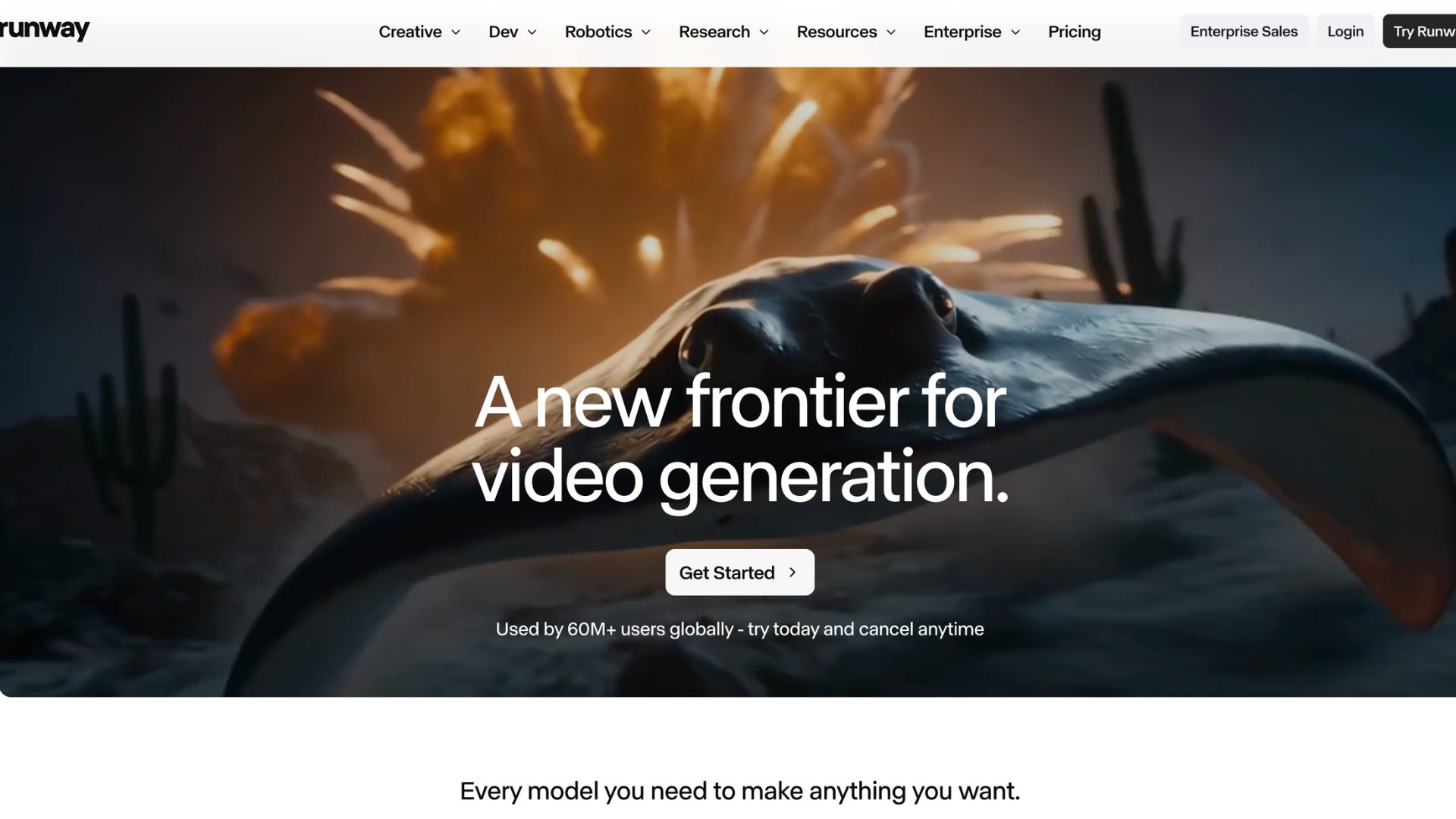
At the time of our previous listing, it had the Gen-1/Gen-2 features but has now fully moved on from them.
It now runs on Gen-4.5 for cinematic generation from text and images, and Aleph 2.0 for editing footage you already have.
Runway offers a free plan with one-time credits and a selection of AI models for testing out the tool. All paid plans include commercial rights.
Key features
- Multiple AI models for different purposes.
- Different features for creating and editing images and videos with AI.
- Creative control with its director mode feature.
Pros
It is one of those AI video tools where the output quality is really strong. The creative control it offers is lot more than most competitors.
Cons
The biggest downside of this tool is its credits. The AI models run on different credits per second, and if your workflow involves a lot of iteration and has the budget, opt for higher plans than the entry tier.
3. HeyGen - Best for AI avatar/presenter video
HeyGen is an AI platform that creates avatar/presenter style of videos.
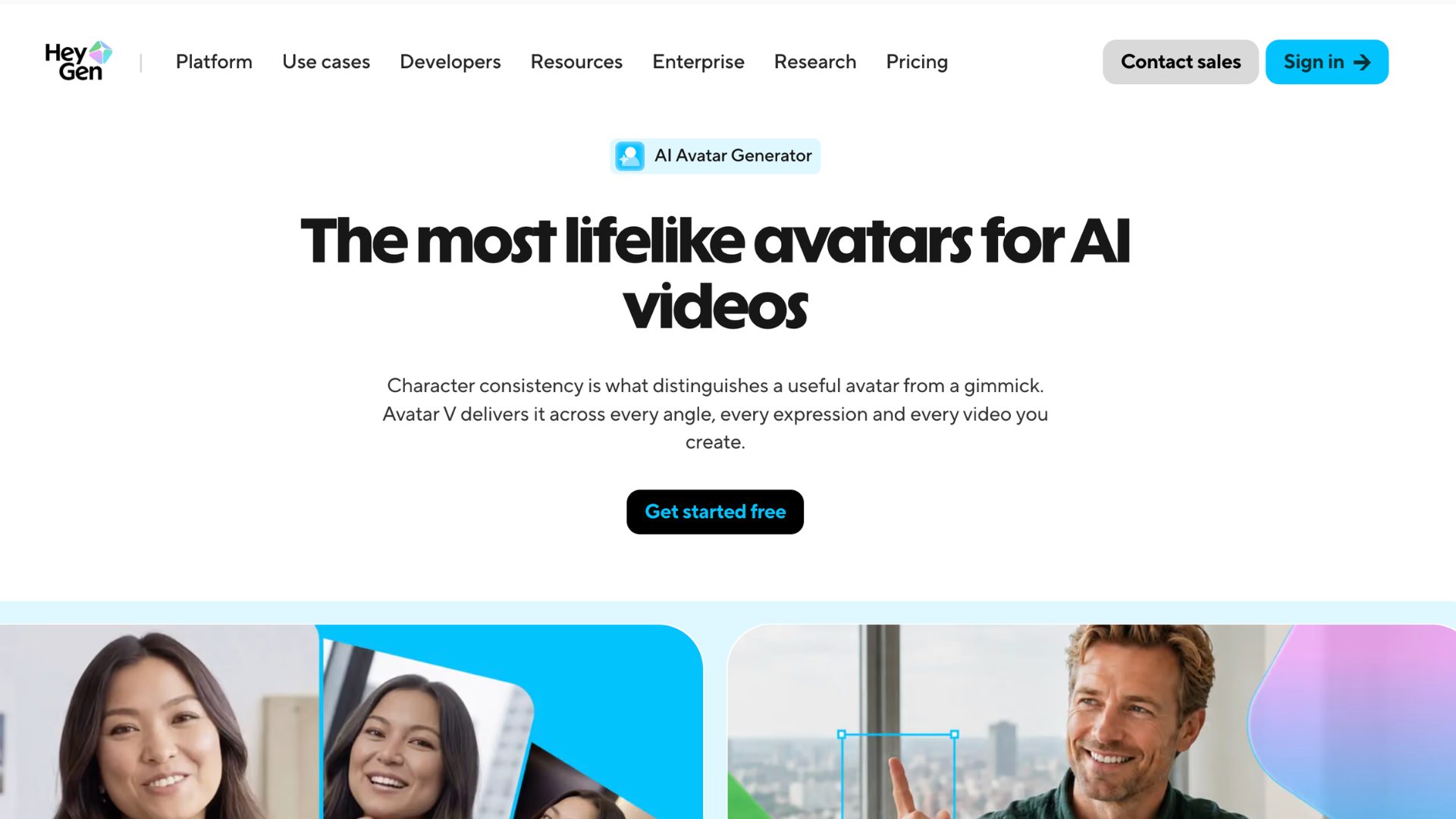
Not just limited to stock AI avatars, you can also make your own digital twin for your videos.
It offers a free plan with limited video generations that resets every month.
Key features
- Can create a custom digital twin.
- Photorealistic AI Avatars.
- Multiple Language Translations with lip-sync.
- Interactive videos for training.
Pros
The Avatar quality is strongest in this category at present. The localization feature saves time for global teams.
Cons
The credit system is harsher with this tool. Every re-render costs the full credit amount again too, so heavy revision cycles burn through your allowance fast.
4. Pictory - Best for script-to-video
Pictory is an AI-powered platform that can create videos from different mediums - blogs, scripts, URL and more.
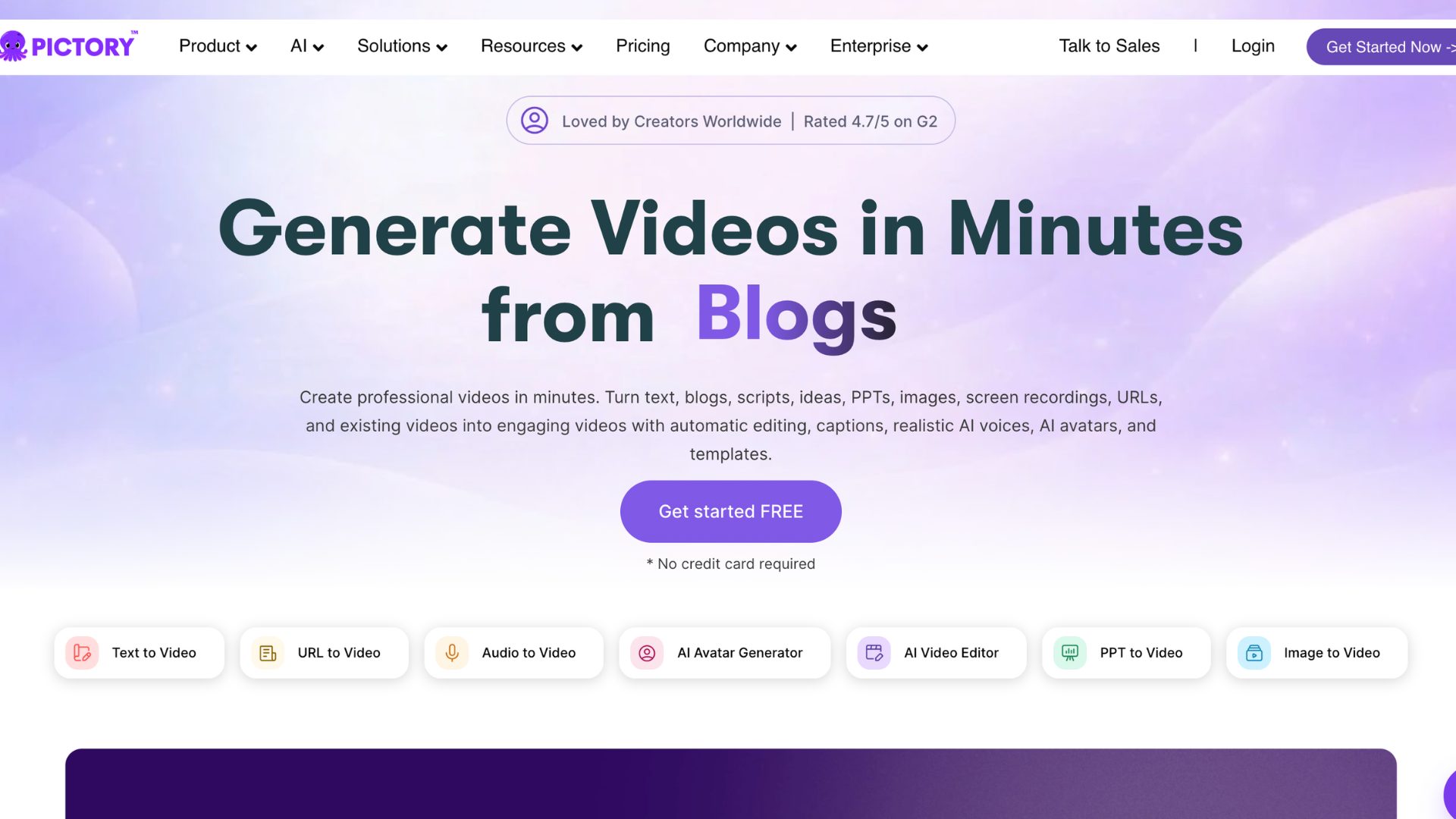
It's the most straightforward tool on this list for anyone who thinks in words first and video second.
The tool offers a 14-day free trial option with limitations on the video length and features.
Key features
- Quick video creation from already existing content.
- Advanced AI Editor that edits the footage by editing the transcript.
- Built-in auto captions and summarization.
- Collaboration feature on shared projects.
Pros
The tool is very beginner-friendly. The credit card requirement upon free trial, which used to be a friction point, is no longer required.
Cons
Certain paid plans unlock multilingual support, but the exact languages are unknown. So, it is better to confirm with the support team before getting into a plan.
5. Opus Clip - Best for repurposing long-form into Shorts
The previous version of this list had zero coverage of the repurposing use case, and that's a gap worth closing.
Opus Clip is an AI video editing tool that analyzes the uploaded content and automatically finds the strongest moments and creates polished clips.
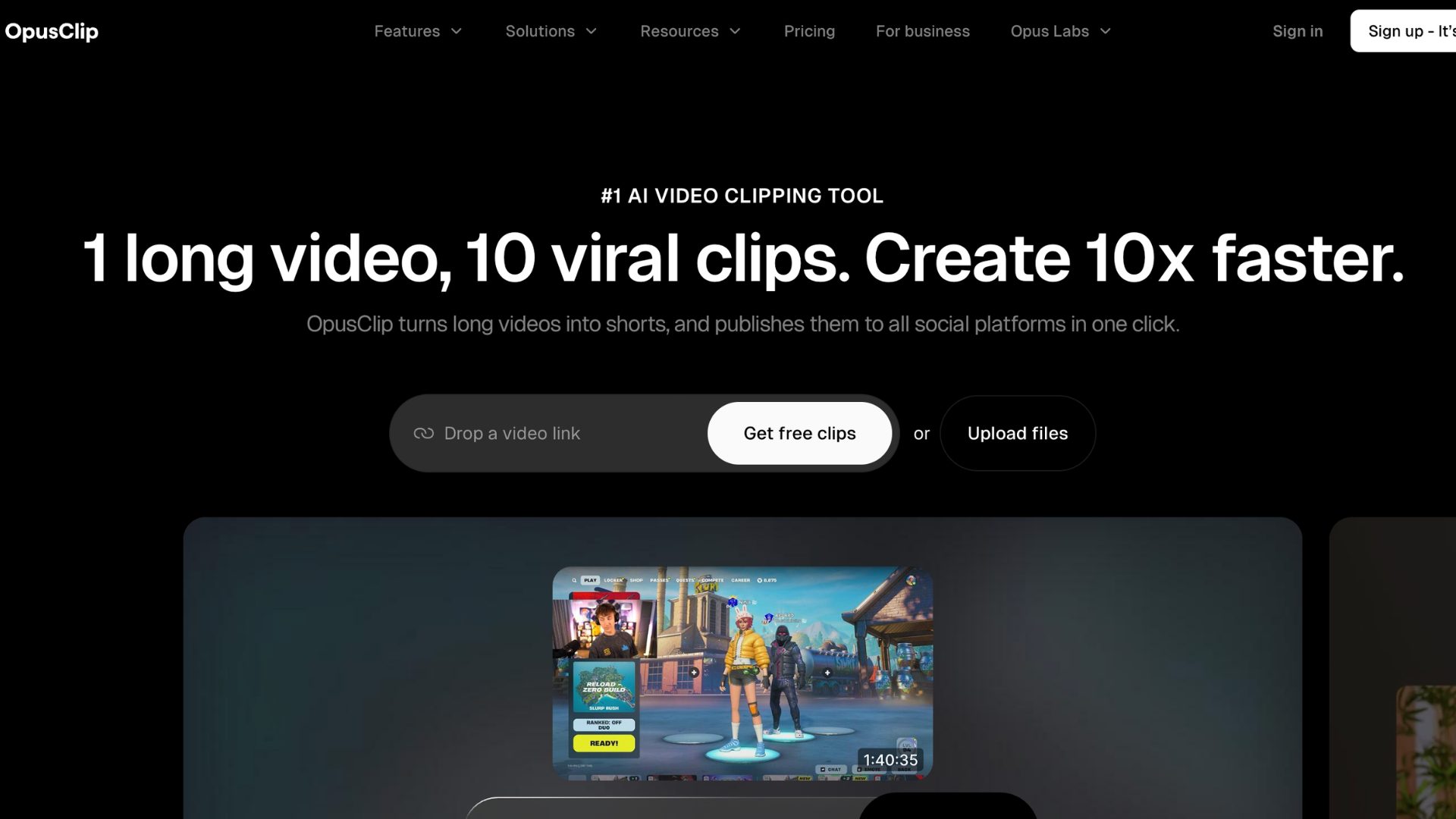
The tool offers a free plan with limited credits that reset every month and watermarked outputs.
Key features
- Analyses and extracts the best clips from the long-form content using AI
- Reframes the videos vertically for other platforms.
- Gives a predicted performance score for every clip.
- Built-in captions in 20+ languages.
Pros
The tool saves hours of editing time for anyone producing regular long-form content. The virality score is useful for posting the best clips on social media.
Cons
While the tool finds and formats clips, it does not fully edit them. Multiple aspect ratio options are locked behind the paid plans.
Final Takeaway
These are the best AI video tools, built for different purposes. So,
- If you're a marketer or L&D team producing animated explainer or training videos, choose Animaker.
- If you're a filmmaker or creative team who needs directorial control over cinematic shots, choose Runway.
- If you need a presenter on screen without a camera or studio, choose HeyGen.
- If you're starting from words - a script, blog post, or URL, choose Pictory.
- If you already have long-form content sitting unused, choose Opus Clip.
There's a tool for every workflow here, not just every skill level.
Pick the one that matches what you're actually starting from and you'll get to a finished video a lot faster.
If you need more guidance on getting started, check out our guide on how to make AI generated videos. And if animated video specifically is your focus, our roundups on AI animation tools and AI cartoon video makers are worth a look too.